
Linked Views in Subplots#
Download Python source code | Download Jupyter notebook
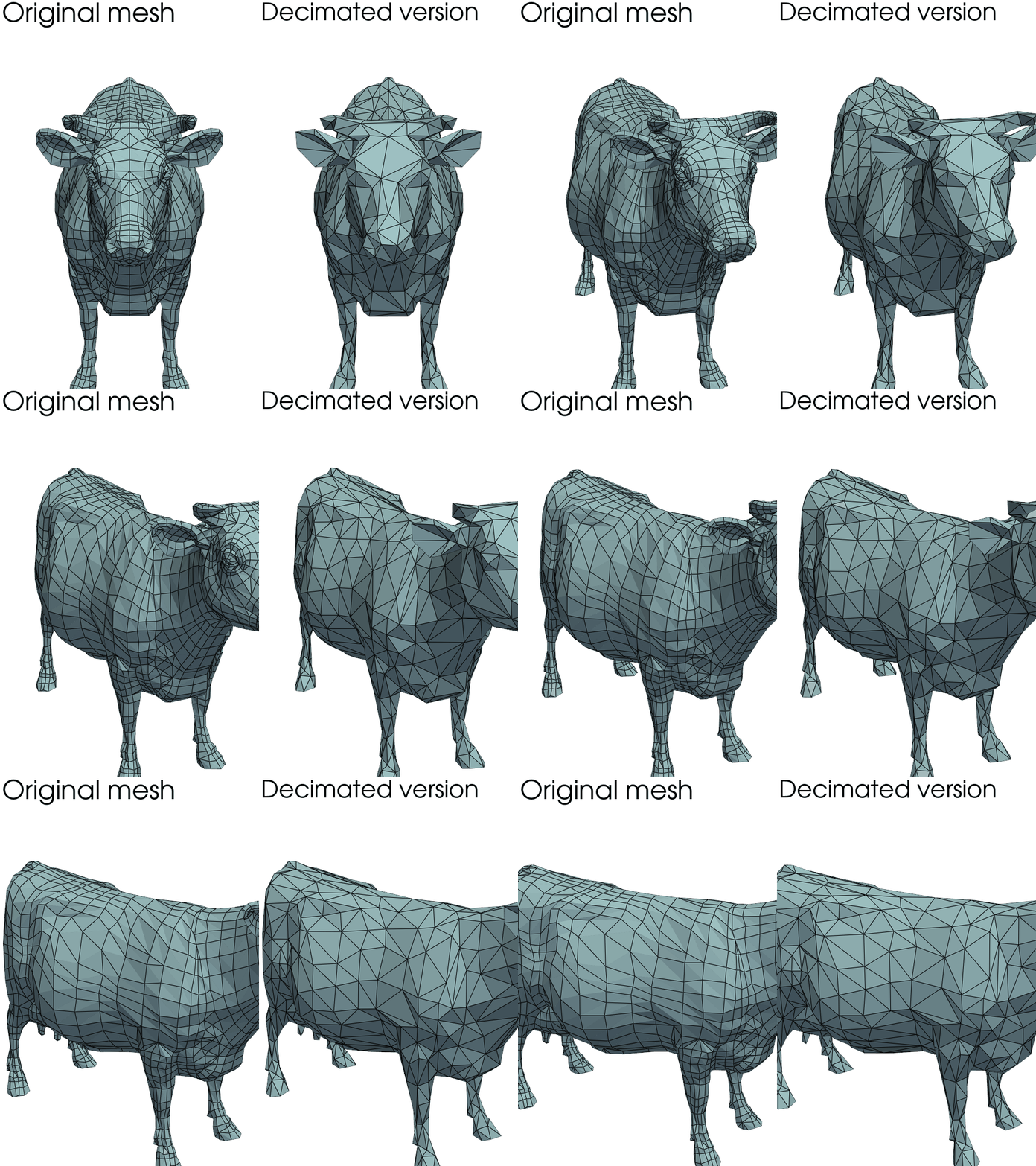
Create linked views in PyVista subplots using link_views().
Camera movements in one view are synchronized with other views. This is particularly useful when comparing different versions or representations of the same model.
import numpy as np
import pyvista as pv
from pyvista import examples

pv.set_plot_theme('document')

# download mesh
mesh = examples.download_cow()

decimated = mesh.decimate_boundary(target_reduction=0.75)

pl = pv.Plotter(shape=(1, 2), border=False)
pl.subplot(0, 0)
pl.add_text('Original mesh', font_size=24)
pl.add_mesh(mesh, show_edges=True, color=True)
pl.subplot(0, 1)
pl.add_text('Decimated version', font_size=24)
pl.add_mesh(decimated, color=True, show_edges=True)

pl.link_views()  # link all the views
# Set a camera position to all linked views
pl.camera_position = pv.CameraPosition(
    position=(15, 5, 0), focal_point=(0, 0, 0), viewup=(0, 1, 0)
)

pl.open_gif('linked.gif')
# Update camera and write a frame for each updated position
nframe = 15
for i in range(nframe):
    pl.camera_position = pv.CameraPosition(
        position=(15 * np.cos(i * np.pi / 45.0), 5.0, 15 * np.sin(i * np.pi / 45.0)),
        focal_point=(0, 0, 0),
        viewup=(0, 1, 0),
    )
    pl.write_frame()

# Close movie and delete object
pl.close()
Total running time of the script: (0 minutes 2.078 seconds)
