
download_doorman#
- download_doorman(*, load: bool = True) PolyData | str[source]#
Download doorman dataset.
Changed in version 0.44.0: Add support for downloading the texture images.
Note
load=Falsereturns only the file which is read directly, not the other files downloaded alongside it. This is a legacy quirk of theloadargument. For every file belonging to this example, useexamples.get_example('doorman').paths.- Parameters:
- Returns:
- output
pyvista.PolyData|str DataSet or filename depending on
load.
- output
Examples#
Download Python source code | Download Jupyter notebook
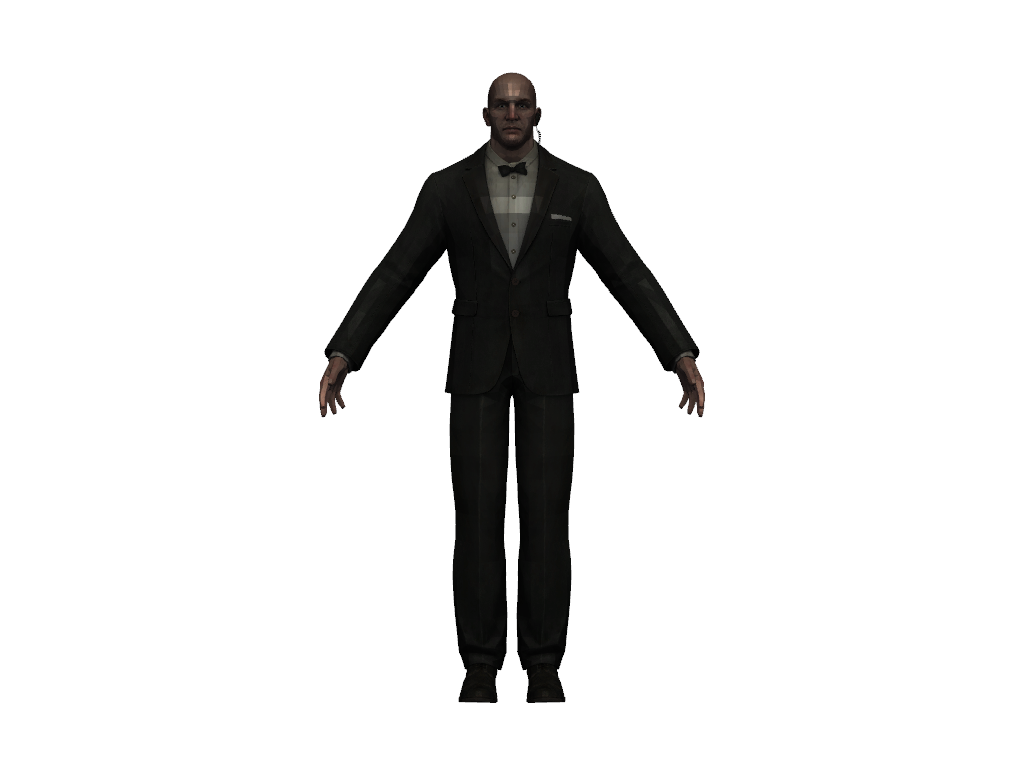
Import the OBJ file with its materials into a Plotter.
>>> import pyvista as pv
>>> from pyvista import examples
>>> file = examples.download_doorman(load=False)
>>> pl = pv.Plotter()
>>> pl.import_obj(file)
>>> pl.view_xy()
>>> pl.show()
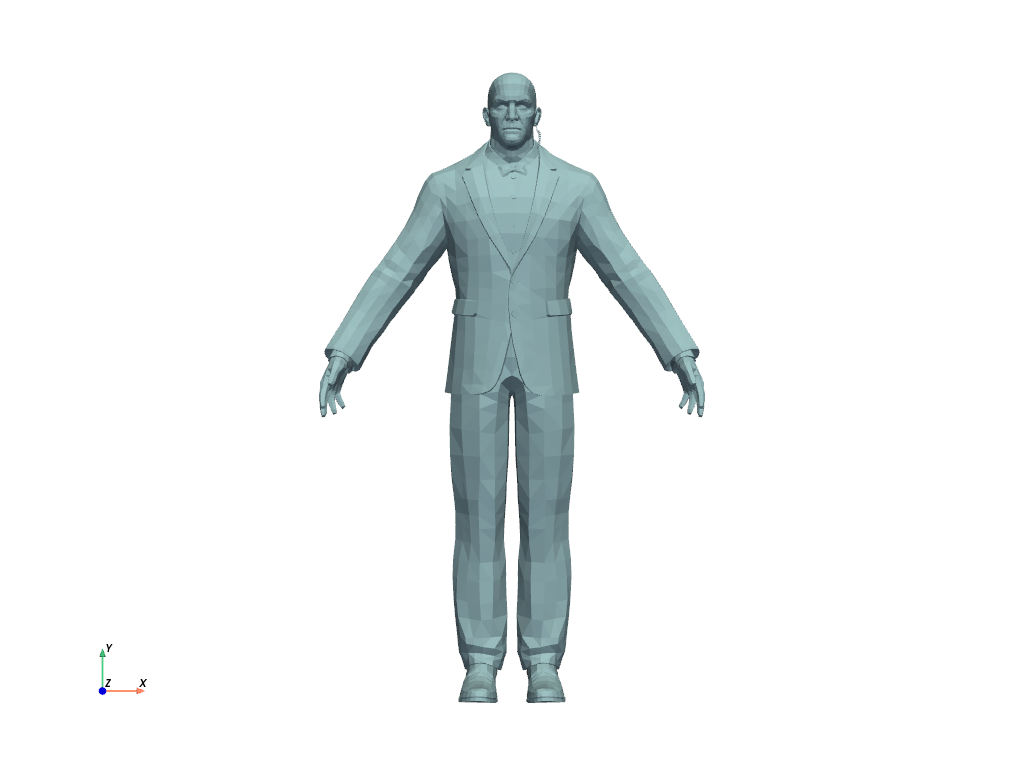
Get the imported mesh as a MultiBlock and plot
it without the textures.
>>> pl = pv.Plotter()
>>> pl.import_obj(file)
>>> dataset = pv.MultiBlock(pl.meshes)
>>> dataset.plot(cpos='xy')
See Also#
- Doorman Dataset
See this dataset in the Dataset Gallery for more info.
Used In#
API Examples
Plotter.import_obj(1 use)
Gallery Examples

