
Create Circular Arcs#
Download Python source code | Download Jupyter notebook
Generate circular arc geometry.
Demonstrates usage of pyvista.CircularArc() and
pyvista.CircularArcFromNormal().
import numpy as np
import pyvista as pv
Create an Arc From Two Endpoints#
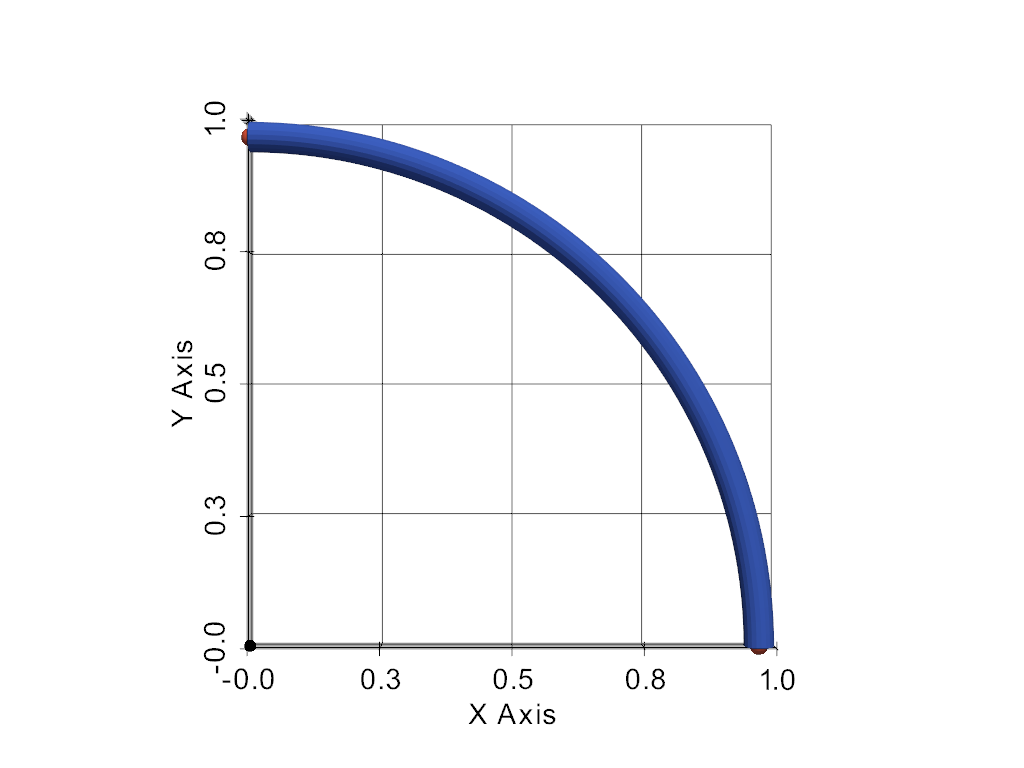
The first arc is defined directly from its endpoints and center.
arc = pv.CircularArc(
    pointa=(1, 0, 0),
    pointb=(0, 1, 0),
    center=(0, 0, 0),
    resolution=60,
)

pl = pv.Plotter()
pl.add_mesh(arc.tube(radius=0.03), color='royalblue')
pl.add_points(
    arc.points[[0, -1]], color='tomato', point_size=18, render_points_as_spheres=True
)
pl.add_points(
    np.array([[0.0, 0.0, 0.0]]),
    color='black',
    point_size=12,
    render_points_as_spheres=True,
)
pl.show_grid()
pl.view_xy()
pl.show()
Create an Arc From a Normal and Angle#
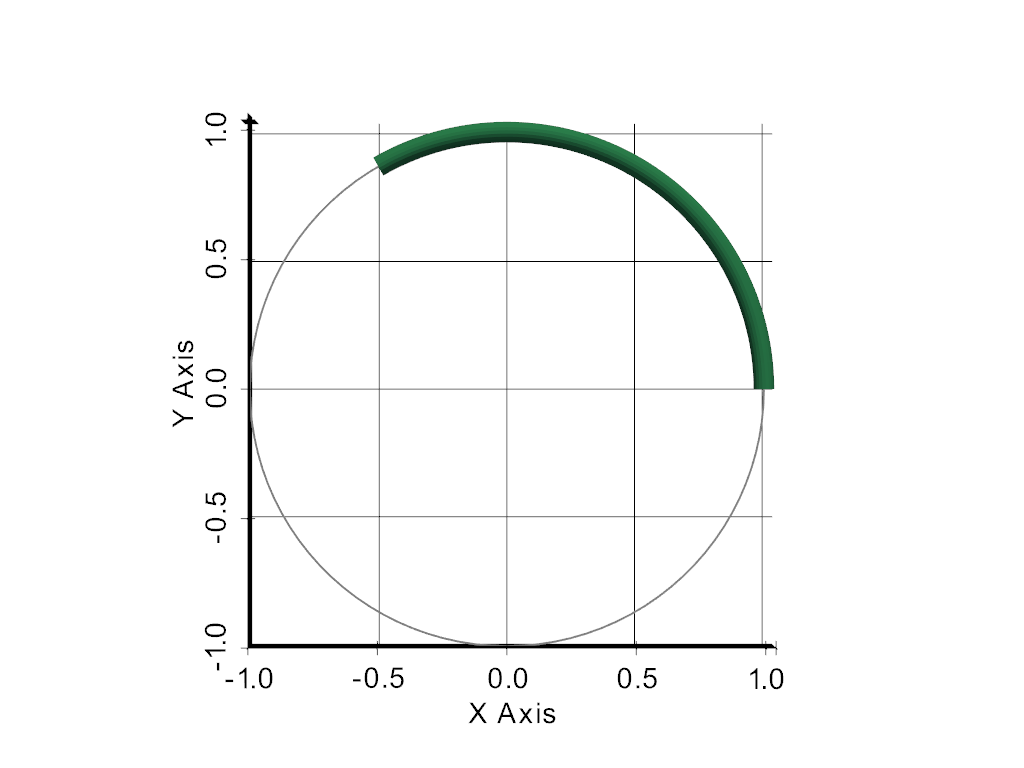
Use this form when you already know the plane the arc lies in.
arc_from_normal = pv.CircularArcFromNormal(
    center=(0, 0, 0),
    polar=(1, 0, 0),
    normal=(0, 0, 1),
    angle=120,
    resolution=60,
)

pl = pv.Plotter()
pl.add_mesh(arc_from_normal.tube(radius=0.04), color='seagreen')
pl.add_mesh(pv.Circle(radius=1.0).extract_feature_edges(), color='gray', line_width=2)
pl.show_grid()
pl.view_xy()
pl.show()
Total running time of the script: (0 minutes 1.126 seconds)
