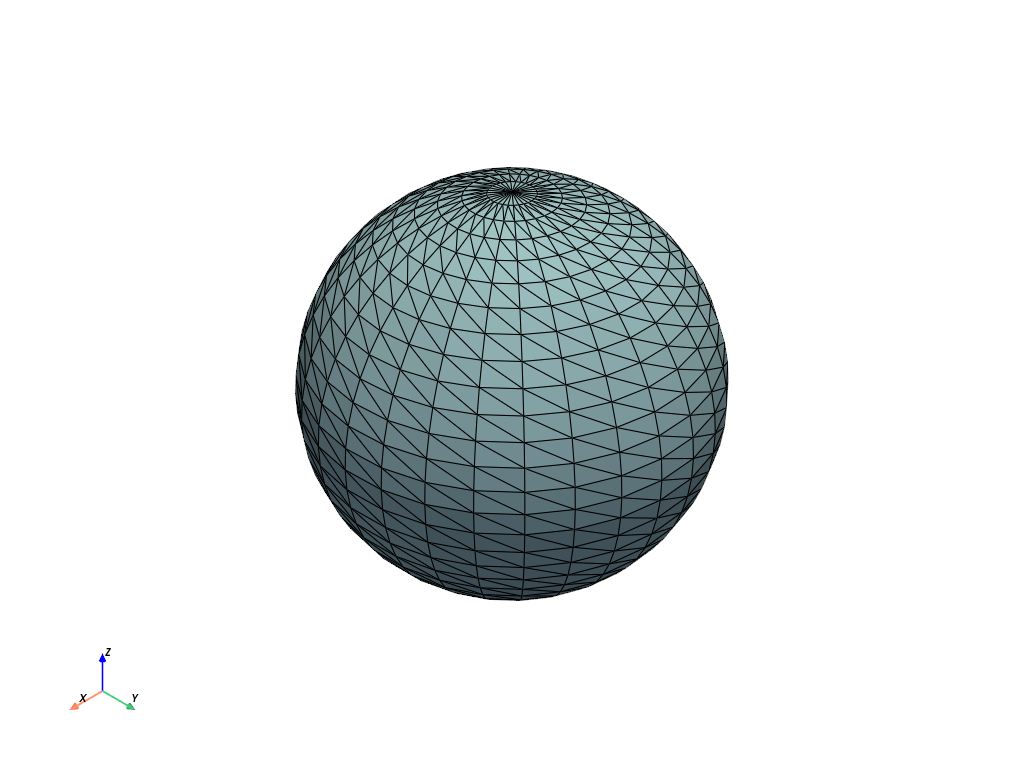
Plotter.remove_all_lights#
- Plotter.remove_all_lights(*, only_active: bool = False) None[source]#
Remove all lights from the scene.
Examples#
Download Python source code | Download Jupyter notebook
Create a plotter and remove all lights after initialization. Note how the mesh rendered is completely flat
>>> import pyvista as pv
>>> pl = pv.Plotter()
>>> pl.remove_all_lights()
>>> pl.renderer.lights
[]
>>> _ = pl.add_mesh(pv.Sphere(), show_edges=True)
>>> pl.show()
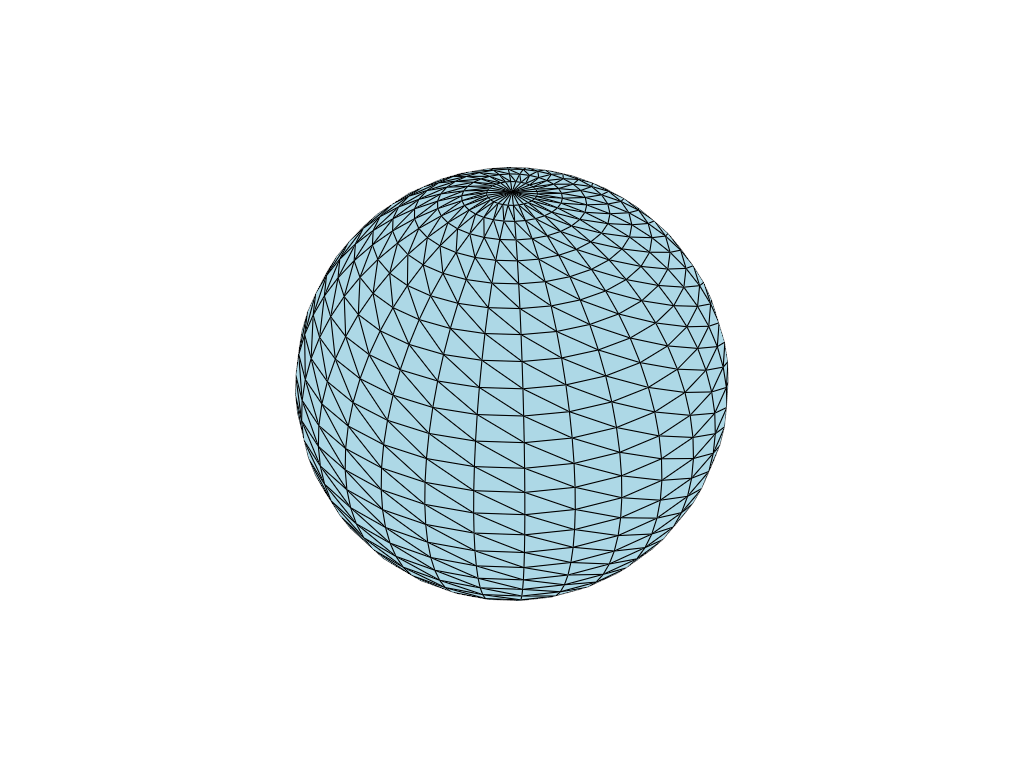
Note how this differs from a plot with default lighting