Plotter.enable_camera_distortion#
- Plotter.enable_camera_distortion(coefficients: VectorLikeFloat) None[source]#
Render every actor through a distorted camera model.
Brown-Conrady distortion is applied by a vertex shader replacement on each actor, so it displaces geometry rather than resampling the rendered image: geometry that is coarse relative to the distortion does not curve smoothly. Anything added to the scene afterwards is distorted too, including actors a vtkImporter puts there without going through
add_actor().Two kinds of prop are drawn by shaders with no vertices to displace, and are rendered undistorted alongside the rest of the scene, with a warning: volumes, which are ray cast, and Gaussian points, which are drawn as sprites.
Added in version 0.49.
- Parameters:
- coefficients
VectorLikeFloat Distortion coefficients
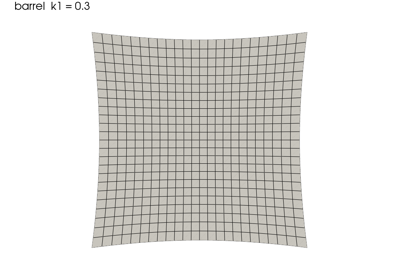
(k1, k2, p1, p2).k1andk2are the radial terms, negative for pincushion and positive for barrel;p1andp2are the tangential terms. Higher-order radial terms such as OpenCV’sk3are not supported.They are applied in normalized camera coordinates measured from the principal point, the units a calibration such as
cv2.calibrateCamerareports them in, so the same numbers give the same distortion at any field of view. A parallel projection has no focal length to normalize by; there the top of the viewport stands in for one.
- coefficients
Examples#
Download Python source code | Download Jupyter notebook
Plot a grid through an undistorted camera. The coefficients act on the distance from the optical axis, so a wide-angle lens filling the frame is where the distortion is easiest to see – and the kind of lens that distorts most in the first place.
The shader is not carried into an interactive scene, so these plots are rendered statically.
>>> import pyvista as pv
>>> grid = pv.Plane(i_size=3.0, j_size=3.0, i_resolution=16, j_resolution=16)
>>> wide_angle = [(0.0, 0.0, 3.2), (0.0, 0.0, 0.0), (0.0, 1.0, 0.0)]
>>> pl = pv.Plotter()
>>> _ = pl.add_mesh(grid, show_edges=True, color='white')
>>> pl.camera_position = wide_angle
>>> pl.camera.view_angle = 70.0
>>> pl.show()
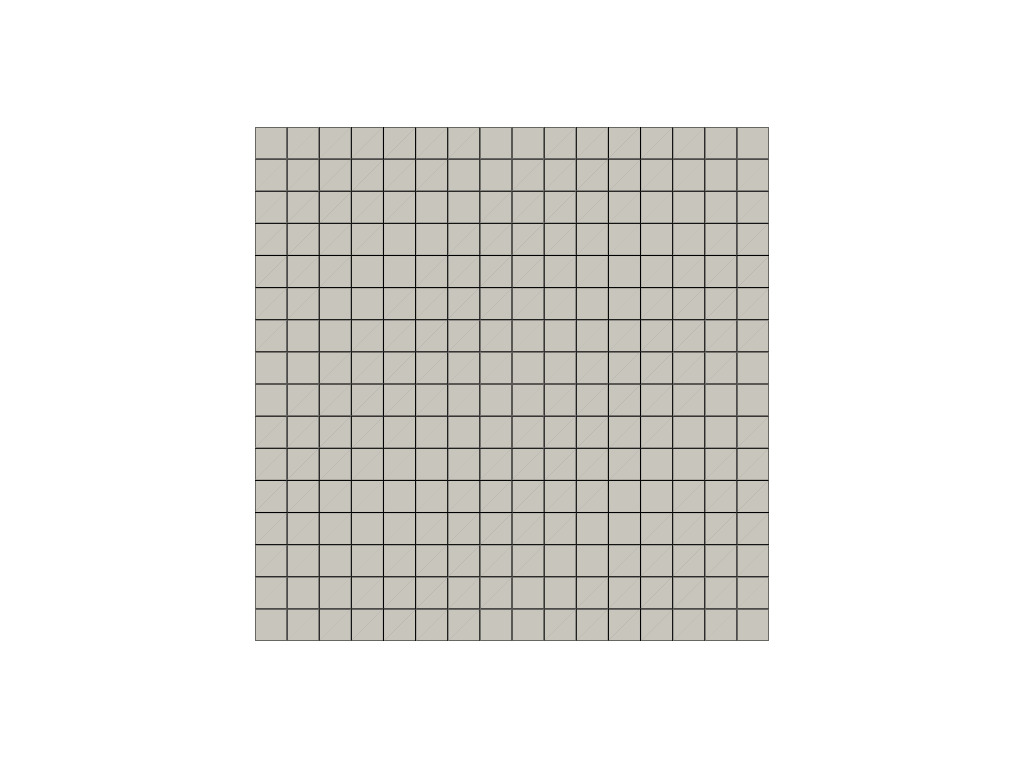
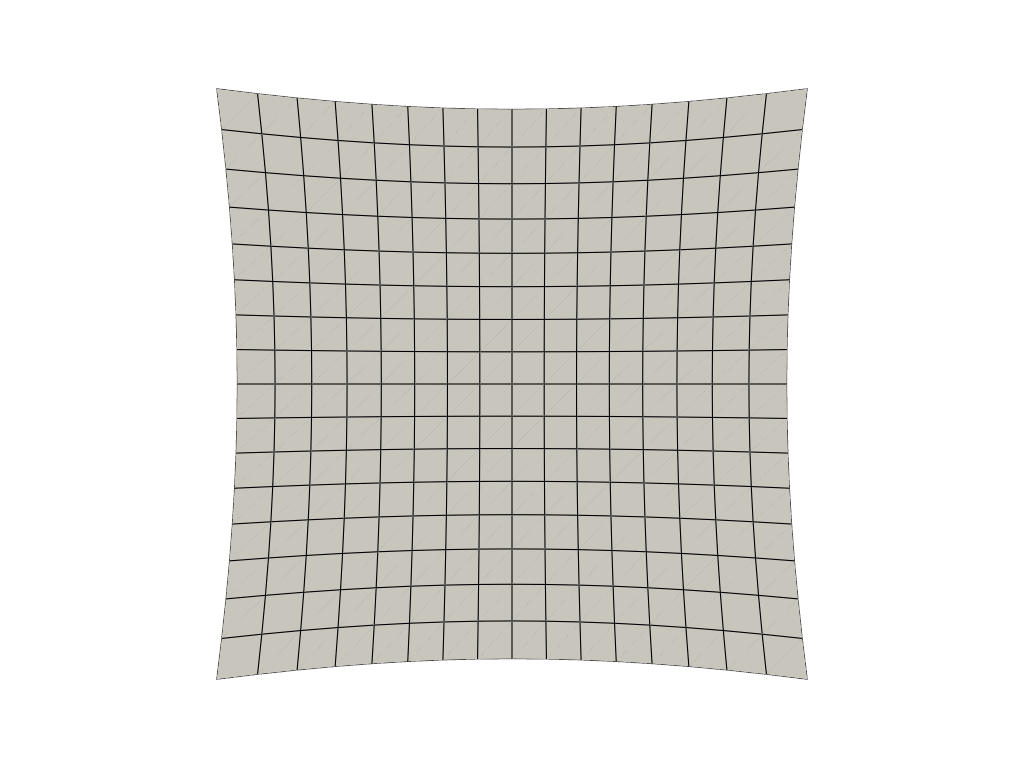
Now with barrel distortion, which bows the straight edges outward.
>>> import pyvista as pv
>>> grid = pv.Plane(i_size=3.0, j_size=3.0, i_resolution=16, j_resolution=16)
>>> pl = pv.Plotter()
>>> _ = pl.add_mesh(grid, show_edges=True, color='white')
>>> pl.camera_position = [(0.0, 0.0, 3.2), (0.0, 0.0, 0.0), (0.0, 1.0, 0.0)]
>>> pl.camera.view_angle = 70.0
>>> pl.enable_camera_distortion((0.3, 0.1, 0.0, 0.0))
>>> pl.show()
See Also#
Used In#
API Examples
Gallery Examples