Plotter.write_frame#
- Plotter.write_frame(
- *,
- transparent_background: _TransparentBackgroundOptions | None = None,
Write a single frame to the movie file.
- Parameters:
- transparent_backgroundbool | ‘straight’ | ‘premultiplied’, optional
Whether the frame has a transparent background, with the same options as
screenshot().'straight'and'premultiplied'render the scene again over a black background. Defaults to the plotter’s transparent background, which is set by the theme and byscreenshot().Added in version 0.50.
Examples#
Download Python source code | Download Jupyter notebook
>>> import pyvista as pv
>>> pl = pv.Plotter()
>>> pl.open_movie(filename)
>>> pl.add_mesh(pv.Sphere())
>>> pl.write_frame()
Used In#
API Examples
download_dual_sphere_animation(1 use)download_single_sphere_animation(1 use)
Gallery Examples

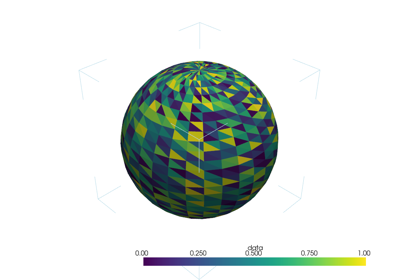
Create a GIF Movie of a Static Object With a Moving Colormap
Create a GIF Movie of a Static Object With a Moving Colormap
1 use