Plotter.update_scalar_bar_range#
- Plotter.update_scalar_bar_range( ) None[source]#
Update the value range of the active or named scalar bar.
Every mapper sharing the scalar bar follows the new range.
Examples#
Download Python source code | Download Jupyter notebook
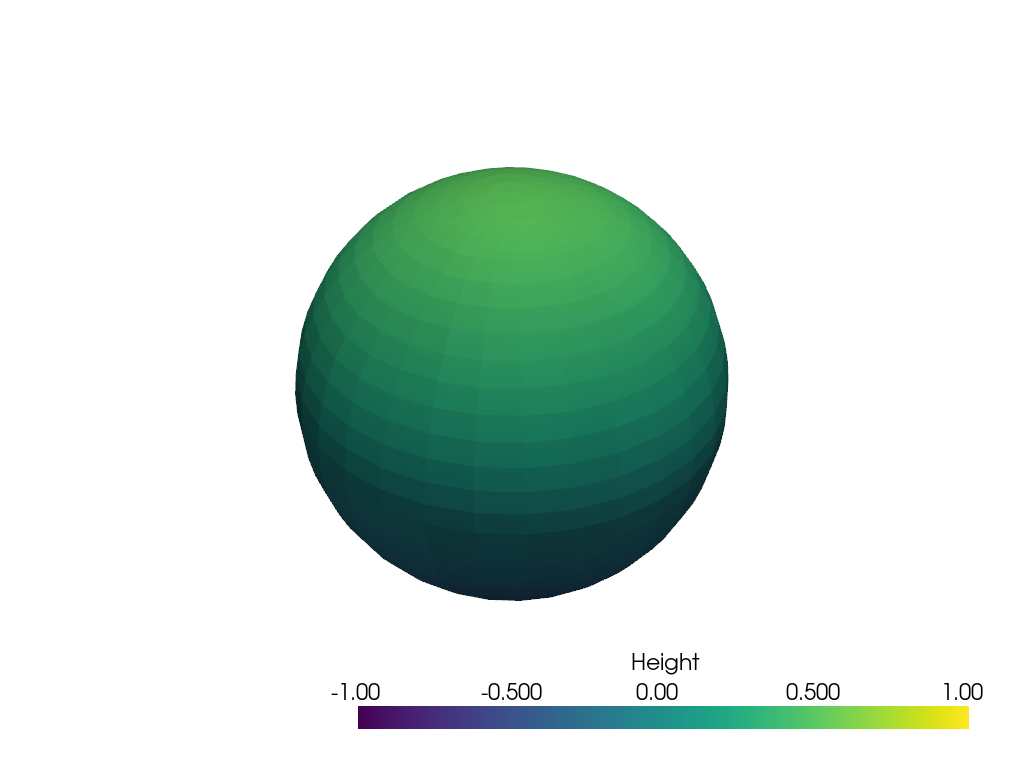
Update the range of a named scalar bar.
>>> import pyvista as pv
>>> mesh = pv.Sphere()
>>> mesh['height'] = mesh.points[:, 2]
>>> pl = pv.Plotter()
>>> _ = pl.add_mesh(
...     mesh,
...     scalars='height',
...     clim=(-0.5, 0.5),
...     scalar_bar_args={'title': 'Height'},
... )
>>> pl.update_scalar_bar_range((-1, 1), name='Height')
>>> pl.show()