
Picking Elements of a Mesh#
Download Python source code | Download Jupyter notebook
Pick different elements on meshes using enable_element_picking().
The different elements of a mesh are:
Mesh: pick the entire mesh (equivalent to
enable_mesh_picking().)Cell: pick a cell of the mesh (equivalent to
enable_cell_picking().)Face: pick a single face of a cell on the mesh
Edge: pick a single edge of a cell on the mesh
Point: pick a single point on the mesh
These types are captured in the pyvista.plotting.opts.ElementType enum class.
import pyvista as pv
from pyvista.plotting.opts import ElementType
Pick Face on Voxel Cell#
mesh = pv.Wavelet()

pl = pv.Plotter()
pl.add_mesh(mesh, show_edges=True, pickable=True)
pl.enable_element_picking(mode=ElementType.FACE)

pl.camera_position = pv.CameraPosition(
    position=(13.52, 9.911, 11.83),
    focal_point=(2.229, -2.782, 6.843),
    viewup=(-0.1764, -0.2198, 0.9595),
)

pl.show(auto_close=False)

# Programmatically pick a face to make example look nice
try:
    width, height = pl.window_size
    pl.iren._mouse_right_button_press(419, 263)
    pl.iren._mouse_right_button_release()
except AttributeError:
    # ignore this section when manually closing the window
    pass
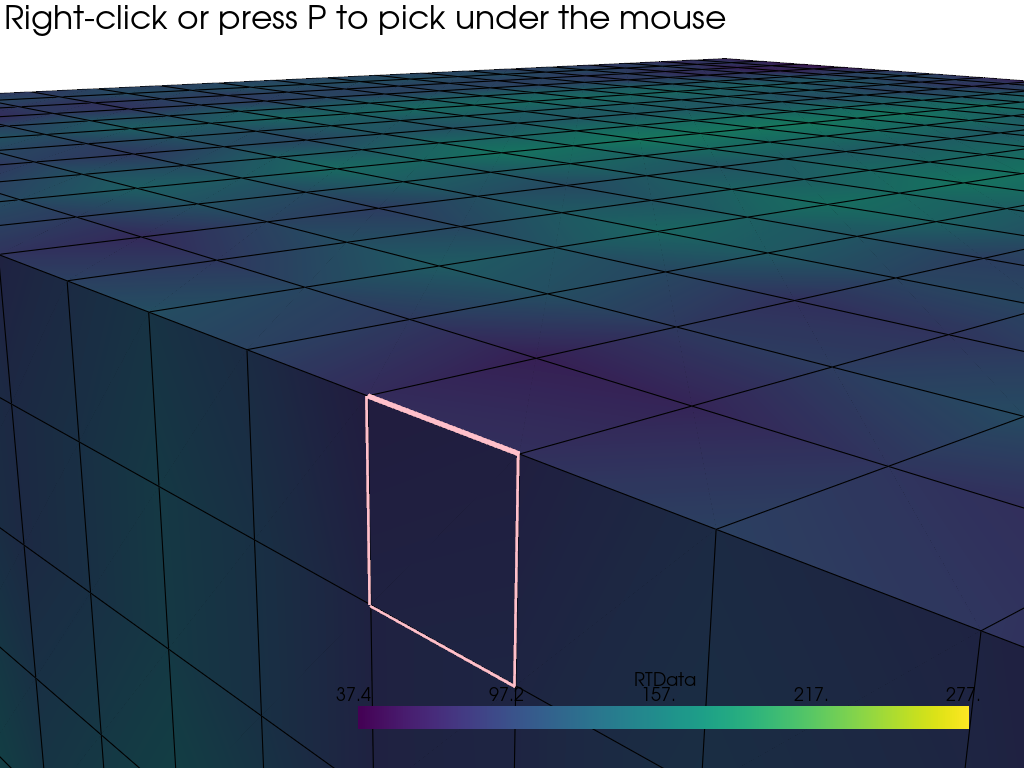
Pick an Edge of a Cell#
sphere = pv.Sphere()

pl = pv.Plotter()
pl.add_mesh(sphere, show_edges=True, pickable=True)
pl.enable_element_picking(mode=ElementType.EDGE)

pl.camera_position = pv.CameraPosition(
    position=(0.7897, 0.7521, 0.5149),
    focal_point=(-0.01475, -0.02571, 0.07194),
    viewup=(-0.2602, -0.2604, 0.9298),
)

pl.show(auto_close=False)

# Programmatically pick a face to make example look nice
try:
    width, height = pl.window_size
    pl.iren._mouse_right_button_press(480, 300)
    pl.iren._mouse_right_button_release()
except AttributeError:
    # ignore this section when manually closing the window
    pass
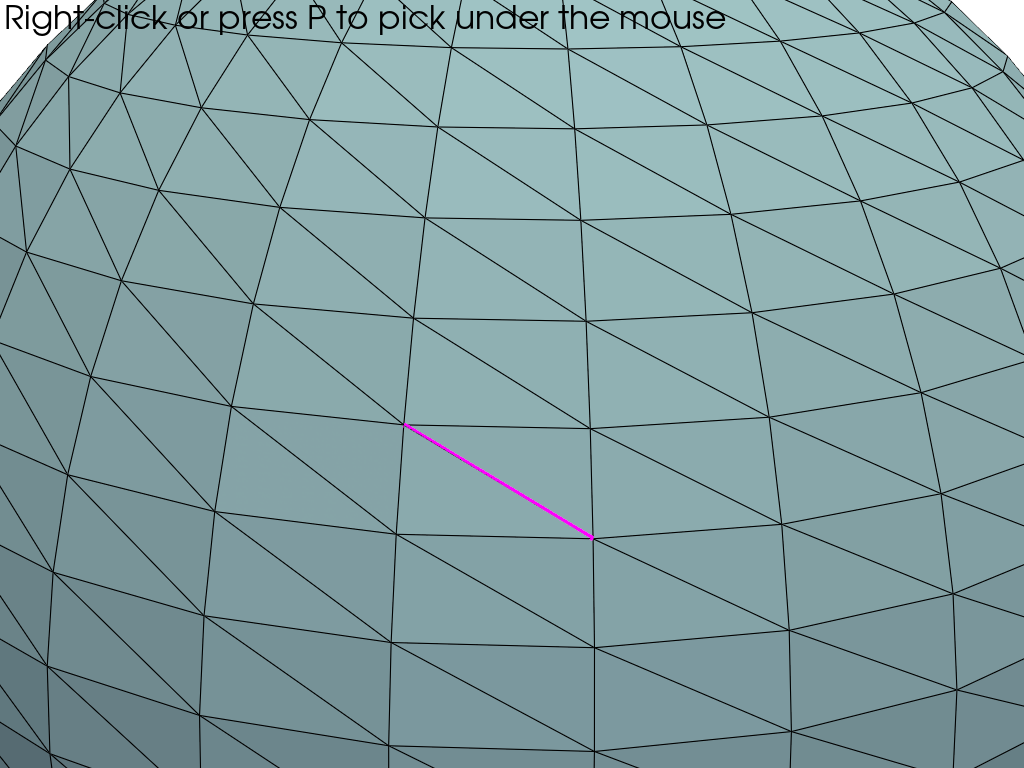
Total running time of the script: (0 minutes 0.553 seconds)
