CircularArc#
- CircularArc(
- *,
- pointa: VectorLikeFloat,
- pointb: VectorLikeFloat,
- center: VectorLikeFloat,
- resolution: int = 100,
- negative: bool = False,
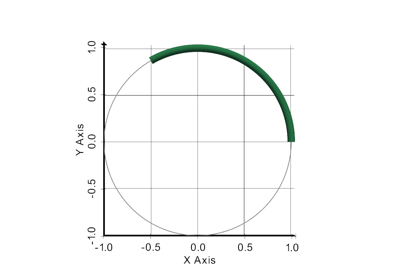
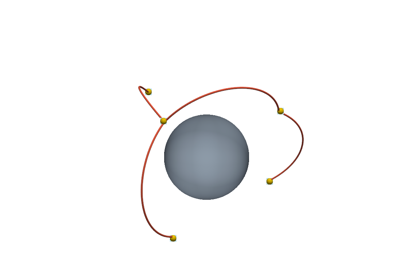
Create a circular arc defined by two endpoints and a center.
The number of segments composing the polyline is controlled by setting the object resolution.
- Parameters:
- pointa
VectorLikeFloat Position of the first end point.
- pointb
VectorLikeFloat Position of the other end point.
- center
VectorLikeFloat Center of the circle that defines the arc.
- resolution
int, default: 100 The number of segments of the polyline that draws the arc. Resolution of 1 will just create a line.
- negativebool, default:
False By default the arc spans the shortest angular sector between
pointaandpointb.By setting this to
True, the longest angular sector is used instead (that is, the negative coterminal angle to the shortest one).
- pointa
- Returns:
pyvista.PolyDataCircular arc mesh.
Examples#
Download Python source code | Download Jupyter notebook
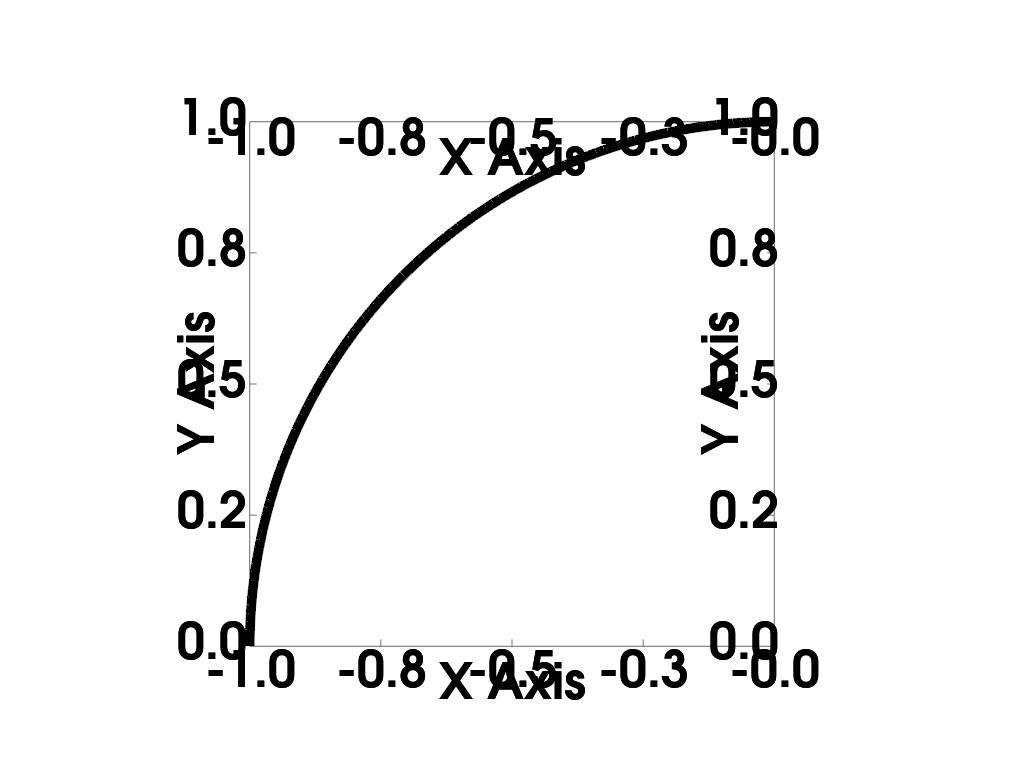
Create a quarter arc centered at the origin in the xy plane.
>>> import pyvista as pv
>>> arc = pv.CircularArc(pointa=[-1, 0, 0], pointb=[0, 1, 0], center=[0, 0, 0])
>>> pl = pv.Plotter()
>>> _ = pl.add_mesh(arc, color='k', line_width=10)
>>> _ = pl.show_bounds(location='all', font_size=30, use_2d=True)
>>> _ = pl.view_xy()
>>> pl.show()
See Also#
pyvista.PolyDataFilters.dash_linesSplit the line cells into dashes.
pyvista.PolyDataFilters.tubeGenerate a tube around each line.
pyvista.Actor.line_styleDash the lines while rendering them.
Used In#
API Examples
DataObjectFilters.slice_along_line(1 use)PolyDataFilters.extrude(1 use)
Gallery Examples