
StructuredGrid#
- class StructuredGrid(*args, **kwargs)[source]#
Dataset used for topologically regular arrays of data.
Can be initialized in one of the following several ways:
Create empty grid.
Initialize from a filename.
Initialize from a vtkStructuredGrid object.
Initialize directly from one or more
numpy.ndarray. See the example or the documentation ofuinput.
- Parameters:
- uinput
str,Path, vtkStructuredGrid,numpy.ndarray, optional Filename, dataset, or array to initialize the structured grid from. If a filename is passed, pyvista will attempt to load it as a
StructuredGrid. If passed a vtkStructuredGrid, it will be wrapped as a deep copy.If a
numpy.ndarrayis provided andyandzare empty, this array will define the points of thisStructuredGrid. Set the dimensions withdimensions.Otherwise, this parameter will be loaded as the
xpoints, andyandzpoints must be set. The shape of this array defines the shape of the structured data and the shape should be(dimx, dimy, dimz). Missing trailing dimensions are assumed to be1.- y
numpy.ndarray, optional Coordinates of the points in y direction. If this is passed,
uinputmust be anumpy.ndarrayand match the shape ofy.- z
numpy.ndarray, optional Coordinates of the points in z direction. If this is passed,
uinputandymust be anumpy.ndarrayand match the shape ofz.- deepbool, default:
False Whether to deep copy a StructuredGrid object. Default is
False. Keyword only.- validatebool |
MeshValidationFields| sequence[MeshValidationFields], default:False Validate the mesh using
validate_mesh()after initialization. Set this toTrueto validate all fields, or specify any combination of fields allowed byvalidate_mesh.Added in version 0.47.
- **kwargs
dict, optional Additional keyword arguments passed when reading from a file or loading from arrays.
- uinput
Examples#
Download Python source code | Download Jupyter notebook
>>> import pyvista as pv
>>> import vtk
>>> import numpy as np
Create an empty structured grid.
>>> grid = pv.StructuredGrid()
Initialize from a vtkStructuredGrid object
>>> vtkgrid = vtk.vtkStructuredGrid()
>>> grid = pv.StructuredGrid(vtkgrid)
Create from NumPy arrays using numpy.meshgrid().
>>> xrng = np.linspace(-5, 5, 10)
>>> yrng = np.linspace(-8, 8, 4)
>>> zrng = np.linspace(-7, 4, 20)
>>> x, y, z = np.meshgrid(xrng, yrng, zrng, indexing='ij')
>>> grid = pv.StructuredGrid(x, y, z)
>>> grid
StructuredGrid (...)
  N Cells:      513
  N Points:     800
  X Bounds:     -5.000e+00, 5.000e+00
  Y Bounds:     -8.000e+00, 8.000e+00
  Z Bounds:     -7.000e+00, 4.000e+00
  Dimensions:   10, 4, 20
  N Arrays:     0
Note how the grid dimensions match the shape of the input arrays.
Used In#
Guides
- Overview (1 use)
API Examples
StructuredGrid.hide_cells(1 use)StructuredGrid.hide_points(1 use)StructuredGrid.x(1 use)
Gallery Examples


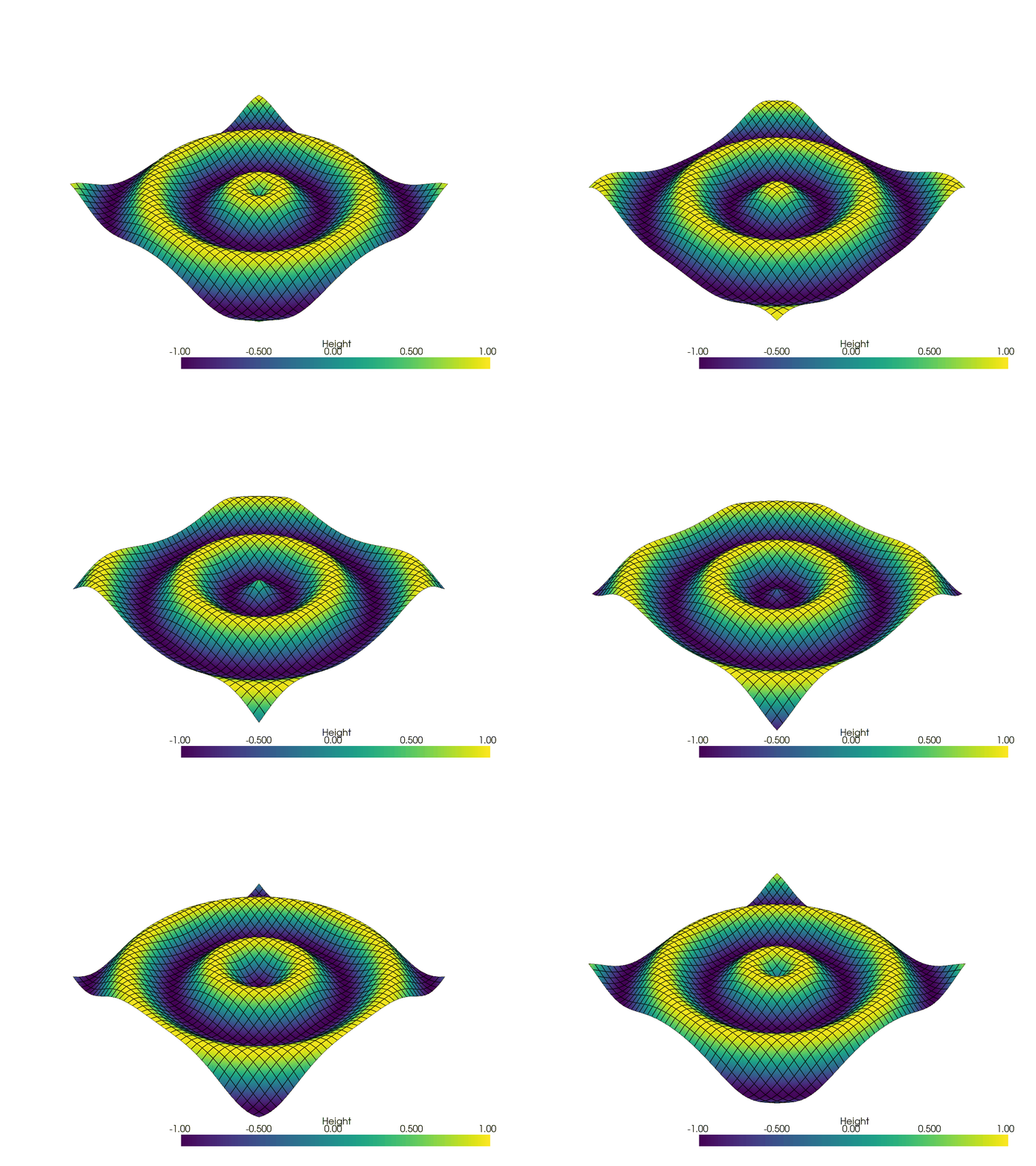
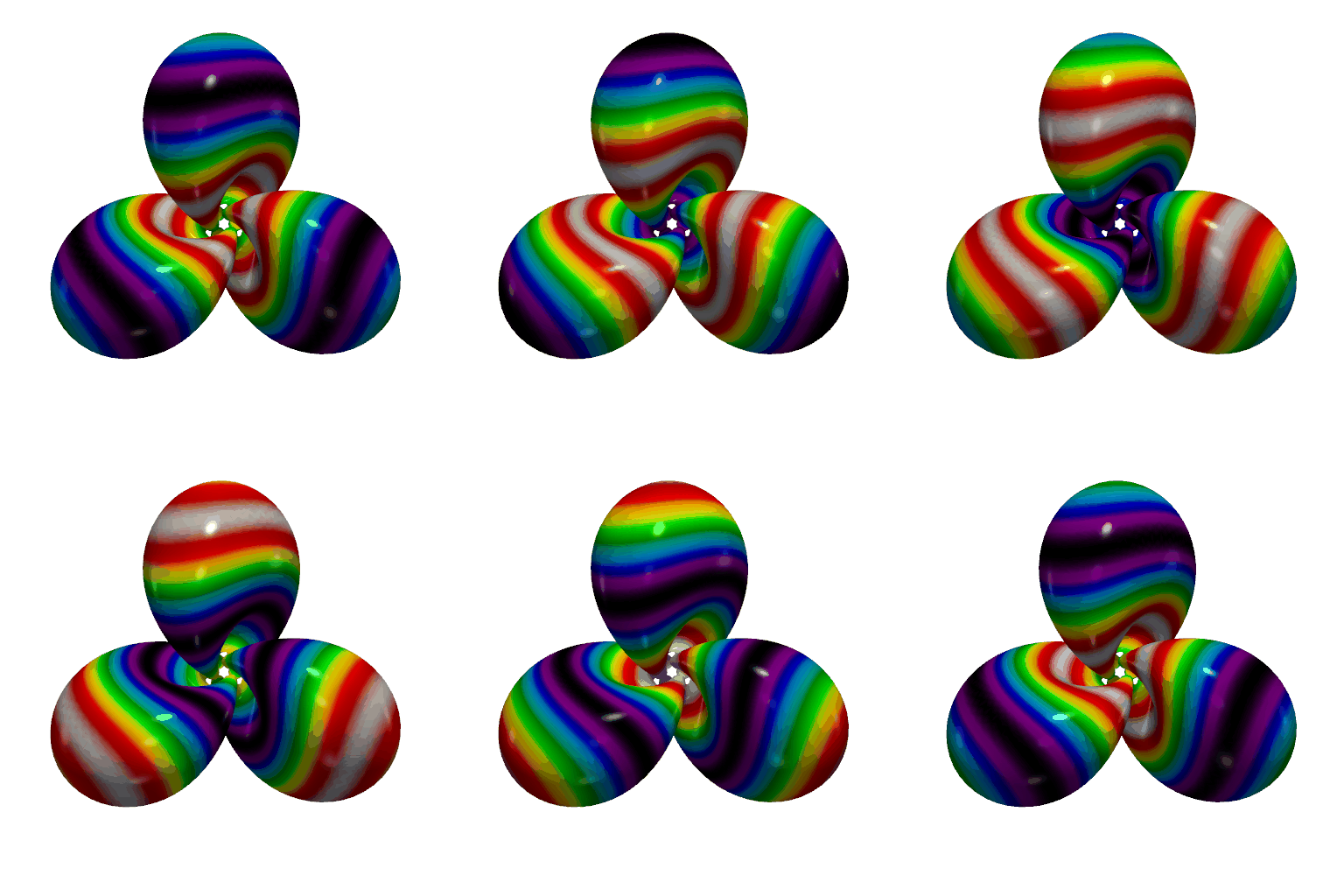
Create a GIF Movie of a Static Object With a Moving Colormap



Inheritance#
Inherited members are documented on _StructuredDataMixin, PointGrid, _PointSetBase, DataSet, _BoundsSizeMixin, DataSetFilters, DataObjectFilters, DataObject.
See them all under Inherited Attributes, Inherited Methods and Filters.
Wraps vtkStructuredGrid.
Attributes#
Points as a 4-D matrix, with x/y/z along the last dimension. |
|
Return the X coordinates of all points. |
|
Return the Y coordinates of all points. |
|
Return the Z coordinates of all points. |
Inherited Attributes#
Return the active normals as an array. |
|
Return the active scalars as an array. |
|
Return the active scalar’s association and name. |
|
Return the name of the active scalars. |
|
Return the active tensors array. |
|
Return the active tensor’s field and name: [field, name]. |
|
Return the name of the active tensor array. |
|
Return the active texture coordinates on the points. |
|
Return the active vectors array. |
|
Return the active vector’s association and name. |
|
Return the name of the active vectors array. |
|
Return the actual size of the dataset object. |
|
Return the mesh area if 2D. |
|
Return a list of array names for the dataset. |
|
Return a glyph representation of the active vector data as arrows. |
|
Compute the radius and center of a bounding sphere. |
|
Return the bounding box of this dataset. |
|
Return the size of each axis of the object’s bounding box. |
|
A generator that provides an easy way to loop over all cells. |
|
Return cell data as DataSetAttributes. |
|
Set or return the center of the bounding box. |
|
Return the number of spatial dimensions spanned by this dataset’s points. |
|
Return or set the grid’s dimensions. |
|
Return the set of distinct cell types in this dataset. |
|
Return or set the extent of the grid. |
|
Return FieldData as DataSetAttributes. |
|
Return True if the mesh contains any non-linear cells. |
|
Return |
|
Return the length of the diagonal of the bounding box. |
|
Return the maximum spatial dimensionality of all cells in this mesh. |
|
Get address of the underlying VTK C++ object. |
|
Get the minimum spatial dimensionality of all cells in this mesh. |
|
Return the number of arrays present in the dataset. |
|
Return the number of cells in the entire dataset. |
|
Return the number of points in the entire dataset. |
|
Return the number of cells. |
|
Return the number of points. |
|
Return or set the index offset of the grid. |
|
Return point data as DataSetAttributes. |
|
Return a reference to the points as a NumPy object. |
|
Set or return a user-specified data dictionary. |
|
Return the mesh volume. |
Methods#
Cast to an explicit structured grid. |
|
|
Concatenate a structured grid to this grid. |
|
Select piece (for example, volume of interest). |
|
Hide cells without deleting them. |
Hide points without deleting them. |
Inherited Methods#
Add field data. |
|
Convert this |
|
Extract the points of this dataset and return a |
|
Extract the points of this dataset and return a |
|
Get a new representation of this object as a |
|
Get the cell neighbors of the ind-th cell. |
|
Get consecutive levels of cell neighbors. |
|
Return the coordinates for the center of mass of the mesh. |
|
Remove all cell arrays. |
|
Remove all arrays from point/cell/field data. |
|
Remove all field data. |
|
Remove all point arrays. |
|
Return a copy of the object. |
|
Copy the data attributes of the input dataset object. |
|
Overwrite this dataset in-place with the new dataset’s geometries and data. |
|
Copy pyvista meta data onto this object from another object. |
|
Copy the structure (geometry and topology) of the input dataset object. |
|
Overwrite this data object with another data object as a deep copy. |
|
Find the index of cells whose bounds intersect a line. |
|
Find the index of cells that intersect a line. |
|
Find the index of cells in this mesh within bounds. |
|
Find index of closest cell in this mesh to the given point. |
|
Find index of closest point in this mesh to the given point. |
|
Find index of a cell that contains the given point. |
|
Search both point, cell, and field data for an array. |
|
Get the association of an array. |
|
Return a |
|
Get the min and max of a named array. |
|
Return the header stats of this dataset. |
|
Locate points and cell ids that intersect a line. |
|
Plot a PyVista, NumPy, or VTK object. |
|
Plot the curvature of the external surface of the grid. |
|
Get the cell IDs that use the ind-th point. |
|
Return whether one or more points are inside a cell. |
|
Get the point neighbors of the ind-th point. |
|
Get consecutive levels of point neighbors. |
|
Convert the points datatype to double precision. |
|
Convert the points datatype to single precision. |
|
Change array name by searching for the array then renaming it. |
|
Save this vtk object to file. |
|
Find the scalars by name and appropriately sets it as active. |
|
Find the tensors by name and appropriately sets it as active. |
|
Find the vectors by name and appropriately sets it as active. |
|
Create a shallow copy from a different dataset into this one. |
|
Return this dataset’s point or cell arrays as a |
|
Return this dataset’s point or cell arrays as a |
Filters#
Align a dataset to another. |
|
Align a dataset to the x-y-z axes. |
|
Return a bounding box for this dataset. |
|
Generate points at the center of the cells in this dataset. |
|
Transform cell data into point data. |
|
Compute a function of (geometric) quality for each cell of a mesh. |
|
Check the validity of each cell in this dataset. |
|
Clip a dataset by a plane by specifying the origin and normal. |
|
Clip a dataset by a bounding box defined by the bounds. |
|
Clip a dataset by a scalar. |
|
Clip a dataset by a slab of finite thickness around a plane. |
|
Clip any mesh type using a |
|
Add RGB(A) scalars to labeled data. |
|
Compute metrics on the boundary faces of a mesh. |
|
Compute sizes for 0D (vertex count), 1D (length), 2D (area) and 3D (volume) cells. |
|
Compute derivative-based quantities of point/cell scalar field. |
|
Compute the implicit distance from the points to a surface. |
|
Find and label connected regions. |
|
Contour an input self by an array. |
|
Compute the convex hull from this mesh’s points. |
|
Transform cell data into point data. |
|
Return a decimated version of a triangulation of the boundary. |
|
Construct a 3D Delaunay triangulation of the mesh. |
|
Generate scalar values on a dataset. |
|
Push each individual cell away from the center of the dataset. |
|
Extract all the internal/external edges of the dataset as PolyData. |
|
Return a subset of the grid. |
|
Extract cells of a specified type. |
|
Extract edges from the surface of the mesh. |
|
Extract the outer surface of a volume or structured grid dataset. |
|
Extract largest connected set in mesh. |
|
Return a subset of the grid (with cells) that contains any of the given point indices. |
|
Extract surface geometry of the mesh as |
|
Return a subset of the mesh based on the values of point or cell data. |
|
Flip mesh about the normal. |
|
Flip mesh about the x-axis. |
|
Flip mesh about the y-axis. |
|
Flip mesh about the z-axis. |
|
Splat points into a volume using a Gaussian distribution. |
|
Copy a geometric representation (called a glyph) to the input dataset. |
|
Integrate point and cell data. |
|
Interpolate values onto this mesh from a given dataset. |
|
Join one or many other grids to this grid. |
|
Merge duplicate points in this mesh. |
|
Return an oriented bounding box (OBB) for this dataset. |
|
Produce an outline of the full extent for the input dataset. |
|
Produce an outline of the corners for the input dataset. |
|
Renumber labeled data such that labels are contiguous. |
|
Break down input dataset into a requested number of partitions. |
|
Sample a dataset along a circular arc and plot it. |
|
Sample a dataset along a circular arc defined by a normal and polar vector and plot it. |
|
Sample a dataset along a high resolution line and plot. |
|
Transform point data into cell data. |
|
Transform point data into cell data. |
|
Reflect a dataset across a plane. |
|
Remove cells from a mesh. |
|
Remove cells whose scalar values are NaN. |
|
Remove points and their cells from a mesh. |
|
Resample this mesh’s arrays onto a uniform grid. |
|
Resize the dataset’s bounds. |
|
Rotate mesh about a point with a rotation matrix or |
|
Rotate mesh about a vector. |
|
Rotate mesh about the x-axis. |
|
Rotate mesh about the y-axis. |
|
Rotate mesh about the z-axis. |
|
Resample array data from a passed mesh onto this mesh. |
|
Sample a dataset over a circular arc. |
|
Sample a dataset over a circular arc defined by a normal and polar vector and plot it. |
|
Sample a dataset onto a line. |
|
Sample a dataset onto a multiple lines. |
|
Scale the mesh. |
|
Mark points as to whether they are inside a closed surface. |
|
Mark points from this mesh as inside or outside relative to a closed surface. |
|
Return a copy of the dataset with separated cells with no shared points. |
|
Shrink the individual faces of a mesh. |
|
Slice a dataset by a plane at the specified origin and normal vector orientation. |
|
Create many slices of the input dataset along a specified axis. |
|
Slice a dataset using a polyline/spline as the path. |
|
Slice a dataset by a VTK implicit function. |
|
Create three orthogonal slices through the dataset on the three Cartesian planes. |
|
Sort labeled data by number of points or cells. |
|
Find, label, and split connected bodies/volumes. |
|
Split mesh into separate sub-meshes using point or cell data. |
|
Integrate a vector field to generate streamlines. |
|
Generate evenly spaced streamlines on a 2D dataset. |
|
Generate streamlines of vectors from the points of a source mesh. |
|
Return the surface indices of a grid. |
|
Tessellate a mesh. |
|
Texture map this dataset to a user defined plane. |
|
Texture map this dataset to a user defined sphere. |
|
Apply a vtkThreshold filter to the input dataset. |
|
Threshold the dataset by a percentage of its range on the active scalars array. |
|
Transform this mesh with a 4x4 transform. |
|
Translate the mesh. |
|
Return an all triangle mesh. |
|
Validate this mesh’s array data, points, and cells. |
|
Voxelize mesh to UnstructuredGrid. |
|
Voxelize mesh as a binary |
|
Voxelize mesh to create a RectilinearGrid voxel volume. |
|
Warp the dataset’s points by a point data scalars array’s values. |
|
Warp the dataset’s points by a point data vectors array’s values. |
