
Renderer.add_north_arrow_widget#
- Renderer.add_north_arrow_widget(
- *,
- interactive: bool | None = None,
- color: ColorLike = '#4169E1',
- opacity: float = 1.0,
- line_width: float = 2,
- edge_color: ColorLike | None = None,
- lighting: bool = False,
- viewport: Sequence[float] = (0, 0, 0.1, 0.1),
- top_color: ColorLike | None = None,
- bottom_color: ColorLike | None = None,
Add a geographic north arrow to the scene.
Added in version 0.44.0.
- Parameters:
- interactivebool, optional
Control if the orientation widget is interactive. By default uses the value from
pyvista.global_theme.interactive.- color
ColorLike, optional Color of the north arrow. When
top_colororbottom_coloris set, this color is applied to the side faces only.- opacity
float, optional Opacity of the north arrow.
- line_width
float, optional Width of the north edge arrow lines.
- edge_color
ColorLike, optional Color of the edges.
- lightingbool, optional
Enable or disable lighting on north arrow.
- viewportsequence[
float], default: (0, 0, 0.1, 0.1) Viewport
(xstart, ystart, xend, yend)of the widget.- top_color
ColorLike, optional Color applied to the top face of the arrow. When set (together with or independently from
bottom_color), per-face RGB scalars are used so the top face can be distinguished from the bottom at a glance. Defaults tocolorwhen onlybottom_coloris set.Added in version 0.48.0.
- bottom_color
ColorLike, optional Color applied to the bottom face of the arrow. See
top_colorfor details.Added in version 0.48.0.
- Returns:
- vtkOrientationMarkerWidget
Orientation marker widget.
Examples#
Download Python source code | Download Jupyter notebook
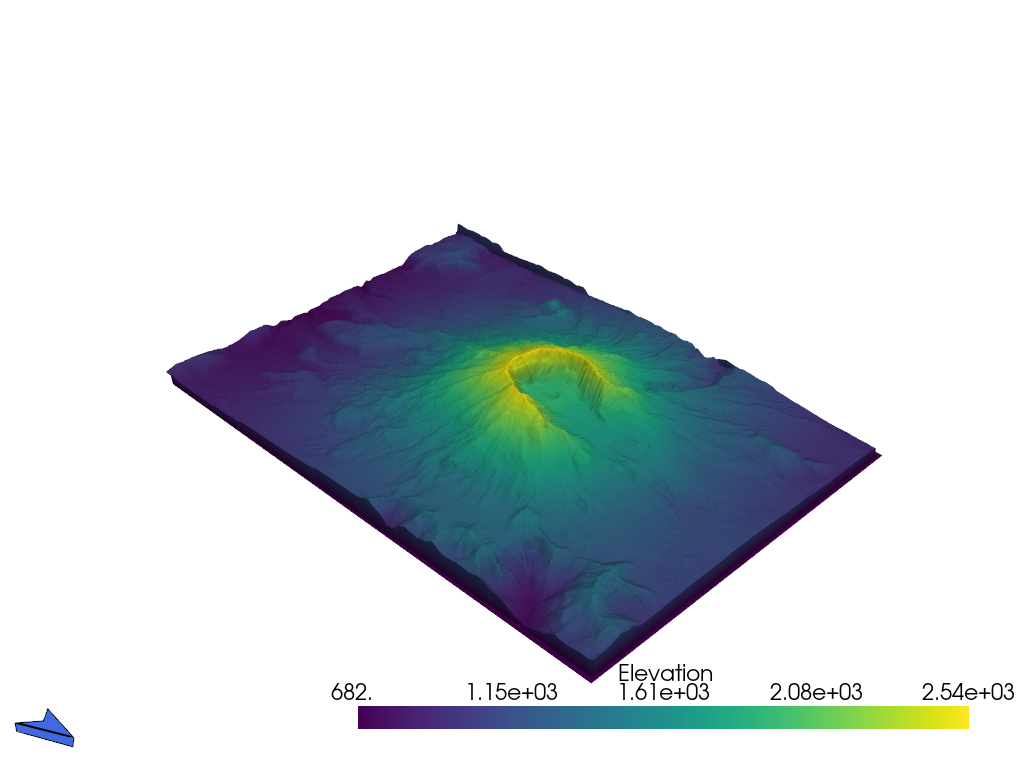
Use a north arrow as the orientation widget.
>>> import pyvista as pv
>>> from pyvista import examples
>>> terrain = examples.download_st_helens().warp_by_scalar()
>>> pl = pv.Plotter()
>>> actor = pl.add_mesh(terrain)
>>> widget = pl.add_north_arrow_widget()
>>> pl.enable_terrain_style(mouse_wheel_zooms=True)
>>> pl.show()
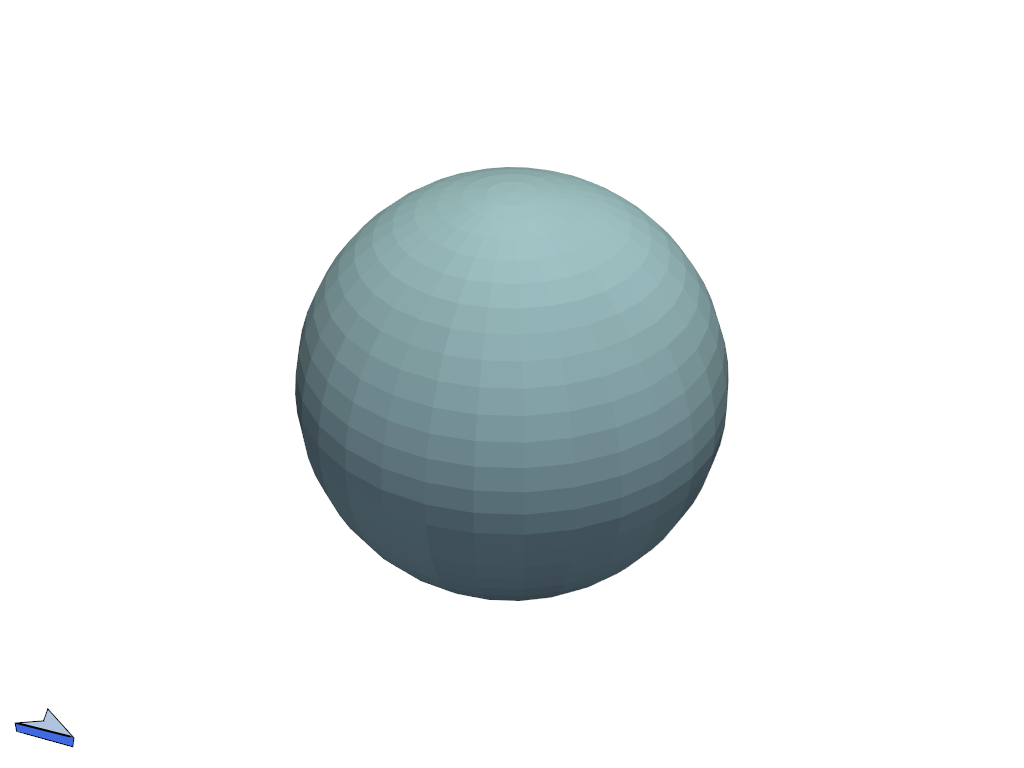
Distinguish the top and bottom of the arrow by coloring the top face a lighter shade and the bottom face a darker shade of the side color.
>>> pl = pv.Plotter()
>>> _ = pl.add_mesh(pv.Sphere())
>>> widget = pl.add_north_arrow_widget(
...     color='royalblue',
...     top_color='lightsteelblue',
...     bottom_color='midnightblue',
... )
>>> pl.show()
See Also#
add_axesAdd arrow-style axes as an orientation widget.
add_box_axesAdd an axes box as an orientation widget.
add_orientation_widgetAdd a custom mesh as an orientation widget.
