pyvista.DataSetFilters.warp_by_scalar#
- DataSetFilters.warp_by_scalar(scalars=None, factor=1.0, normal=None, inplace=False, progress_bar=False, **kwargs)[source]#
Warp the dataset’s points by a point data scalars array’s values.
This modifies point coordinates by moving points along point normals by the scalar amount times the scale factor.
- Parameters:
- scalars
str,optional Name of scalars to warp by. Defaults to currently active scalars.
- factor
float, default: 1.0 A scaling factor to increase the scaling effect. Alias
scale_factoralso accepted - if present, overridesfactor.- normalsequence,
optional User specified normal. If given, data normals will be ignored and the given normal will be used to project the warp.
- inplacebool, default:
False If
True, the points of the given dataset will be updated.- progress_barbool, default:
False Display a progress bar to indicate progress.
- **kwargs
dict,optional Accepts
scale_factorinstead offactor.
- scalars
- Returns:
pyvista.DataSetWarped Dataset. Return type matches input.
Examples
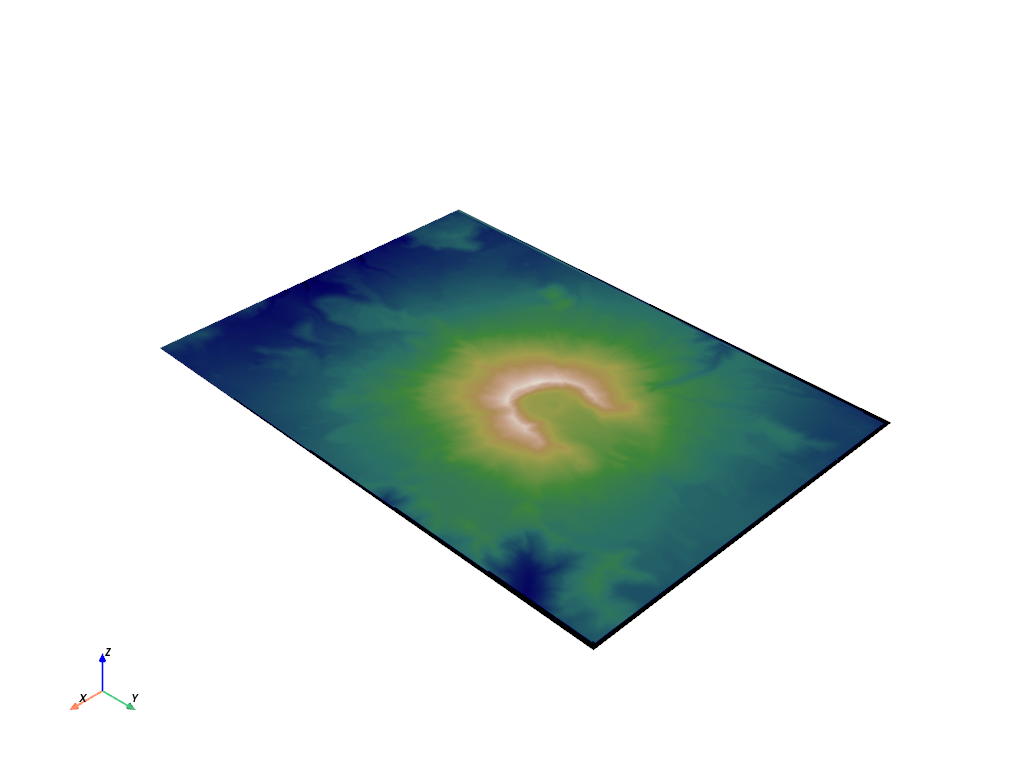
First, plot the unwarped mesh.
>>> from pyvista import examples
>>> mesh = examples.download_st_helens()
>>> mesh.plot(cmap='gist_earth', show_scalar_bar=False)
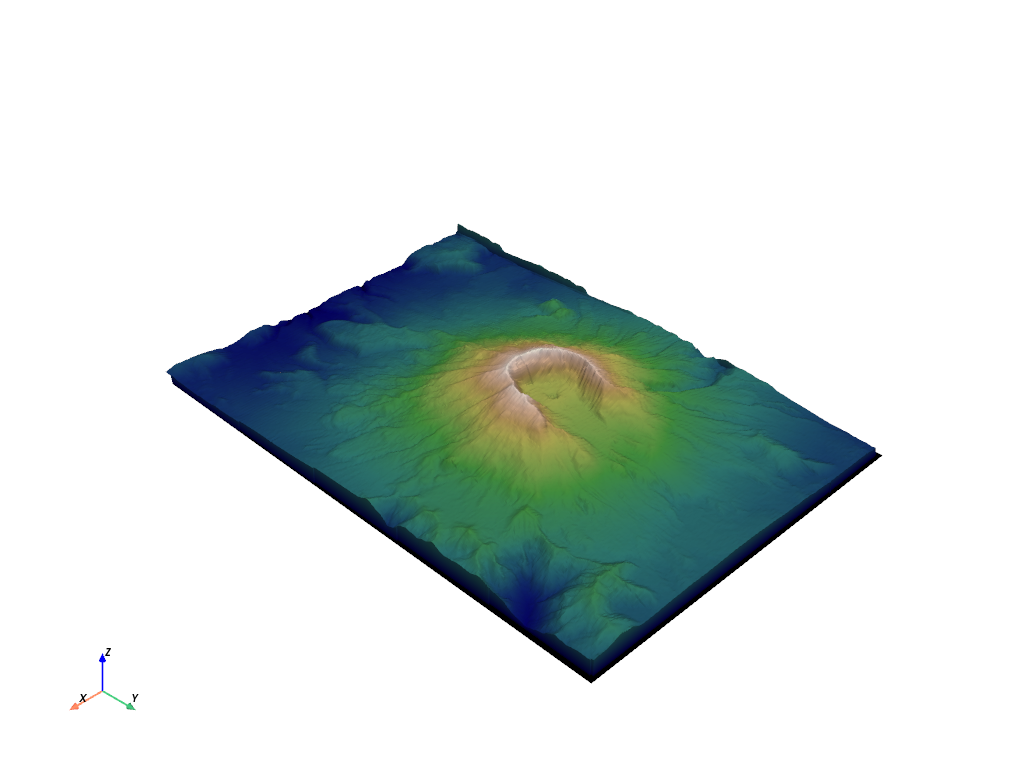
Now, warp the mesh by the
'Elevation'scalars.>>> warped = mesh.warp_by_scalar('Elevation') >>> warped.plot(cmap='gist_earth', show_scalar_bar=False)
See Computing Surface Normals for more examples using this filter.