pyvista.DataSetFilters.clip_scalar#
- DataSetFilters.clip_scalar(scalars=None, invert=True, value=0.0, inplace=False, progress_bar=False, both=False)[source]#
Clip a dataset by a scalar.
- Parameters:
- scalars
str,optional Name of scalars to clip on. Defaults to currently active scalars.
- invertbool, default:
True Flag on whether to flip/invert the clip. When
True, only the mesh belowvaluewill be kept. WhenFalse, only values abovevaluewill be kept.- value
float, default: 0.0 Set the clipping value.
- inplacebool, default:
False Update mesh in-place.
- progress_barbool, default:
False Display a progress bar to indicate progress.
- bothbool, default:
False If
True, also returns the complementary clipped mesh.
- scalars
- Returns:
pyvista.PolyDataortupleClipped dataset if
both=False. Ifboth=Truethen returns a tuple of both clipped datasets.
Examples
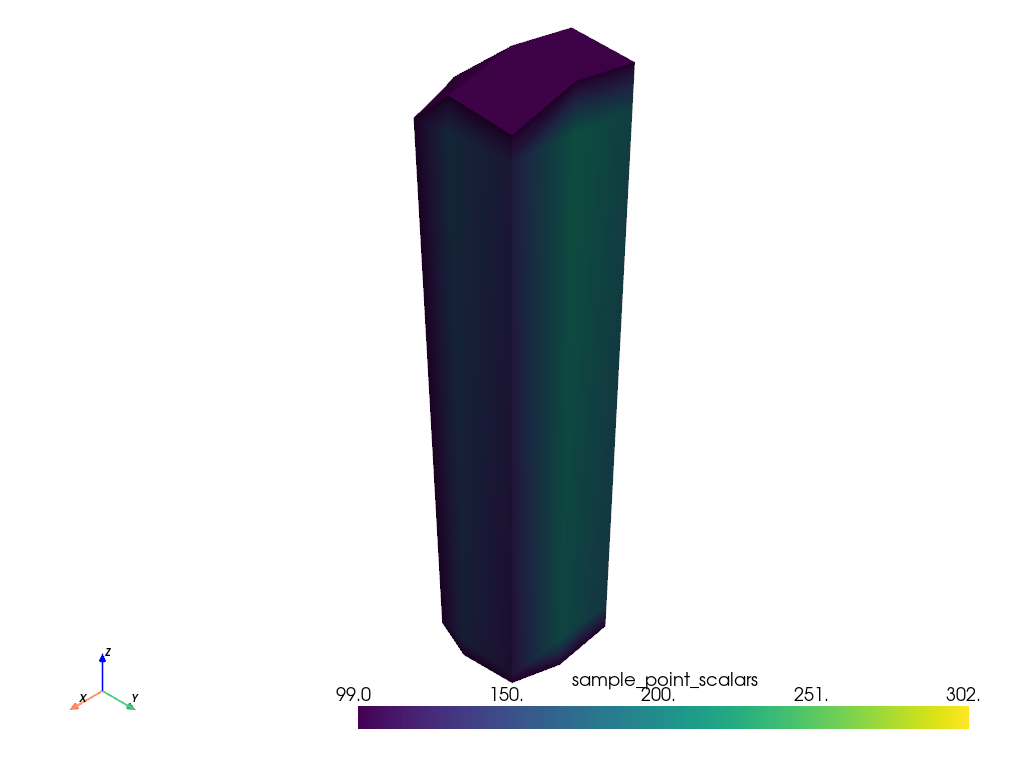
Remove the part of the mesh with “sample_point_scalars” above 100.
>>> import pyvista as pv
>>> from pyvista import examples
>>> dataset = examples.load_hexbeam()
>>> clipped = dataset.clip_scalar(
...     scalars="sample_point_scalars", value=100
... )
>>> clipped.plot()
Get clipped meshes corresponding to the portions of the mesh above and below 100.
>>> import pyvista as pv
>>> from pyvista import examples
>>> dataset = examples.load_hexbeam()
>>> _below, _above = dataset.clip_scalar(
...     scalars="sample_point_scalars", value=100, both=True
... )
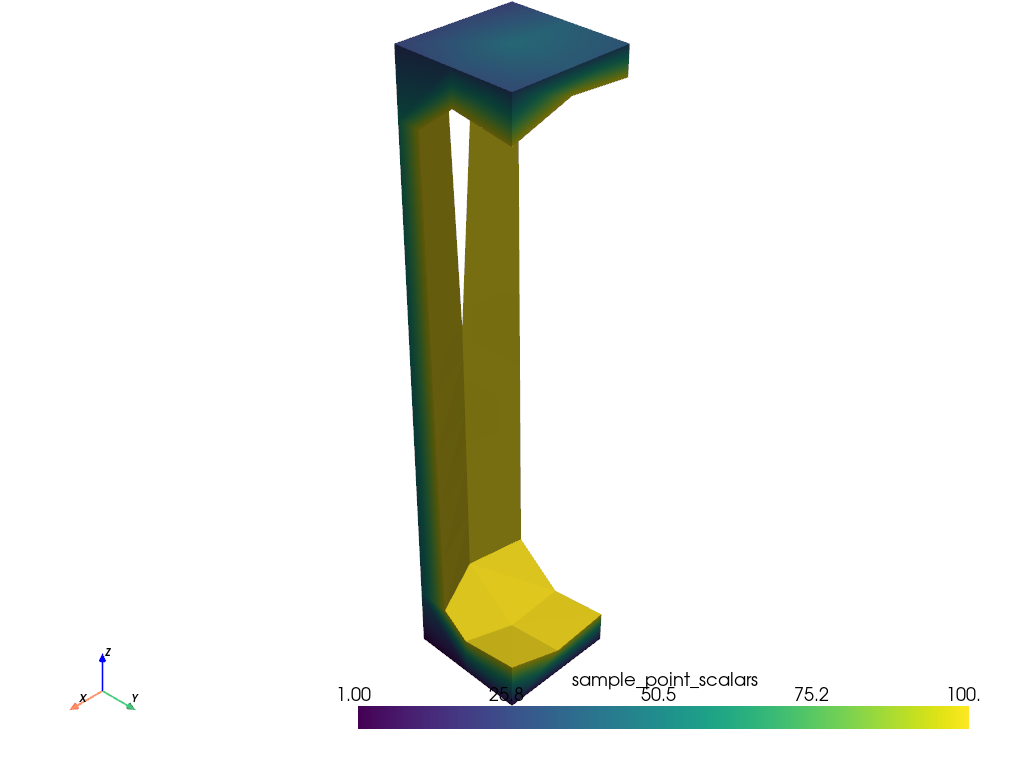
Remove the part of the mesh with “sample_point_scalars” below 100.
>>> import pyvista as pv
>>> from pyvista import examples
>>> dataset = examples.load_hexbeam()
>>> clipped = dataset.clip_scalar(
...     scalars="sample_point_scalars", value=100, invert=False
... )
>>> clipped.plot()