
Extract Cells Inside Surface#
Download Python source code | Download Jupyter notebook
Extract the cells inside or outside a closed surface.
Uses select_interior_points().
import pyvista as pv
from pyvista import examples

mesh = examples.download_cow()

cpos = pv.CameraPosition(
    position=(13.0, 7.6, -13.85),
    focal_point=(0.44, -0.4, -0.37),
    viewup=(-0.28, 0.9, 0.3),
)

dargs = dict(show_edges=True)
# Rotate the mesh to have a second mesh
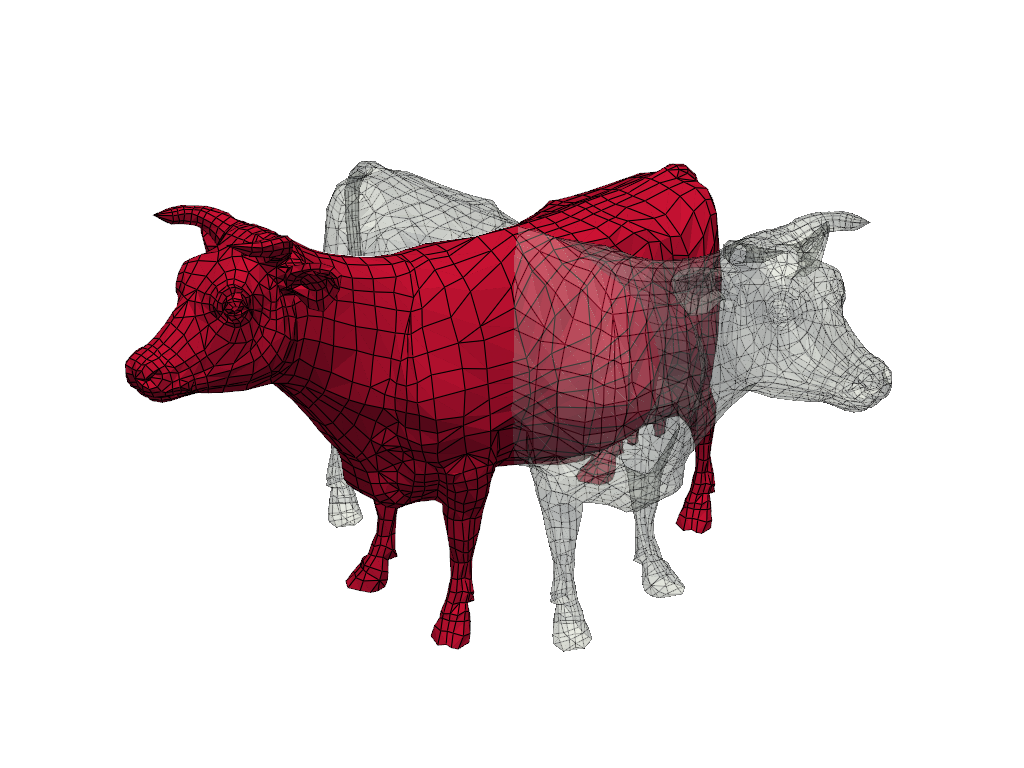
rot = mesh.rotate_y(90, inplace=False)

pl = pv.Plotter()
pl.add_mesh(mesh, color='Crimson', **dargs)
pl.add_mesh(rot, color='mintcream', opacity=0.35, **dargs)
pl.camera_position = cpos
pl.show()
Mark points inside with 1 and outside with a 0
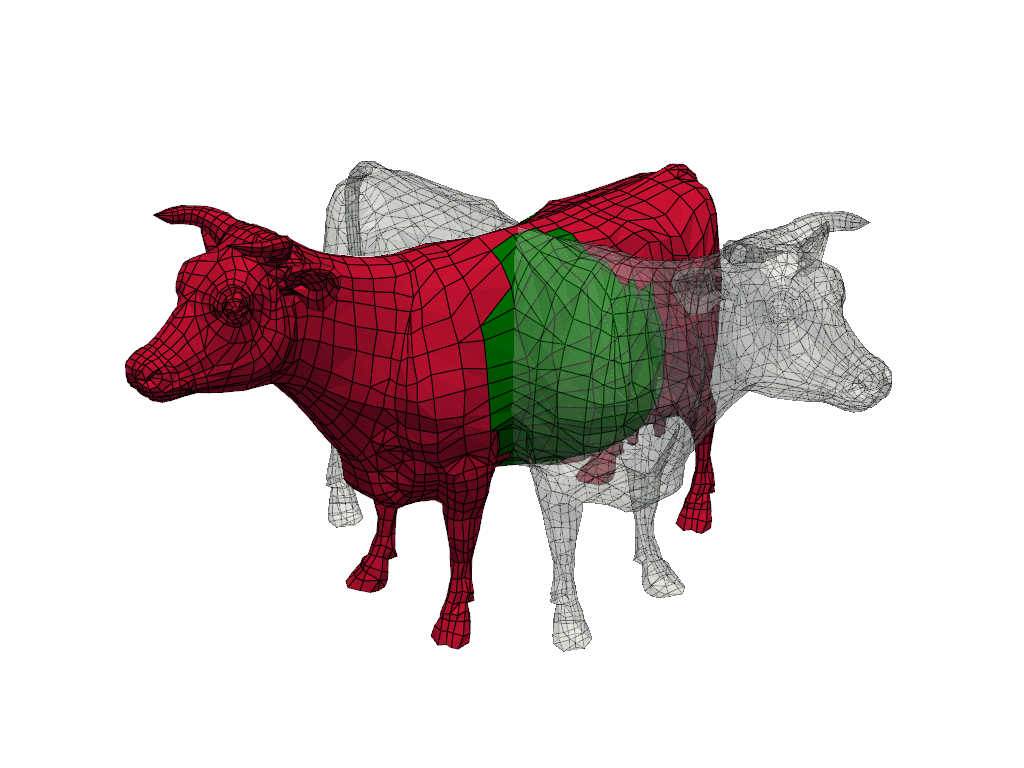
Extract two meshes, one completely inside and one completely outside the enclosing surface.
inside = select.threshold(0.5)
outside = select.threshold(0.5, invert=True)
display the results
pl = pv.Plotter()
pl.add_mesh(outside, color='Crimson', **dargs)
pl.add_mesh(inside, color='green', **dargs)
pl.add_mesh(rot, color='mintcream', opacity=0.35, **dargs)

pl.camera_position = cpos
pl.show()
Total running time of the script: (0 minutes 0.439 seconds)
