WidgetComponent.add_logo_widget#
- WidgetComponent.add_logo_widget(
- logo: ImageData | str | Path | None = None,
- *,
- position: VectorLikeFloat = (0.75, 0.8),
- size: VectorLikeFloat = (0.2, 0.2),
- opacity: float = 1.0,
Add a logo widget to the top of the viewport.
If no logo is passed, the PyVista logo will be used.
- Parameters:
- logo
pyvista.ImageDataorpathlib.Path, optional The logo to display. If a pathlike is passed, it is assumed to be a file path to an image.
- position
VectorLikeFloat, optional The position of the logo in the viewport. The first value is the horizontal position and the second value is the vertical position. Both values must be between 0 and 1.
- size
VectorLikeFloat, optional The size of the logo in the viewport. The first value is the horizontal size and the second value is the vertical size. Both values must be between 0 and 1.
- opacity
float, optional The opacity of the logo. Must be between 0 and 1.
- logo
- Returns:
- vtkLogoWidget
The logo widget.
Examples#
Download Python source code | Download Jupyter notebook
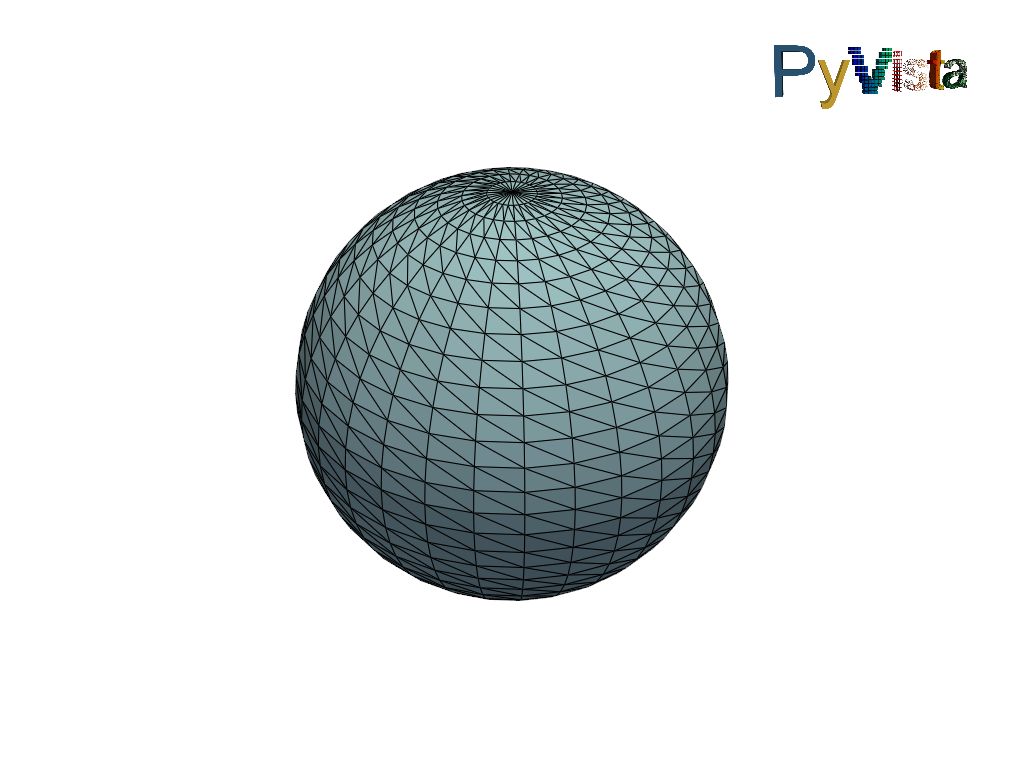
Add a logo widget to the scene.
>>> import pyvista as pv
>>> pl = pv.Plotter()
>>> _ = pl.add_logo_widget()
>>> _ = pl.add_mesh(pv.Sphere(), show_edges=True)
>>> pl.show()