Plotter.link_views#
Examples#
Download Python source code | Download Jupyter notebook
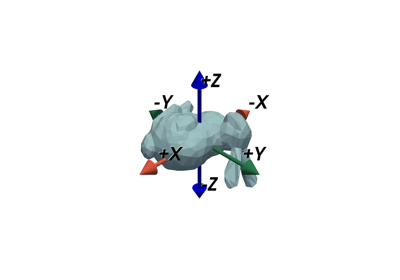
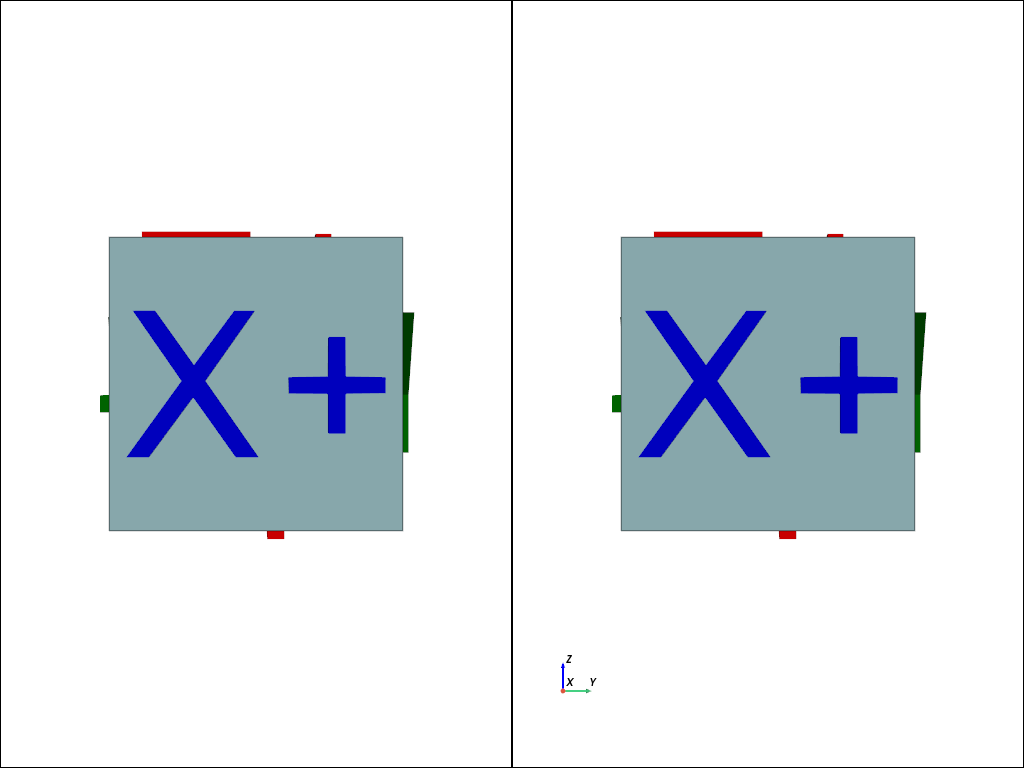
Not linked view case.
>>> import pyvista as pv
>>> from pyvista import demos
>>> ocube = demos.orientation_cube()
>>> pl = pv.Plotter(shape=(1, 2))
>>> pl.subplot(0, 0)
>>> _ = pl.add_mesh(ocube['cube'], show_edges=True)
>>> _ = pl.add_mesh(ocube['x_p'], color='blue')
>>> _ = pl.add_mesh(ocube['x_n'], color='blue')
>>> _ = pl.add_mesh(ocube['y_p'], color='green')
>>> _ = pl.add_mesh(ocube['y_n'], color='green')
>>> _ = pl.add_mesh(ocube['z_p'], color='red')
>>> _ = pl.add_mesh(ocube['z_n'], color='red')
>>> pl.camera_position = 'yz'
>>> pl.subplot(0, 1)
>>> _ = pl.add_mesh(ocube['cube'], show_edges=True)
>>> _ = pl.add_mesh(ocube['x_p'], color='blue')
>>> _ = pl.add_mesh(ocube['x_n'], color='blue')
>>> _ = pl.add_mesh(ocube['y_p'], color='green')
>>> _ = pl.add_mesh(ocube['y_n'], color='green')
>>> _ = pl.add_mesh(ocube['z_p'], color='red')
>>> _ = pl.add_mesh(ocube['z_n'], color='red')
>>> pl.show_axes()
>>> pl.show()
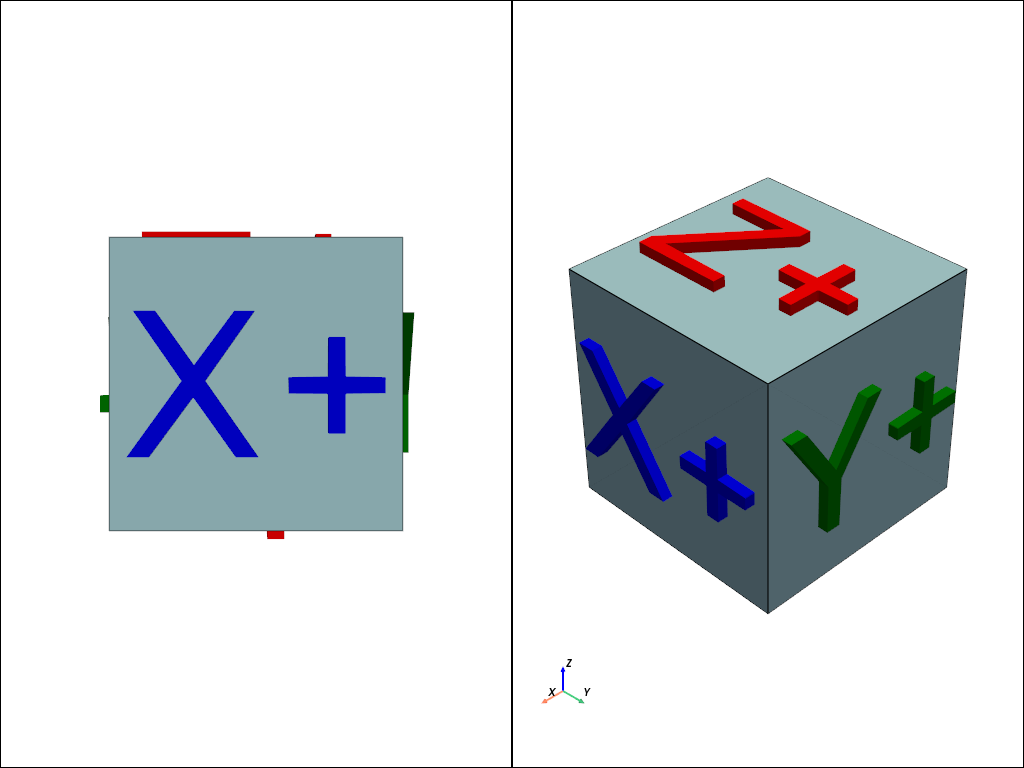
Linked view case.
>>> pl = pv.Plotter(shape=(1, 2))
>>> pl.subplot(0, 0)
>>> _ = pl.add_mesh(ocube['cube'], show_edges=True)
>>> _ = pl.add_mesh(ocube['x_p'], color='blue')
>>> _ = pl.add_mesh(ocube['x_n'], color='blue')
>>> _ = pl.add_mesh(ocube['y_p'], color='green')
>>> _ = pl.add_mesh(ocube['y_n'], color='green')
>>> _ = pl.add_mesh(ocube['z_p'], color='red')
>>> _ = pl.add_mesh(ocube['z_n'], color='red')
>>> pl.camera_position = 'yz'
>>> pl.subplot(0, 1)
>>> _ = pl.add_mesh(ocube['cube'], show_edges=True)
>>> _ = pl.add_mesh(ocube['x_p'], color='blue')
>>> _ = pl.add_mesh(ocube['x_n'], color='blue')
>>> _ = pl.add_mesh(ocube['y_p'], color='green')
>>> _ = pl.add_mesh(ocube['y_n'], color='green')
>>> _ = pl.add_mesh(ocube['z_p'], color='red')
>>> _ = pl.add_mesh(ocube['z_n'], color='red')
>>> pl.show_axes()
>>> pl.link_views()
>>> pl.show()
See Also#
Used In#
API Examples
DataSet.cell_neighbors(1 use)Plotter.unlink_views(1 use)PolyDataFilters.triangulate_contours(1 use)Theme.interpolate_before_map(1 use)
Gallery Examples