Actor.copy#
Examples#
Download Python source code | Download Jupyter notebook
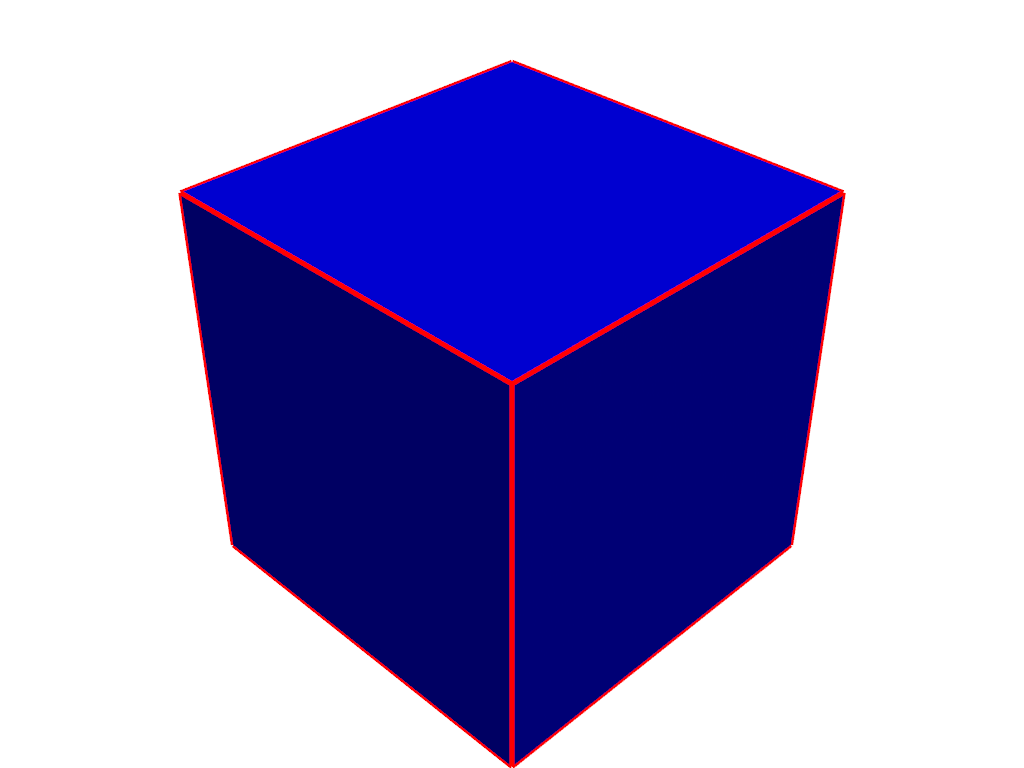
Create an actor of a cube by adding it to a Plotter
and then copy the actor, change the properties, and add it back to the
Plotter.
>>> import pyvista as pv
>>> mesh = pv.Cube()
>>> pl = pv.Plotter()
>>> actor = pl.add_mesh(mesh, color='b')
>>> new_actor = actor.copy()
>>> new_actor.prop.style = 'wireframe'
>>> new_actor.prop.line_width = 5
>>> new_actor.prop.color = 'r'
>>> new_actor.prop.lighting = False
>>> _ = pl.add_actor(new_actor)
>>> pl.show()