
Rectangle#
- Rectangle(points: MatrixLikeFloat | None = None) PolyData[source]#
Create a rectangle defined by 3 points.
The 3 points must define an orthogonal set of vectors.
- Parameters:
- points
MatrixLikeFloat, optional Points of the rectangle. Defaults to a unit square in xy-plane.
- points
- Returns:
pyvista.PolyDataRectangle mesh.
Examples#
Download Python source code | Download Jupyter notebook
>>> import pyvista as pv
>>> pointa = [1.0, 0.0, 0.0]
>>> pointb = [1.0, 1.0, 0.0]
>>> pointc = [0.0, 1.0, 0.0]
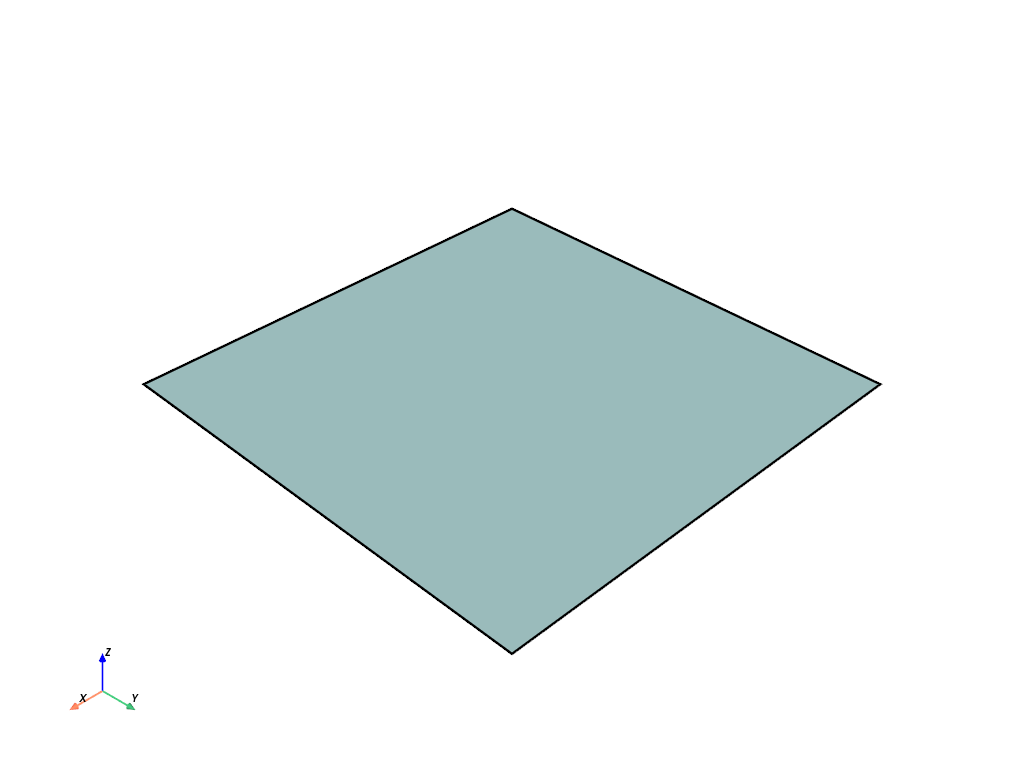
>>> rectangle = pv.Rectangle([pointa, pointb, pointc])
>>> rectangle.plot(show_edges=True, line_width=5)
Used In#
API Examples
DataSet.find_closest_cell(1 use)PolyData.face_connectivity(1 use)PolyData.face_offsets(1 use)PolyData.strip_connectivity(1 use)PolyData.strip_offsets(1 use)PolyData.strips(1 use)
