Plotter.add_floor#
- Plotter.add_floor(
- face: str = '-z',
- *,
- i_resolution: int = 10,
- j_resolution: int = 10,
- color: ColorLike | None = None,
- line_width: float | None = None,
- opacity: float = 1.0,
- show_edges: bool = False,
- lighting: bool | None = False,
- edge_color: ColorLike | None = None,
- reset_camera: bool | None = None,
- pad: float = 0.0,
- offset: float = 0.0,
- pickable: bool = False,
- store_floor_kwargs: bool = True,
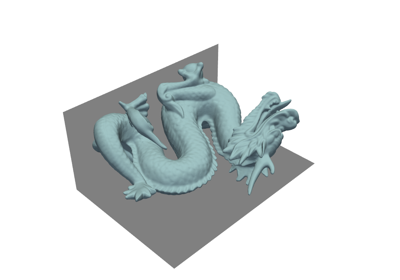
Show a floor mesh.
This generates planes at the boundaries of the scene to behave like floors or walls.
- Parameters:
- face
str, default: “-z” The face at which to place the plane. Options are (
'-z','-y','-x','+z','+y', and'+z'). Where the-/+sign indicates on which side of the axis the plane will lie. For example,'-z'would generate a floor on the XY-plane and the bottom of the scene (minimum z).- i_resolution
int, default: 10 Number of points on the plane in the
idirection.- j_resolution
int, default: 10 Number of points on the plane in the
jdirection.- color
ColorLike, optional Color of all labels and axis titles. Default gray. Either a string, rgb list, or hex color string.
- line_width
int, optional Thickness of the edges. Only if
show_edgesisTrue.- opacity
float, default: 1.0 The opacity of the generated surface.
- show_edgesbool, default:
False Flag on whether to show the mesh edges for tiling.
- line_width
float, default:False Thickness of lines. Only valid for wireframe and surface representations.
- lightingbool, optional
Enable or disable view direction lighting. When
None, the theme’s lighting setting is used.- edge_color
ColorLike, optional Color of the edges of the mesh.
- reset_camerabool, optional
Resets the camera when
Trueafter adding the floor.- pad
float, default: 0.0 Percentage padding between 0 and 1.
- offset
float, default: 0.0 Percentage offset along plane normal.
- pickablebool, default:
False Make this floor actor pickable in the renderer.
- store_floor_kwargsbool, default:
True Stores the keyword arguments used when adding this floor. Useful when updating the bounds and regenerating the floor.
- face
- Returns:
ActorActor of the floor.
Examples#
Download Python source code | Download Jupyter notebook
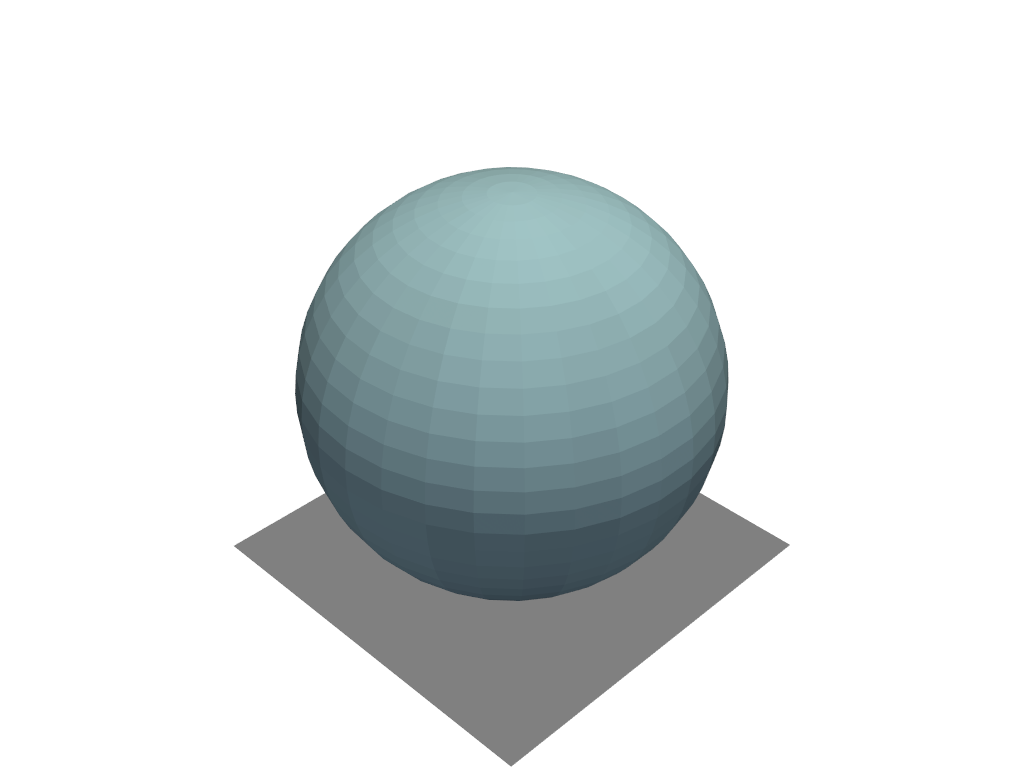
Add a floor below a sphere and plot it.
>>> import pyvista as pv
>>> pl = pv.Plotter()
>>> actor = pl.add_mesh(pv.Sphere())
>>> actor = pl.add_floor()
>>> pl.show()
Used In#
API Examples
Plotter.remove_floors(1 use)Renderer.add_floor(1 use)Renderer.remove_floors(1 use)download_victorian_goblet_face_illusion(1 use)
Gallery Examples