
Plotter.set_focus#
- Plotter.set_focus(
- point: VectorLikeFloat,
- *,
- render: bool = True,
Set focus to a point.
- Parameters:
- point
VectorLikeFloat Cartesian point to focus on in the form of
[x, y, z].- renderbool, default:
True If the render window is being shown, trigger a render after setting the focus.
Added in version 0.50.
- point
Examples#
Download Python source code | Download Jupyter notebook
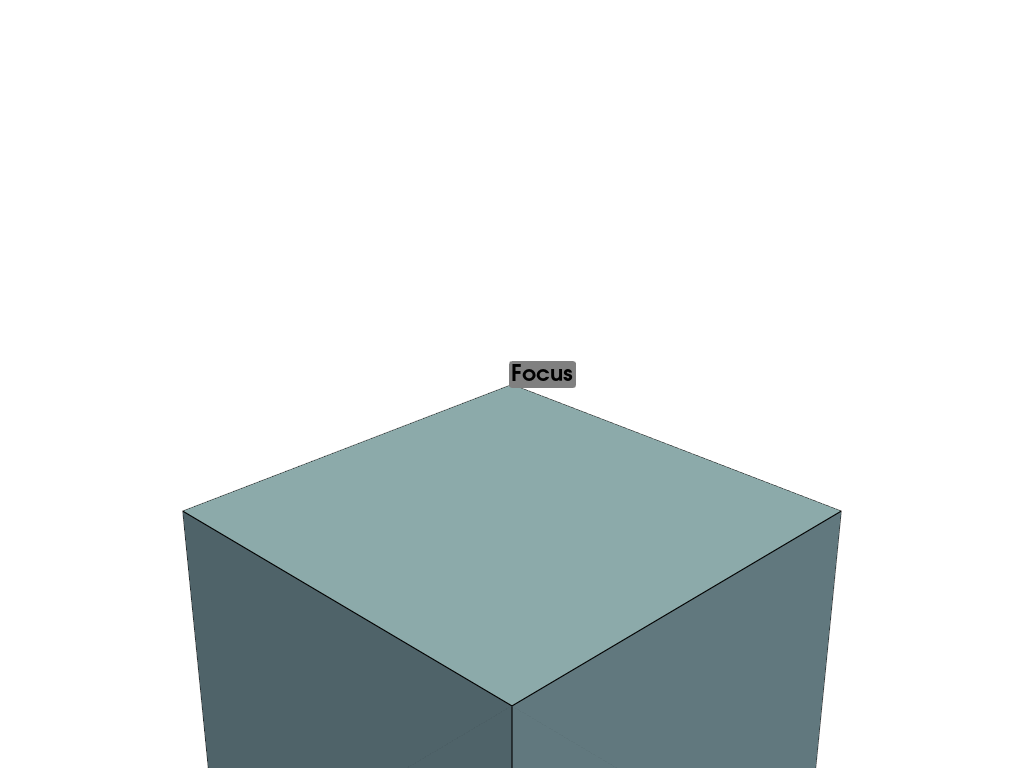
>>> import pyvista as pv
>>> mesh = pv.Cube()
>>> pl = pv.Plotter()
>>> _ = pl.add_mesh(mesh, show_edges=True)
>>> _ = pl.add_point_labels([mesh.points[1]], ['Focus'])
>>> _ = pl.camera  # this initializes the camera
>>> pl.set_focus(mesh.points[1])
>>> pl.show()
Used In#
API Examples
Renderer.set_focus(1 use)
Gallery Examples
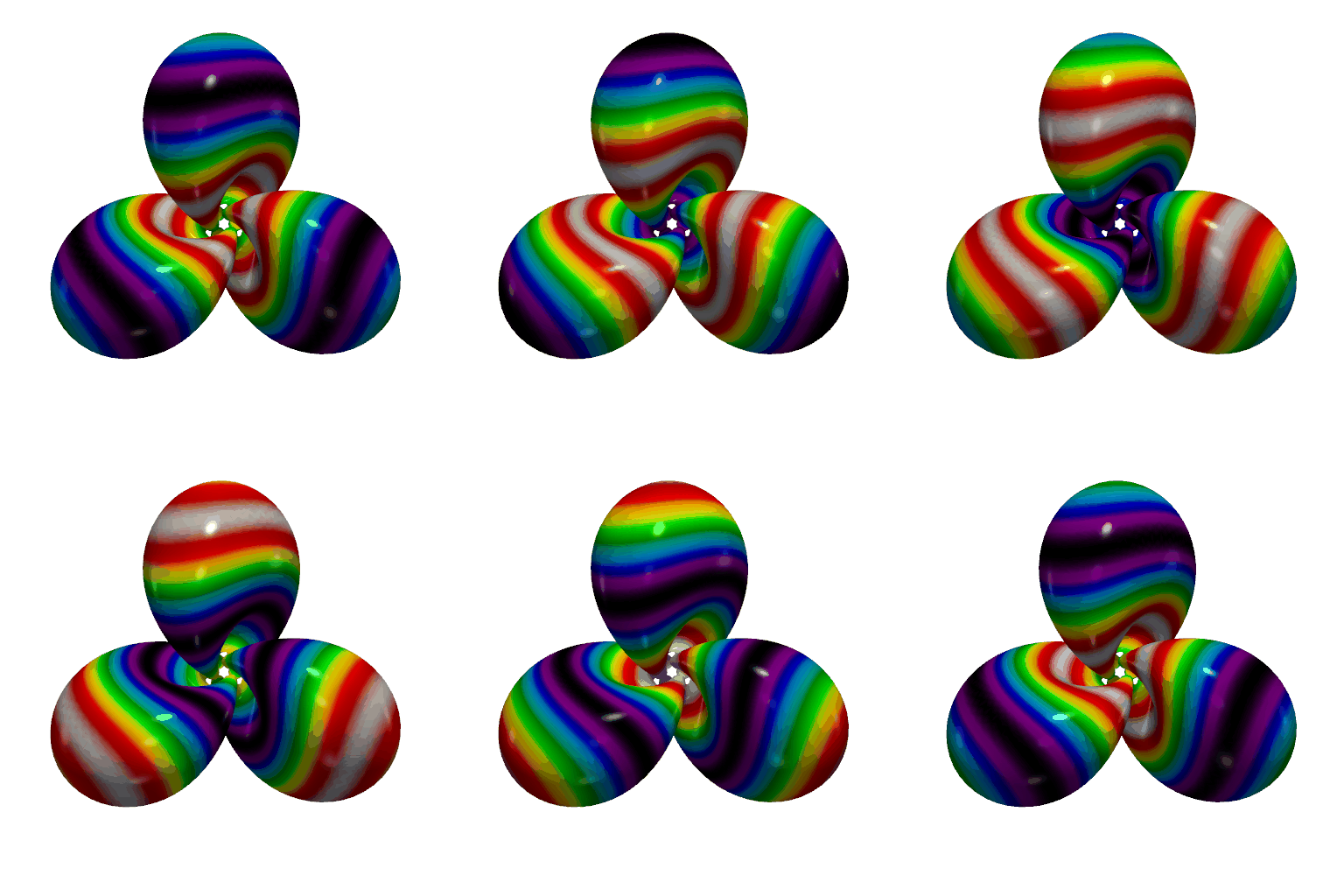
Create a GIF Movie of a Static Object With a Moving Colormap
Create a GIF Movie of a Static Object With a Moving Colormap
1 use

