Plotter.enable_shadows#
Examples#
Download Python source code | Download Jupyter notebook
First, plot without shadows enabled (default)
>>> import pyvista as pv
>>> mesh = pv.Sphere()
>>> pl = pv.Plotter(lighting='none', window_size=(1000, 1000))
>>> light = pv.Light()
>>> light.set_direction_angle(20, -20)
>>> pl.add_light(light)
>>> _ = pl.add_mesh(mesh, color='white', smooth_shading=True)
>>> _ = pl.add_mesh(pv.Box((-1.2, -1, -1, 1, -1, 1)))
>>> pl.show()
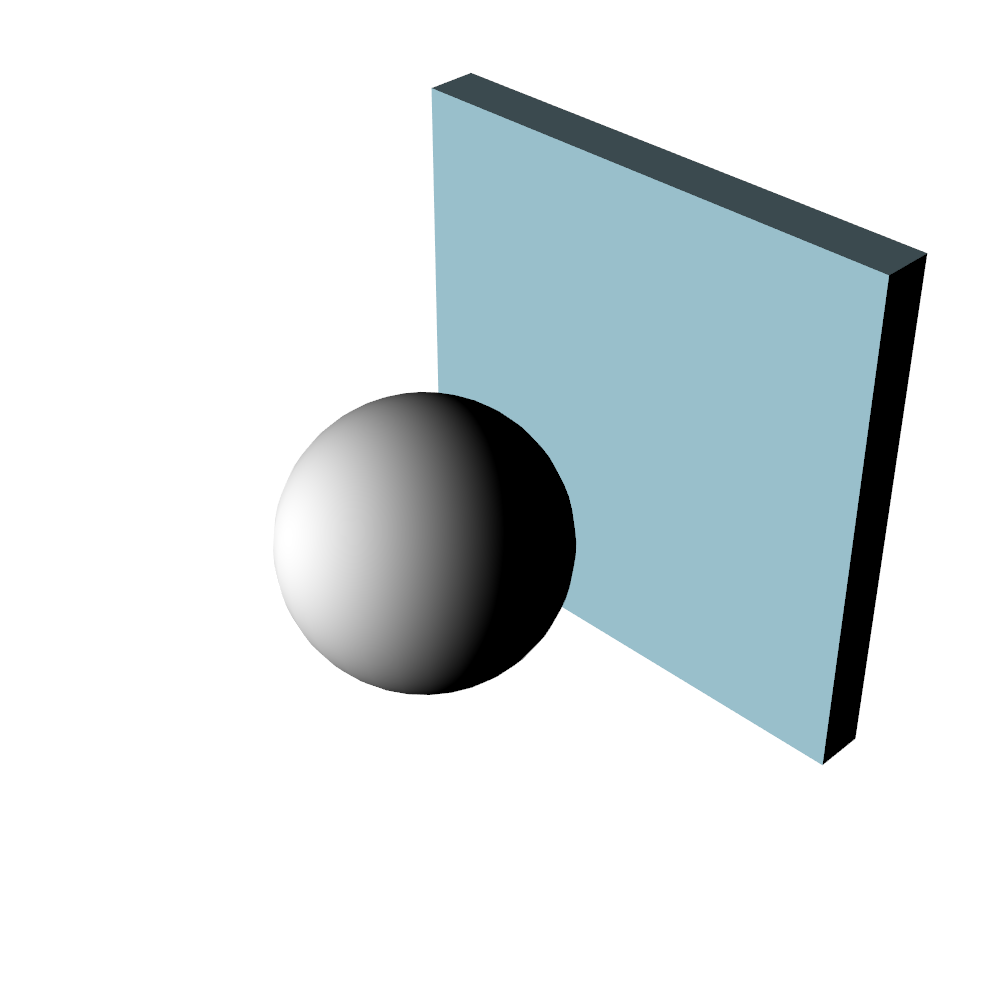
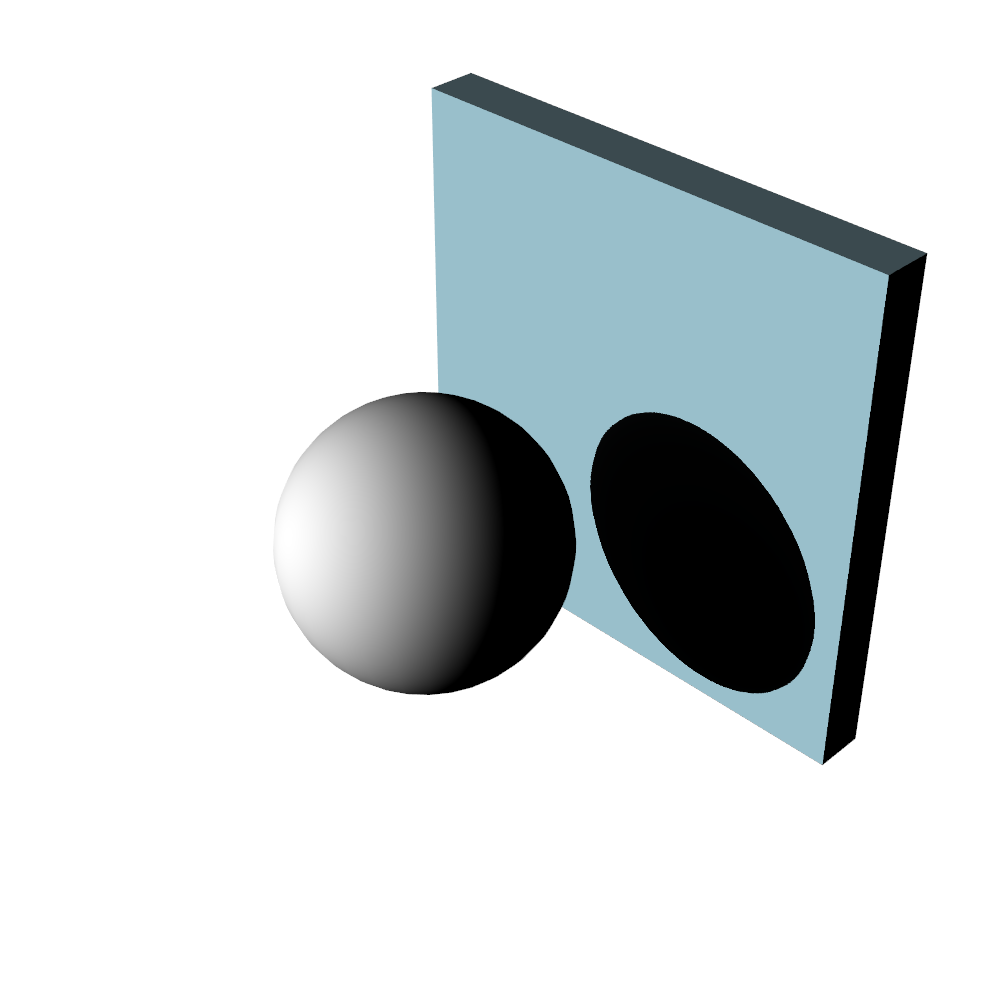
Now, enable shadows.
>>> import pyvista as pv
>>> mesh = pv.Sphere()
>>> pl = pv.Plotter(lighting='none', window_size=(1000, 1000))
>>> light = pv.Light()
>>> light.set_direction_angle(20, -20)
>>> pl.add_light(light)
>>> _ = pl.add_mesh(mesh, color='white', smooth_shading=True)
>>> _ = pl.add_mesh(pv.Box((-1.2, -1, -1, 1, -1, 1)))
>>> pl.enable_shadows()
>>> pl.show()
Used In#
Guides
- Lights (1 use)
API Examples
Renderer.enable_shadows(1 use)
Gallery Examples