
Moving Isovalue#
Download Python source code | Download Jupyter notebook
Animate an isovalue moving through a volumetric dataset.
Uses download_brain() and
open_gif()/write_frame() to
create the animation.
import numpy as np
import pyvista as pv
from pyvista import examples

vol = examples.download_brain()
vol
Now lets make an array of all of the isovalues for which we want to show.
values = np.linspace(5, 150, num=15)
Now let’s create an initial isosurface that we can plot and move
surface = vol.contour(values[:1])
Pre-compute the surfaces
surfaces = [vol.contour([v]) for v in values]
Set a single surface as the one being plotted that can be overwritten
filename = 'isovalue.gif'

pl = pv.Plotter(off_screen=True)
# Open a movie file
pl.open_gif(filename)

# Add initial mesh
pl.add_mesh(
    surface,
    opacity=0.5,
    clim=vol.get_data_range(),
    show_scalar_bar=False,
)
# Add outline for reference
pl.add_mesh(vol.outline_corners(), color='k')

print('Orient the view, then press "q" to close window and produce movie')
pl.camera_position = pv.CameraPosition(
    position=(393.0, 556.4, 235.5),
    focal_point=(88.7, 119.1, 72.62),
    viewup=(-0.1928, -0.2219, 0.9558),
)

# initial render and do NOT close
pl.show(auto_close=False)

# Run through each frame
for surf in surfaces:
    surface.copy_from(surf)
    pl.write_frame()  # Write this frame
# Run through backwards
for surf in surfaces[::-1]:
    surface.copy_from(surf)
    pl.write_frame()  # Write this frame

# Be sure to close the plotter when finished
pl.close()
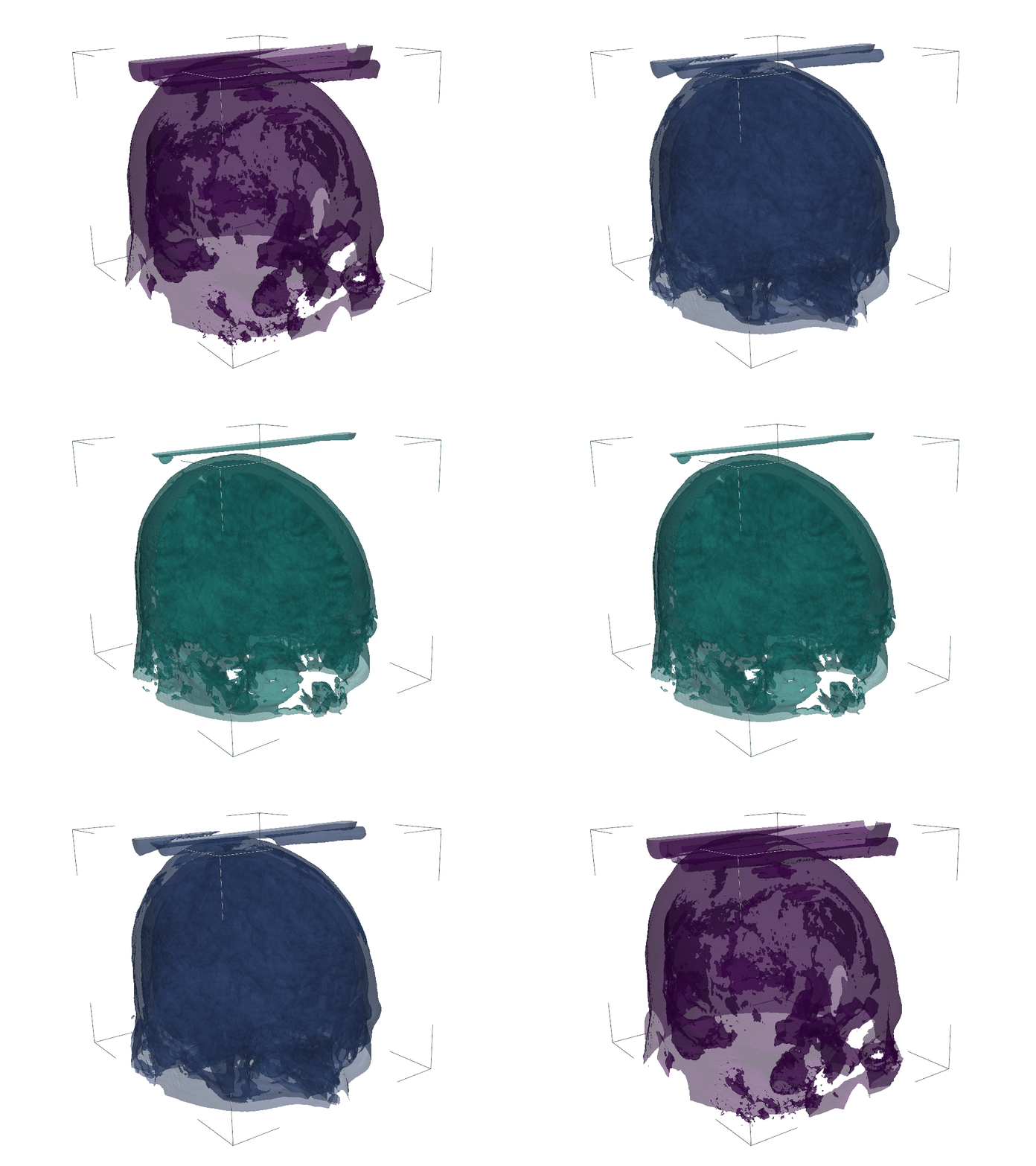
Orient the view, then press "q" to close window and produce movie
Total running time of the script: (0 minutes 11.594 seconds)
