
Warping by Vectors#
Download Python source code | Download Jupyter notebook
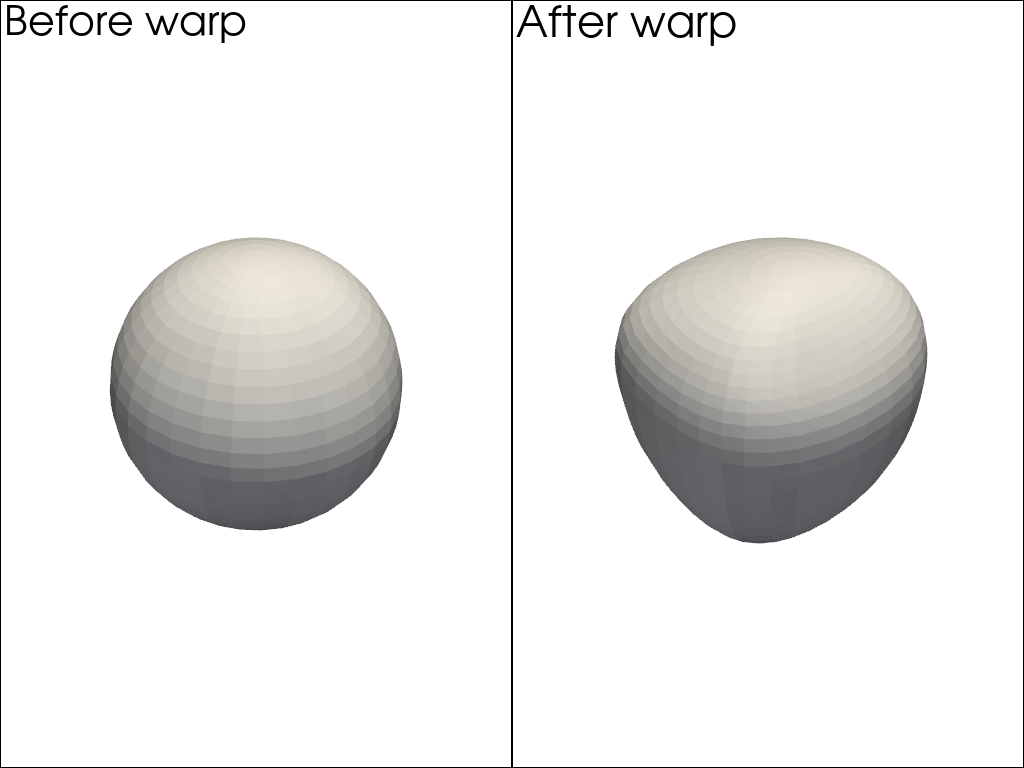
Apply warp_by_vector() to a sphere mesh.
The sphere has 3D displacement vectors defined at each node.
We first compare the un-warped sphere to the warped sphere. Use
plot_compare() to show the meshes side-by-side. The keys of the
dict are used as labels.
import pyvista as pv
from pyvista import examples

sphere = examples.load_sphere_vectors()
warped = sphere.warp_by_vector()

datasets = {'Before warp': sphere, 'After warp': warped}
pv.plot_compare(datasets, color='white')
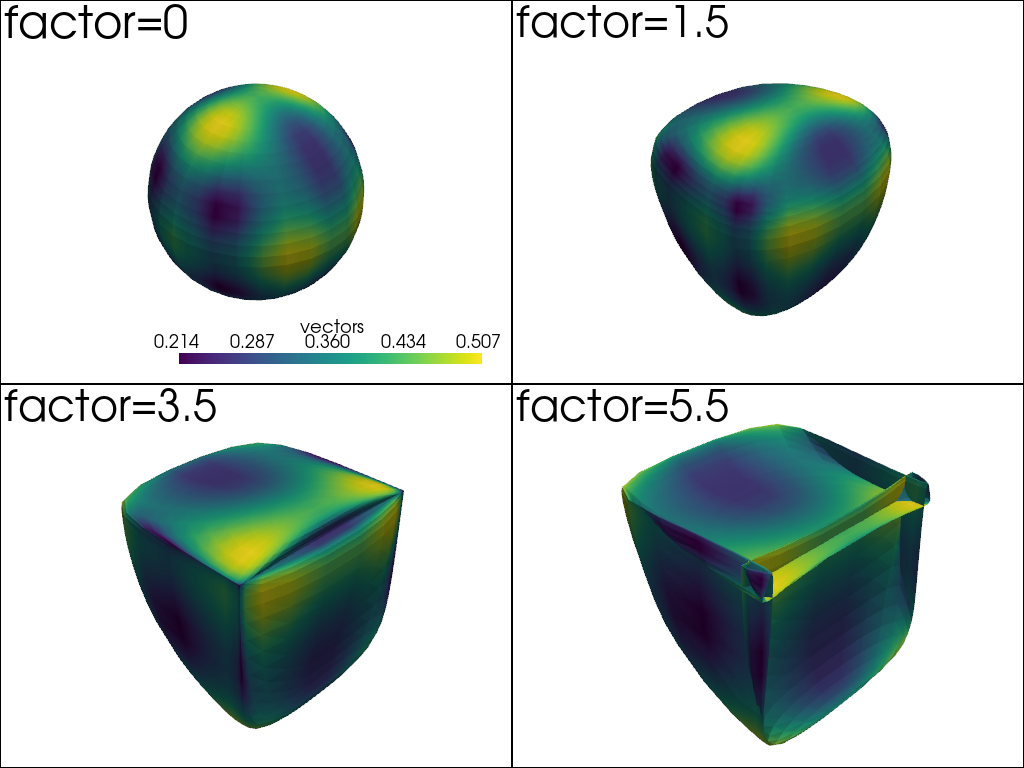
We then use several values for the scale factor applied to the warp operation. Applying a warping factor that is too high can often lead to unrealistic results.
warp_factors = [0, 1.5, 3.5, 5.5]
datasets = {
    f'factor={factor}': sphere.warp_by_vector(factor=factor) for factor in warp_factors
}

pv.plot_compare(datasets)
Total running time of the script: (0 minutes 0.367 seconds)
