
Hide Cells With Ghosting#
Download Python source code | Download Jupyter notebook
Specify specific cells to hide when plotting.
This is a lightweight alternative to thresholding to quickly hide cells in a mesh without creating a new mesh.
Notably, the mesh must be cast to an pyvista.UnstructuredGrid type
for this to work (use the cast_to_unstructured_grid filter).
import numpy as np
from pyvista import examples

vol = examples.load_channels()
mesh = vol.cast_to_unstructured_grid()
Decide which cells are ghosted with a criteria (feel free to adjust this or manually create this array to hide specific cells).
ghosts = np.argwhere(mesh['facies'] < 1.0)

# This will act on the mesh inplace to mark those cell indices as ghosts
mesh.remove_cells(ghosts, inplace=True)
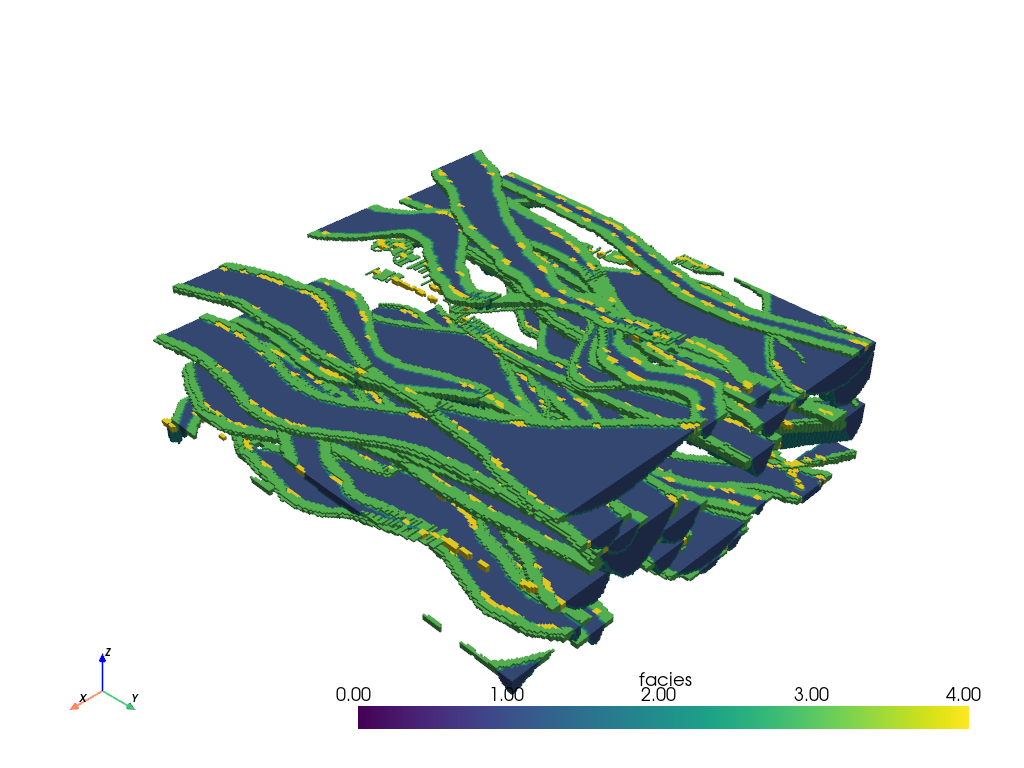
Now we can plot the mesh and those cells will be hidden
mesh.plot(clim=[0, 4])
Total running time of the script: (0 minutes 3.610 seconds)
