
Project to a Plane#
Download Python source code | Download Jupyter notebook
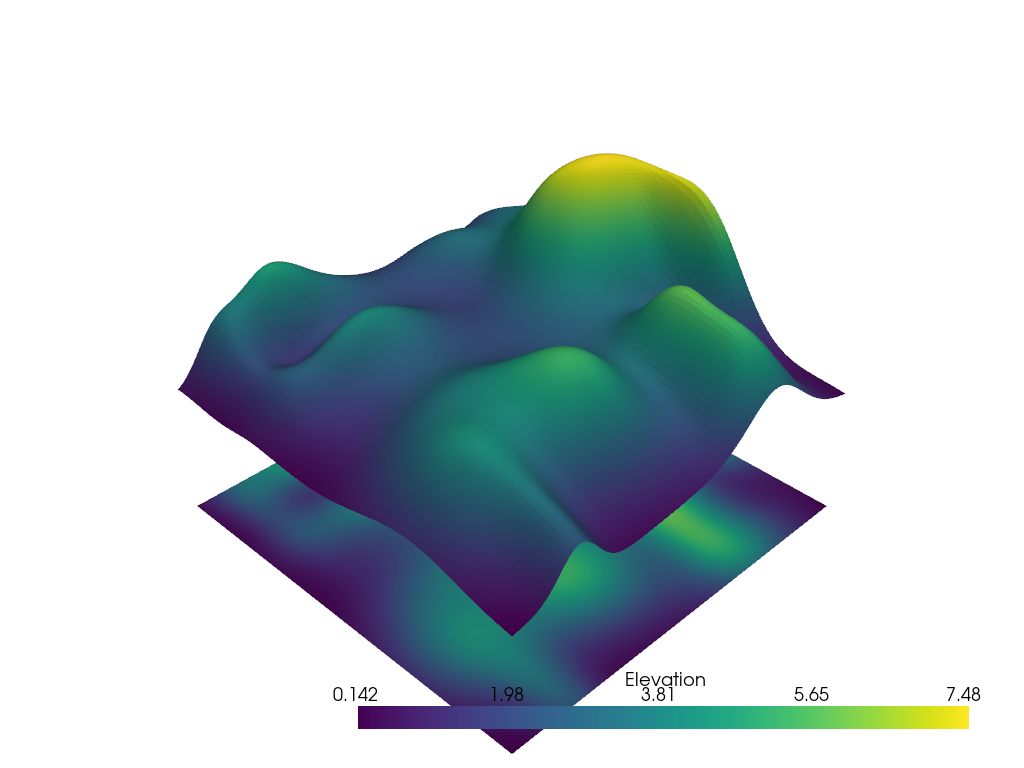
Project a PolyData surface or pointset to a plane.
Uses project_points_to_plane() with a normal
and origin.
import pyvista as pv
from pyvista import examples

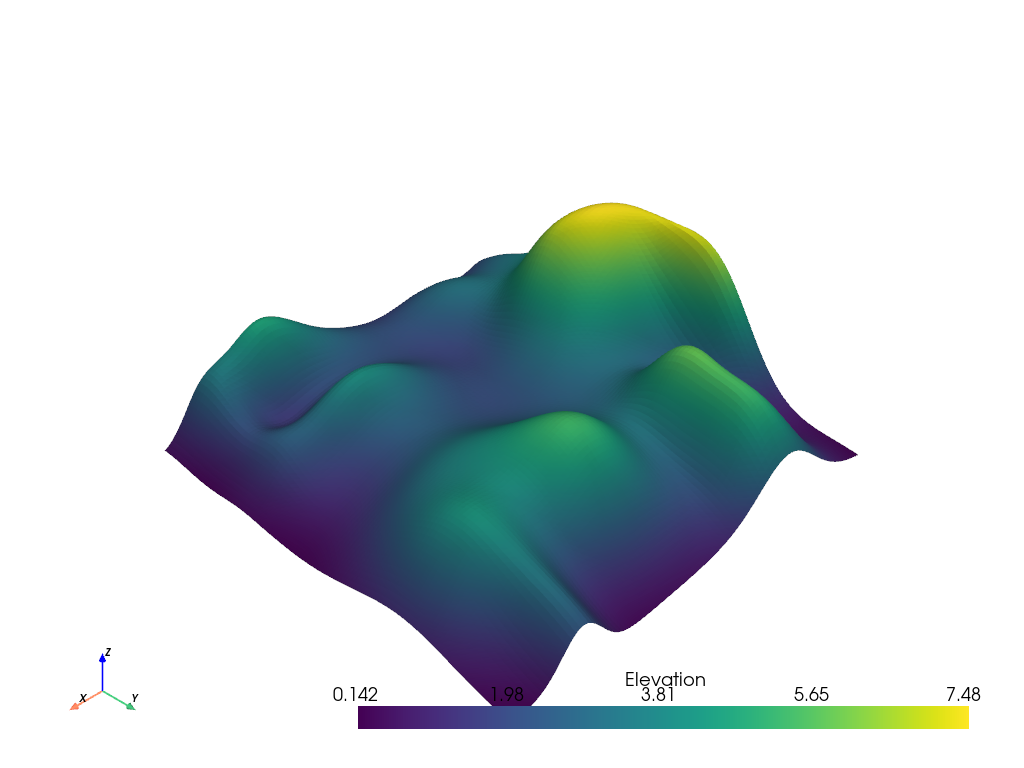
poly = examples.load_random_hills()
poly.plot()
Project that surface to a plane underneath the surface
origin = list(poly.center)
origin[-1] -= poly.length / 3.0
projected = poly.project_points_to_plane(origin=origin)

# Display the results
pl = pv.Plotter()
pl.add_mesh(poly)
pl.add_mesh(projected)
pl.show()
Total running time of the script: (0 minutes 0.496 seconds)
