Property.edge_opacity#
- property Property.edge_opacity: float[source]#
Return or set the edge opacity of this property.
Default
pyvista.plotting.themes.Theme.edge_opacity.Edge opacity of the mesh. A single float value that will be applied globally edge opacity of the mesh and uniformly applied everywhere.
Property has range
[0.0, 1.0]. A value of1.0is totally opaque and0.0is completely transparent.Note
edge_opacityusesSetEdgeOpacityas the underlying method which requires VTK version 9.3 or higher. IfSetEdgeOpacityis not available,edge_opacityis set to 1.
Examples#
Download Python source code | Download Jupyter notebook
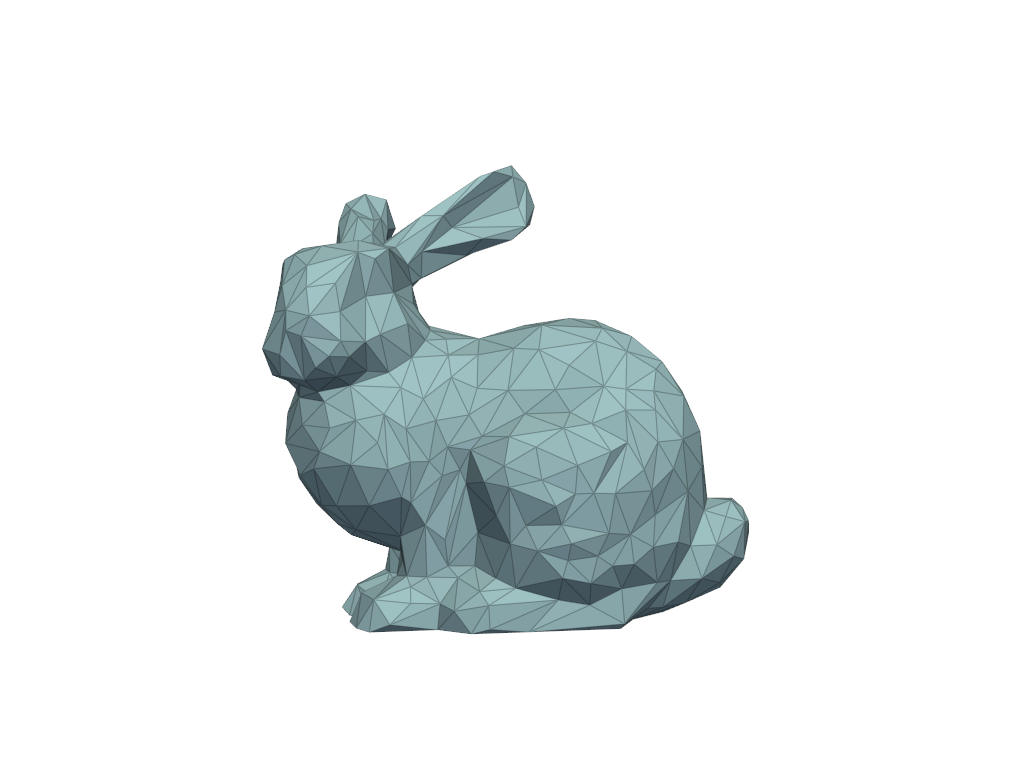
Get the default edge opacity and visualize it.
>>> import pyvista as pv
>>> prop = pv.Property()
>>> prop.edge_opacity
1.0
>>> prop.show_edges = True
>>> prop.plot()
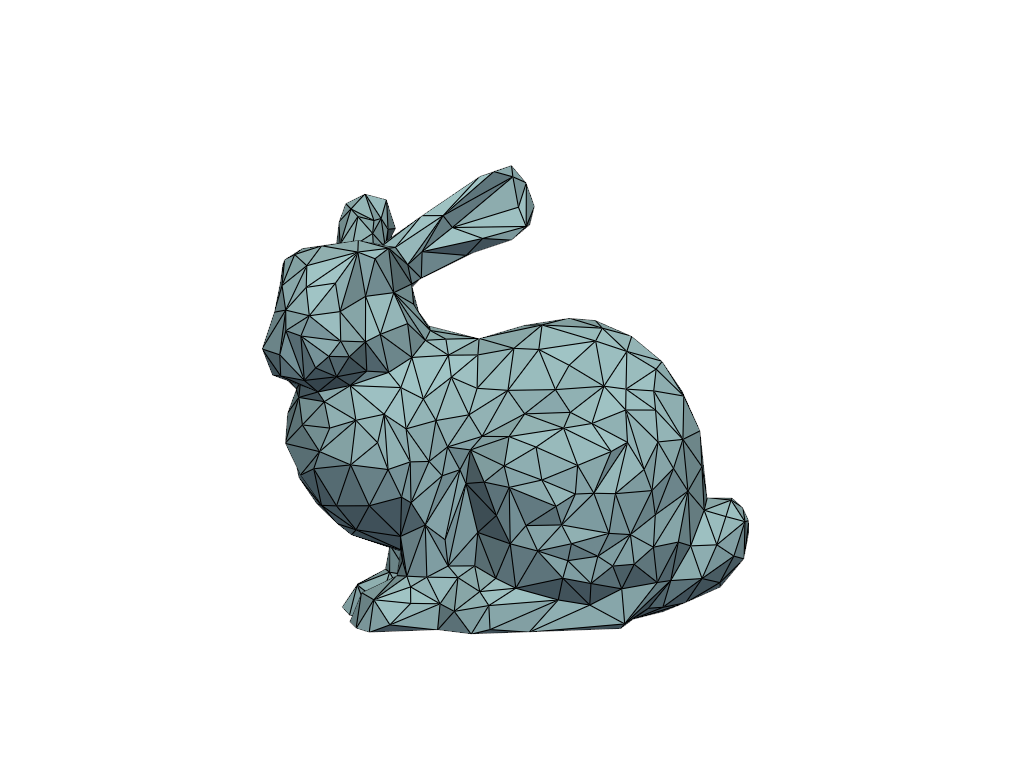
Visualize an edge opacity of 0.75.
>>> prop.edge_opacity = 0.75
>>> prop.plot()
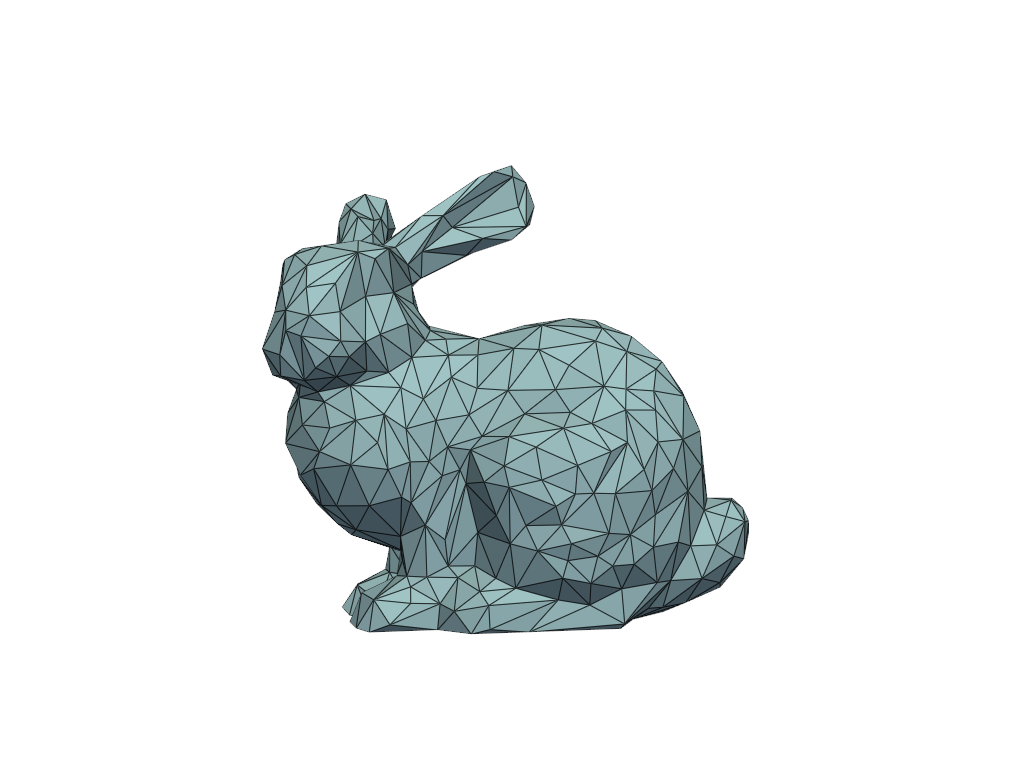
Visualize an edge opacity of 0.25.
>>> prop.edge_opacity = 0.25
>>> prop.plot()