Property.anisotropy#
- property Property.anisotropy: float[source]#
Return or set the anisotropy coefficient.
This value controls the anisotropy of the material (0.0 means isotropic). This requires that the
interpolationbe set to'Physically based rendering'.For further details see PBR Journey Part 2 : Anisotropy model with VTK
Property has range
[0.0, 1.0]. A value of0.0is isotropic and larger values stretch the highlight further along the anisotropy direction.
Notes#
This attribute requires VTK v9.1.0 or newer.
Examples#
Download Python source code | Download Jupyter notebook
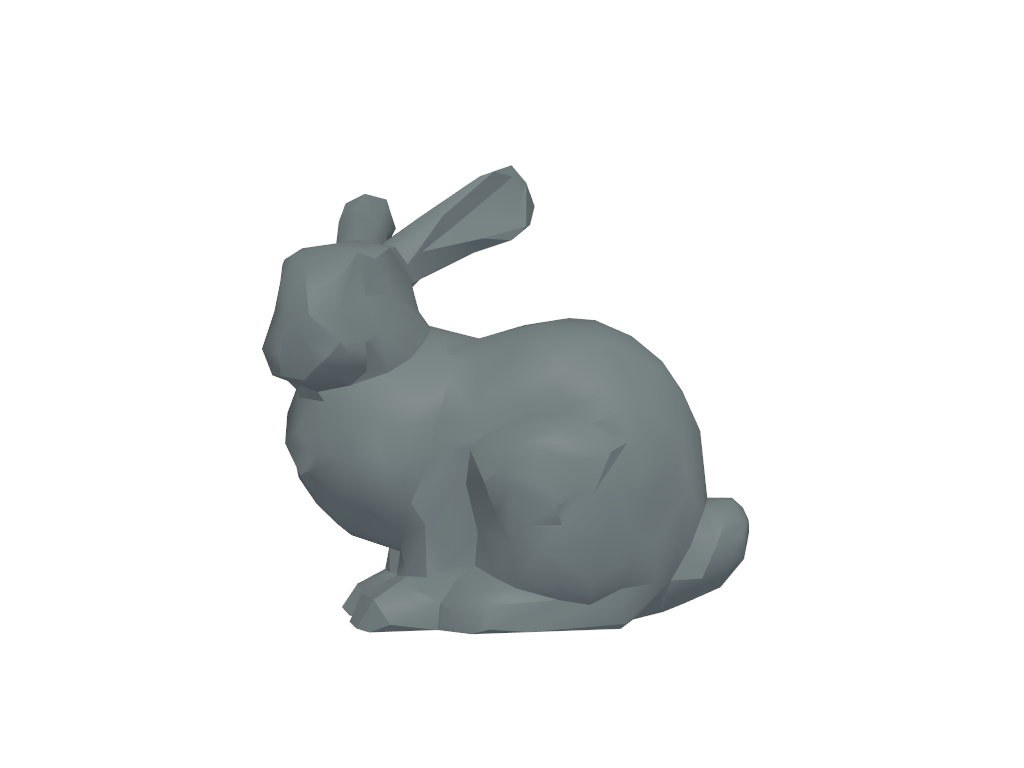
Get the default anisotropy and visualize it with physically based rendering.
>>> import pyvista as pv
>>> prop = pv.Property()
>>> prop.anisotropy
0.0
>>> prop.interpolation = 'pbr'  # required
>>> prop.plot()