
Pixel#
- Pixel() UnstructuredGrid[source]#
Create a
pyvista.UnstructuredGridcontaining a single pixel.This cell corresponds to the
pyvista.CellType.PIXELcell type.- Returns:
pyvista.UnstructuredGridUnstructuredGrid containing a single pixel.
Examples#
Download Python source code | Download Jupyter notebook
Create and plot a single pixel.
>>> from pyvista import examples
>>> grid = examples.cells.Pixel()
>>> examples.plot_cell(grid, cpos='xy')
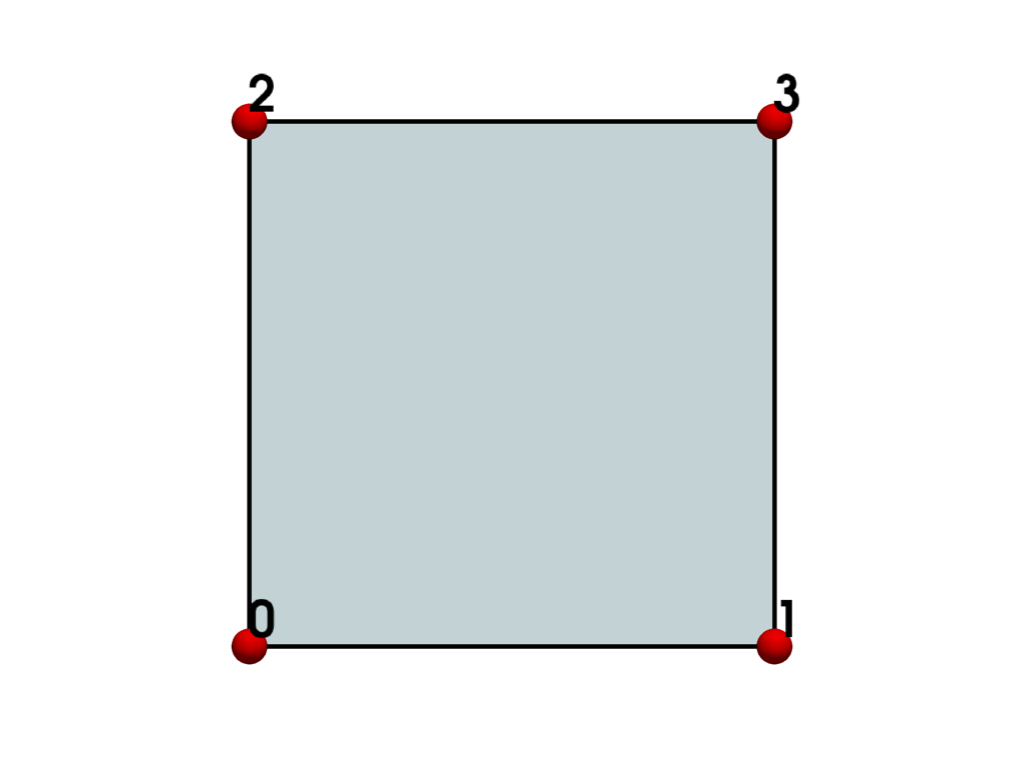
List the grid’s cells.
>>> grid.cells
array([4, 0, 1, 2, 3]...)
List the grid’s points.
>>> grid.points
pyvista_ndarray([[0., 0., 0.],
                 [1., 0., 0.],
                 [0., 1., 0.],
                 [1., 1., 0.]])
>>> grid.celltypes  # same as pyvista.CellType.PIXEL
array([8], dtype=uint8)
Used In#
Gallery Examples

