read#
- read(
- filename: PathStrSeq,
- *,
- force_ext: str | None = None,
- file_format: str | None = None,
- progress_bar: bool = False,
- cls: type[DataObject] | None = None,
- validate: bool | None = None,
- **kwargs,
Read any file type supported by
vtkormeshio.Note
Reading a file and saving it in another format is also available via command-line interface. See pyvista convert for details.
Automatically determines the correct reader to use then wraps the corresponding mesh as a pyvista object. Attempts native
vtkreaders first then tries to usemeshio.Remote URIs (
https://,s3://, etc.) are downloaded to a temporary file automatically. Installfsspecfor full protocol support (pip install pyvista[io]);poochis used as a fallback for HTTP(S). Third-party reader plugins registered viapyvista.register_reader()are also checked.See the tables below for a list of all supported file formats. See also
pyvista.get_reader()for a similar list organized by reader class.Tip
A native
.pvbinary format withzstdcompression is available via the pyvista-zstd companion package, included in theioextra (pip install pyvista[io]). It is a compact, multi-threaded alternative to the built-in VTK formats below when file size or I/O latency matters. Third-party packages can register additional custom writers viapyvista.register_writer().ImageDataFile FormatsFile Format
File Extension(s)
BMP Image
.bmpDICOM
.dcm,.imgDigital Elevation Model
.demGaussian Cube
.cubeGE Signa MR
.mrGIF Image
.gifJPEG Image
.jpeg,.jpgLegacy VTK
.vtkLegacy VTK (partitioned)
.pvtkMetaImage
.mha,.mhdMINC Image
.mncNIfTI
.nii,.nii.gzNRRD
.nhdr,.nrrdPNG Image
.pngPNM Image
.pnmRadiance HDR
.hdrSEG-Y
.segy,.sgySLC Volume
.slcTIFF Image
.tif,.tiffVTK File Series
.seriesVTK ImageData
.vtiVTK ImageData (partitioned)
.pvtiVTKHDF
.hdf,.vtkhdfRectilinearGridFile FormatsStructuredGridFile FormatsPolyDataFile FormatsFile Format
File Extension(s)
Binary Marching Cubes
.triFacet Polygonal Data
.facetGaussian Cube
.cubeHoudini Geometry
.geoLegacy VTK
.vtkLegacy VTK (partitioned)
.pvtkMOVIE.BYU
.gOpen Inventor
.ivProtein Data Bank
.pdbPTS Point Cloud
.ptsStanford PLY
.plyStereolithography
.stlVTK File Series
.seriesVTK Particle
.rawVTK PolyData
.vtpVTKHDF
.hdf,.vtkhdfWavefront OBJ
.objUnstructuredGridFile FormatsFile Format
File Extension(s)
AVS UCD
.inpEnSight
.caseFluent Case
.casGAMBIT Neutral
.neuLegacy VTK
.vtkLegacy VTK (partitioned)
.pvtkMFIX
.resNek5000
.nek5000proSTAR
.vrtVTK File Series
.seriesVTK UnstructuredGrid
.vtuVTK UnstructuredGrid (partitioned)
.pvtuVTKHDF
.hdf,.vtkhdfXDMF
.xdmfExplicitStructuredGridFile FormatsMultiBlockFile FormatsFile Format
File Extension(s)
3D Studio
.3dsCGNS
.cgnsEnSight
.caseExodus II
.e,.ex2,.exii,.exoExodus II (partitioned)
.e.N.p,.n.N.pFluent CFF Case
.h5glTF 2.0
.glb,.gltfOpenFOAM
.foamParaView Data
.pvdPLOT3D
.xyzPLOT3D Meta
.p3dTecplot
.datVRML 2.0
.vrml,.wrlVTK File Series
.seriesVTK MultiBlock
.vtm,.vtmbVTKHDF
.hdf,.vtkhdfXDMF
.xdmfPartitionedDataSetFile FormatsNote
See nschloe/meshio for formats supported by
meshio. Be sure to installmeshiowithpip install meshioif you wish to use it.Warning
.pkl/.picklefiles are not supported and will be refused. Pickle is a Python serialization protocol, not a mesh file format, and loading an untrusted pickle is arbitrary code execution (CWE-502). Use a real mesh format (.vtu,.vtp,.vtm,.vtk,.ply,.stl, and so on) or installpyvista-zstdfor the.pvsingle-blob format.- Parameters:
- filename
str,Path,Sequence[str|Path] The string path to the file to read. If a list of files is given, a
pyvista.MultiBlockdataset is returned with each file being a separate block in the dataset.- force_ext
str, optional If specified, the reader will be chosen by an extension which is different to its actual extension. For example,
'.vts','.vtu'.- file_format
str, optional Format of file to read with meshio.
- progress_barbool, default:
False Optionally show a progress bar. Ignored when using
meshio.- cls
type, optional Expected concrete type of the returned mesh. When given, the result is checked with
isinstance()and aTypeErroris raised on mismatch. Static type checkers (mypy,pyright) use this to narrow the return type toclsdirectly, so callers do not needtyping.castor a manualassert isinstanceto access subclass-specific attributes, for example,pv.read('file.vtu', cls=pv.UnstructuredGrid).- validatebool, optional
Forwarded to
pyvista.wrap()as thevalidatekeyword when using avtkreader. WhenNone(the default), honorspyvista.core.config.Config.validate_on_wrap. PassFalseto skip the cheap array-length sanity check on very large trusted files. Has no effect formeshiocode paths.Added in version 0.48.
- **kwargs
dict, optional Additional keyword arguments set on the reader after initialization but before reading the file.
This is effectively the same as using
get_reader()andsetattr.reader = pyvista.get_reader(file) for key, value in kwargs.items(): setattr(reader, key, value) mesh = reader.read()
When the extension resolves to a callable registered with
pyvista.register_reader(),**kwargsis forwarded to that callable ashandler(path, **kwargs)instead.progress_barandvalidateare never forwarded, and a callable that overrides an extension PyVista already reads is bypassed entirely so that these arguments keep naming attributes of the built-in reader.Added in version 0.49.
- filename
- Returns:
pyvista.DataObjectWrapped PyVista dataset. When
clsis given, an instance ofclsis returned instead.
Examples#
Download Python source code | Download Jupyter notebook
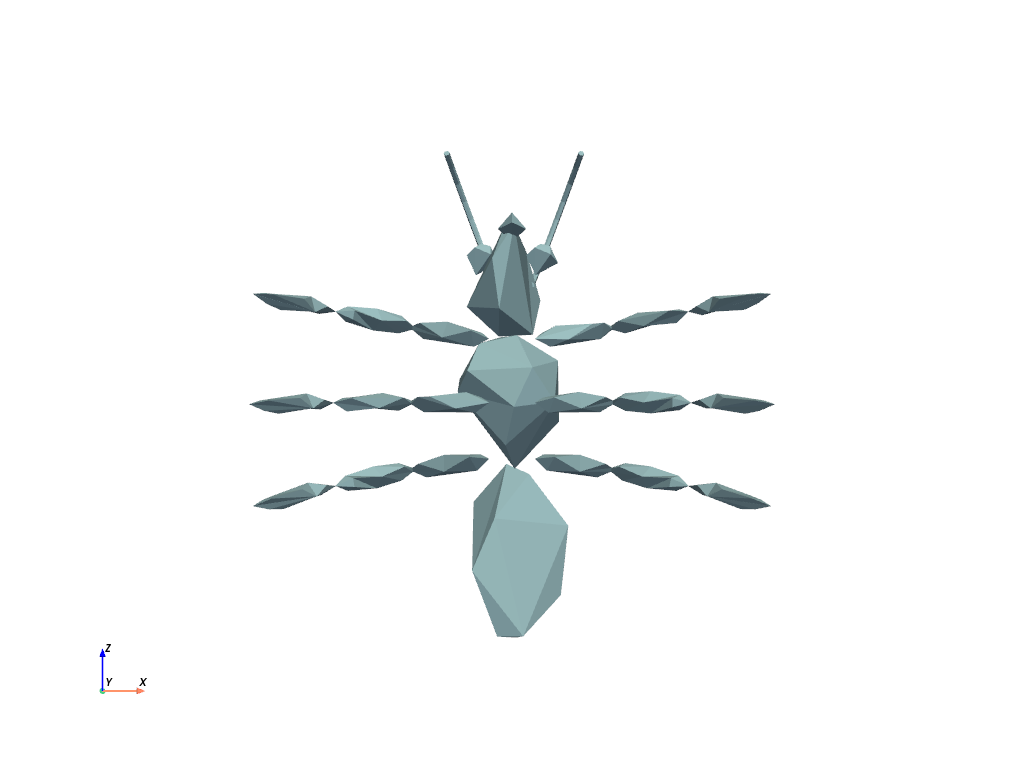
Load an example mesh.
Narrow the return type to a specific class. This avoids the need for
a manual cast when working with type checkers such as mypy
or pyright.
>>> mesh = pv.read('mesh.vtu', cls=pv.UnstructuredGrid)
Load a vtk file.
Load a meshio file.
Load a .foam file and use keyword arguments to set reader-specific properties
such as skip_zero_time.
>>> file = examples.download_openfoam_tubes(load=False)
>>> mesh = pv.read(file, skip_zero_time=True)
See Also#
pyvista.DataObject.saveSave a mesh to file.
Used In#
Guides
- Getting Started (1 use)
- Why PyVista? (1 use)
API Examples
DataObject.user_dict(1 use)DataObjectFilters.extract_all_edges(1 use)DataSetFilters.extract_cells(1 use)DataSetFilters.extract_feature_edges(1 use)DataSetFilters.extract_geometry(1 use)7 more
DataSetFilters.remove_cells(1 use)UnstructuredGrid.cell_connectivity(1 use)UnstructuredGrid.cell_offsets(1 use)UnstructuredGrid.cells_dict(1 use)XMLPartitionedDataSetReader(1 use)compare_images(1 use)read_grdecl(1 use)
Gallery Examples