pyvista.PolyDataFilters.clip_closed_surface#
- PolyDataFilters.clip_closed_surface(normal='x', origin=None, tolerance=1e-06, inplace=False, progress_bar=False)[source]#
Clip a closed polydata surface with a plane.
This currently only supports one plane but could be implemented to handle a plane collection.
It will produce a new closed surface by creating new polygonal faces where the input data was clipped.
Non-manifold surfaces should not be used as input for this filter. The input surface should have no open edges, and must not have any edges that are shared by more than two faces. In addition, the input surface should not self-intersect, meaning that the faces of the surface should only touch at their edges.
- Parameters:
- normal
str,list,optional Plane normal to clip with. Plane is centered at
origin. Normal can be either a 3 member list (e.g.[0, 0, 1]) or one of the following strings:'x','y','z','-x','-y', or'-z'.- origin
list,optional Coordinate of the origin (e.g.
[1, 0, 0]). Defaults to the center of the mesh.- tolerance
float,optional The tolerance for creating new points while clipping. If the tolerance is too small, then degenerate triangles might be produced.
- inplacebool, default:
False Updates mesh in-place.
- progress_barbool, default:
False Display a progress bar to indicate progress.
- normal
- Returns:
pyvista.PolyDataThe clipped mesh.
Examples
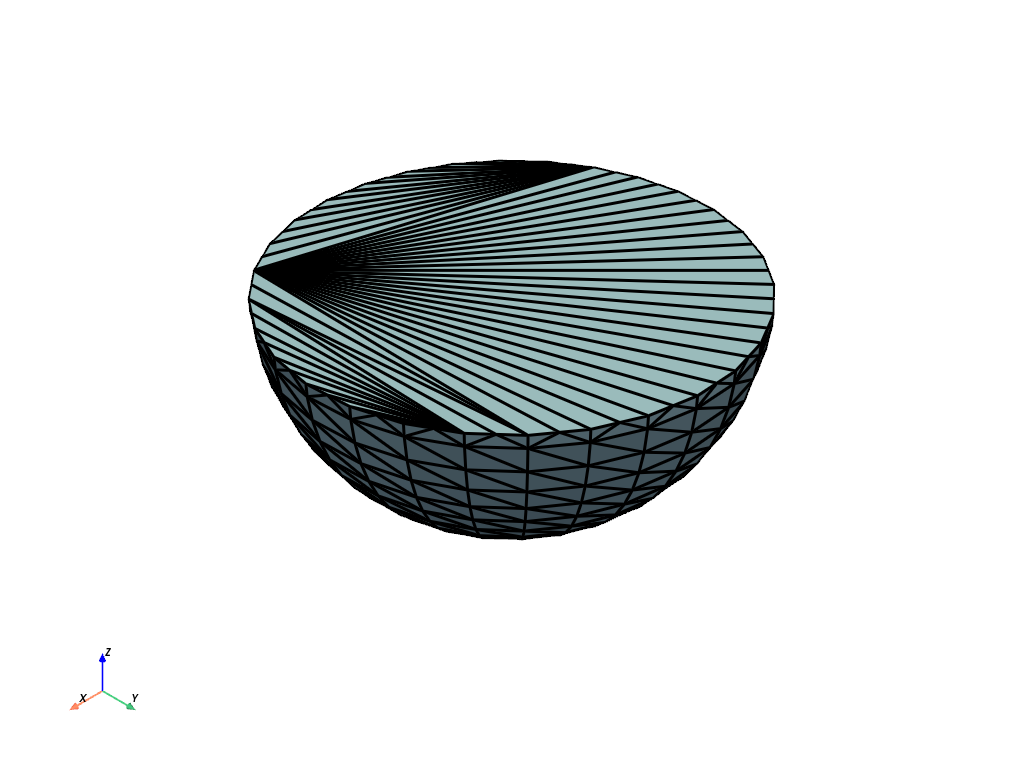
Clip a sphere in the X direction centered at the origin. This will leave behind half a sphere in the positive X direction.
>>> import pyvista as pv
>>> sphere = pv.Sphere()
>>> clipped_mesh = sphere.clip_closed_surface('-z')
>>> clipped_mesh.plot(show_edges=True, line_width=3)
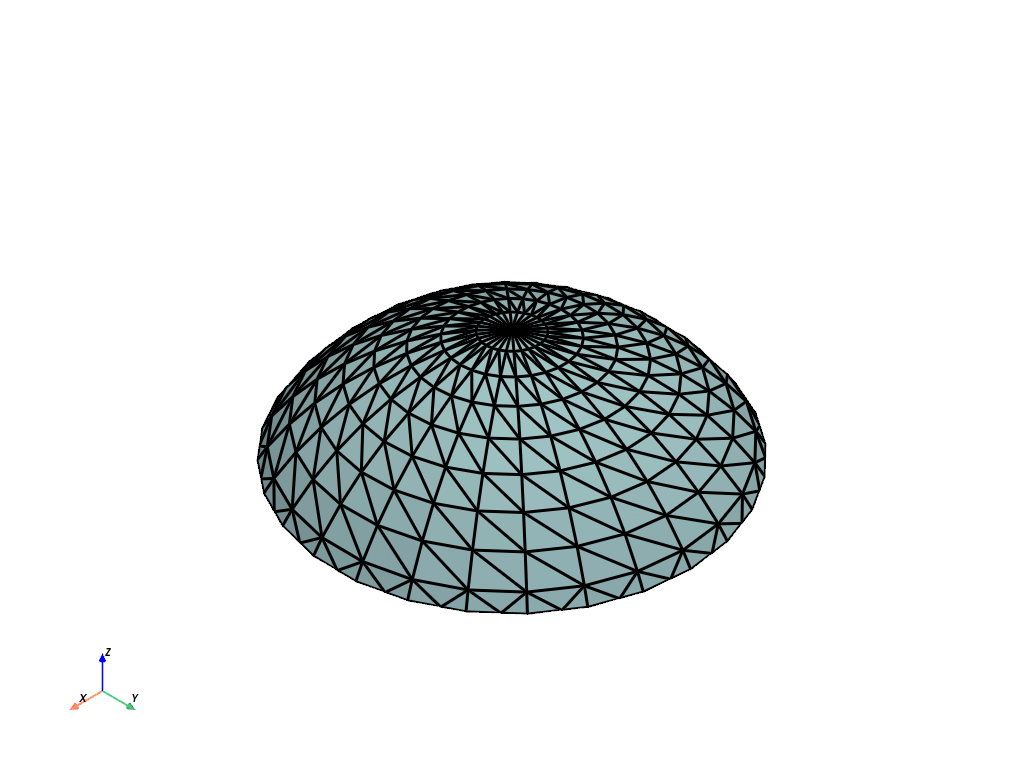
Clip the sphere at the XY plane and leave behind half the sphere in the positive Z direction. Shift the clip upwards to leave a smaller mesh behind.
>>> clipped_mesh = sphere.clip_closed_surface(
...     'z', origin=[0, 0, 0.3]
... )
>>> clipped_mesh.plot(show_edges=True, line_width=3)