_StructuredDataMixin.dimensions#
- property _StructuredDataMixin.dimensions: tuple[int, int, int][source]#
Return or set the grid’s dimensions.
These are effectively the number of points along each of the three dataset axes. New dimensions must be all positive, or all zero for an empty grid. Setting the dimensions keeps the grid’s
offset.The dimensions of a
RectilinearGridand anExplicitStructuredGridare defined by their coordinates and cells and cannot be set. The dimensions of aStructuredGridare checked against its number of points when they are set, so set its points first.
Examples#
Download Python source code | Download Jupyter notebook
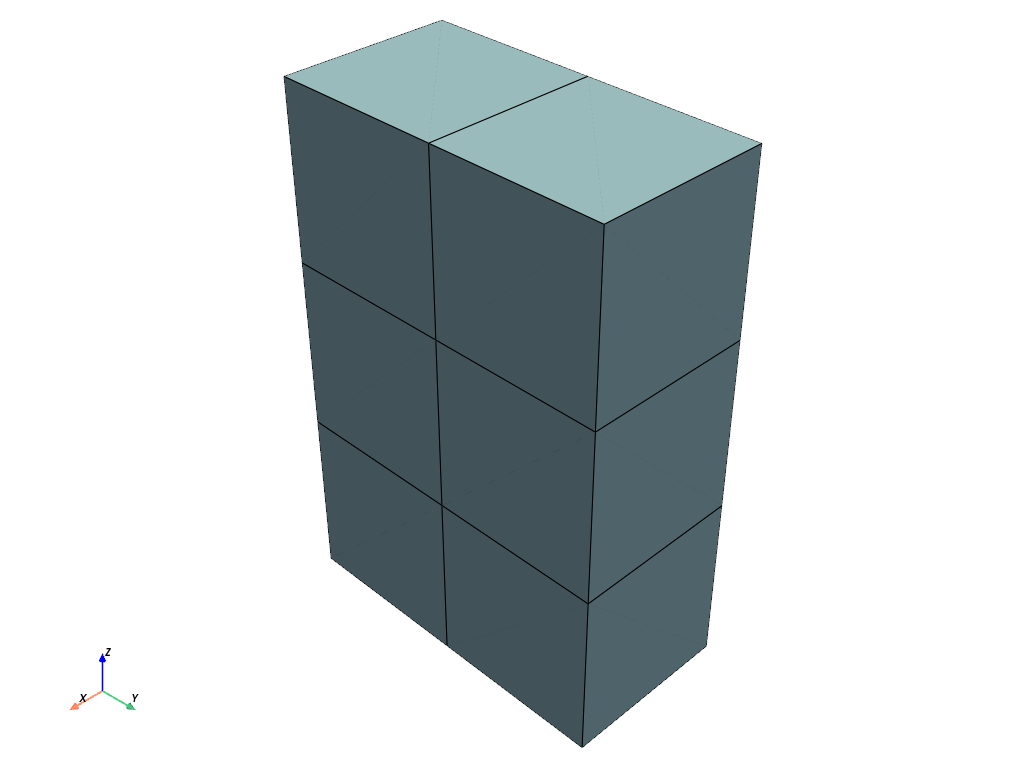
Create a uniform grid with dimensions (2, 3, 4).
>>> import pyvista as pv
>>> grid = pv.ImageData(dimensions=(2, 3, 4))
>>> grid.dimensions
(2, 3, 4)
>>> grid.plot(show_edges=True)
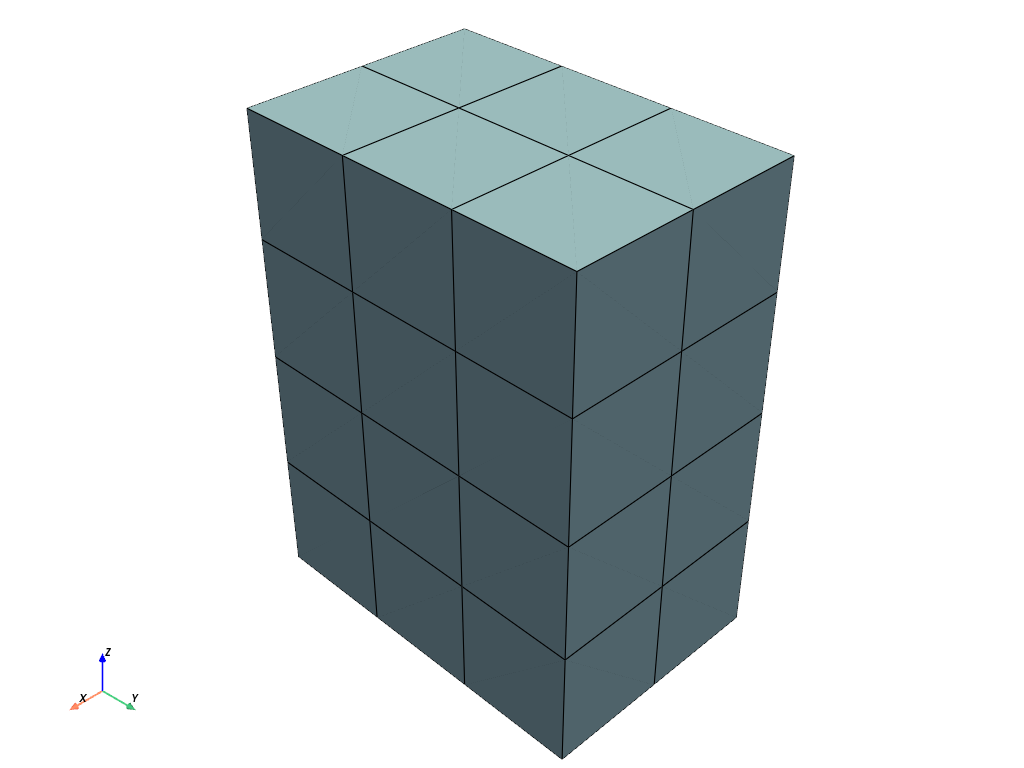
Set the dimensions to (3, 4, 5).
>>> grid.dimensions = (3, 4, 5)
>>> grid.plot(show_edges=True)
Used In#
API Examples
ImageDataFilters.resample(6 uses)ImageDataFilters.concatenate(3 uses)ImageDataFilters.points_to_cells(3 uses)StructuredSphere(3 uses)DataObjectFilters.resample_to_image(2 uses)9 more
ImageDataFilters.crop(2 uses)ImageDataFilters.pad_image(2 uses)StructuredGrid.concatenate(2 uses)DataSetFilters.voxelize_binary_mask(1 use)ImageDataFilters.contour_labels(1 use)ImageDataFilters.slice_index(1 use)_StructuredDataMixin.extent(1 use)download_damavand_volcano(1 use)load_logo(1 use)
Gallery Examples