
download_shark#
- download_shark(*, load: bool = True) PolyData | str[source]#
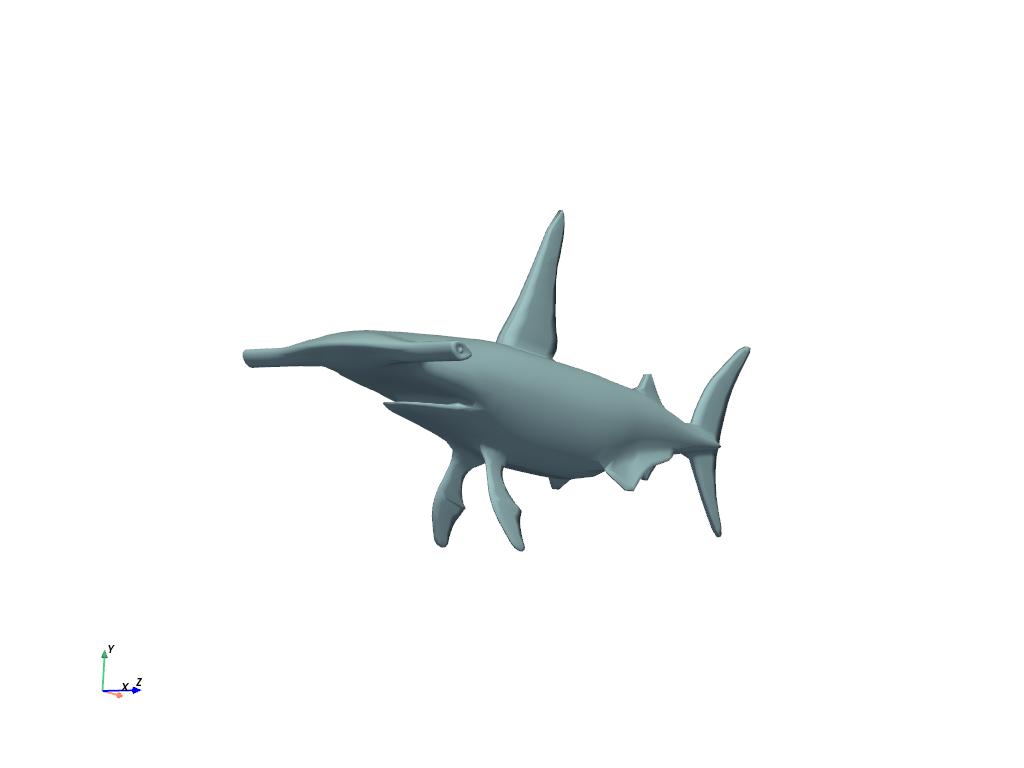
Download shark dataset.
- Parameters:
- Returns:
- output
pyvista.PolyData|str DataSet or filename depending on
load.
- output
Examples#
Download Python source code | Download Jupyter notebook
>>> from pyvista import examples
>>> import pyvista as pv
>>> cpos = pv.CameraPosition(
...     position=(-232.0, -33.93, 129.8),
...     focal_point=(-8.71, 0.19, -11.74),
...     viewup=(-0.14, 0.99, 0.02),
... )
>>> dataset = examples.download_shark()
>>> dataset.plot(cpos=cpos, smooth_shading=True)
See Also#
- Shark Dataset
See this dataset in the Dataset Gallery for more info.
- Great White Shark Dataset
Similar dataset.
- Grey Nurse Shark Dataset
Similar dataset.
Used In#
API Examples
fit_plane_to_points(1 use)
