
Read FEniCS/Dolfin Meshes#
Download Python source code | Download Jupyter notebook
Read a FEniCS/Dolfin XML mesh using pyvista.read().
PyVista leverages meshio to read many mesh formats not natively supported by VTK.
import pyvista as pv
from pyvista import examples
Let’s download an example FEniCS/Dolfin mesh from our example data repository. This will download an XML Dolfin mesh and save it to PyVista’s data directory.
saved_file = examples.download_file('dolfin_fine.xml')
print(saved_file)
/home/runner/.cache/pyvista_3/dolfin_fine.xml
As shown, we now have an XML Dolfin mesh save locally. This filename can be
passed directly to PyVista’s pyvista.read() method to be read into
a PyVista mesh.
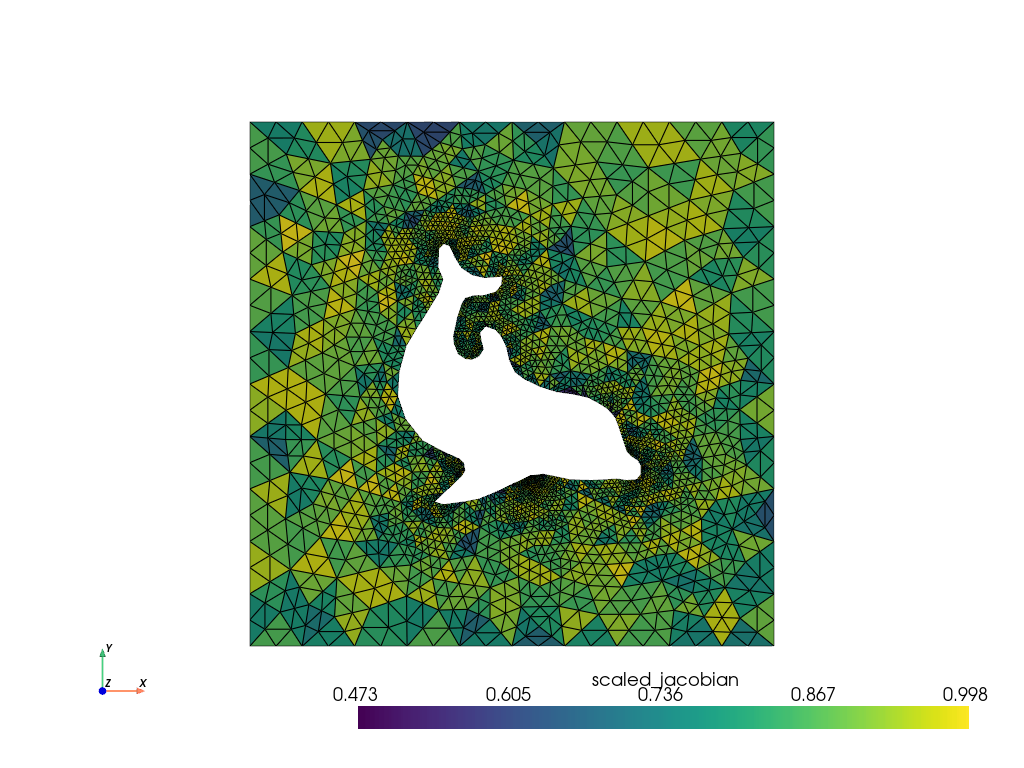
Now we can work on and plot that Dolfin mesh.
qual = dolfin.cell_quality()
qual.plot(show_edges=True, cpos='xy')
Total running time of the script: (0 minutes 0.266 seconds)
