
Working With VRML Files#
Download Python source code | Download Jupyter notebook
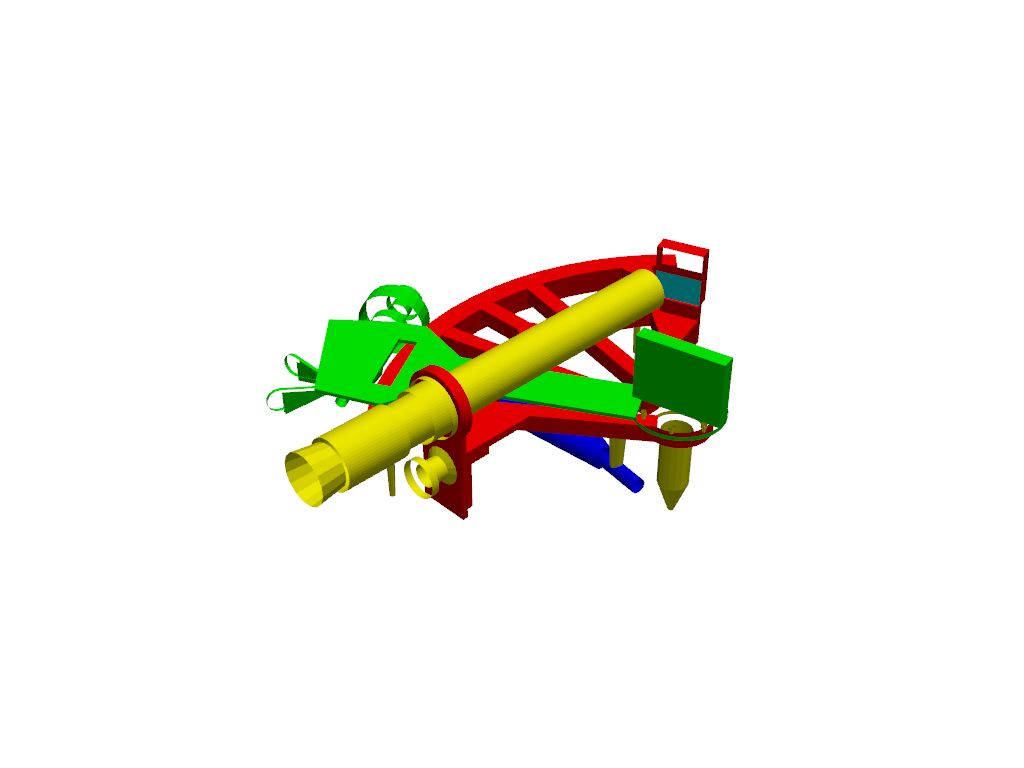
Import a VRML file directly into a PyVista plotting scene.
For more details regarding the VRML format, see: https://en.wikipedia.org/wiki/VRML
import pyvista as pv
from pyvista import examples

sextant_file = examples.download_sextant(load=False)
Set up the plotter and import VRML file.
Use pyvista.Plotter.import_vrml() to import file.
Total running time of the script: (0 minutes 0.147 seconds)
