
Create a PointSet#
Download Python source code | Download Jupyter notebook
A PointSet explicitly stores point arrays to represent geometry.
This class is useful for improving the performance of filters on point clouds.
This example shows the performance improvement when clipping using the
pyvista.DataObjectFilters.clip() filter on a pyvista.PointSet.
import time

from pyvista import examples

lidar = examples.download_lidar()

tstart = time.time()
clipped = lidar.clip(origin=(0, 0, 1.76e3), normal=(0, 0, 1))
t_elapsed = time.time() - tstart
print(f'Time to clip with a PolyData {t_elapsed:.2f} seconds.')
Time to clip with a PolyData 0.08 seconds.
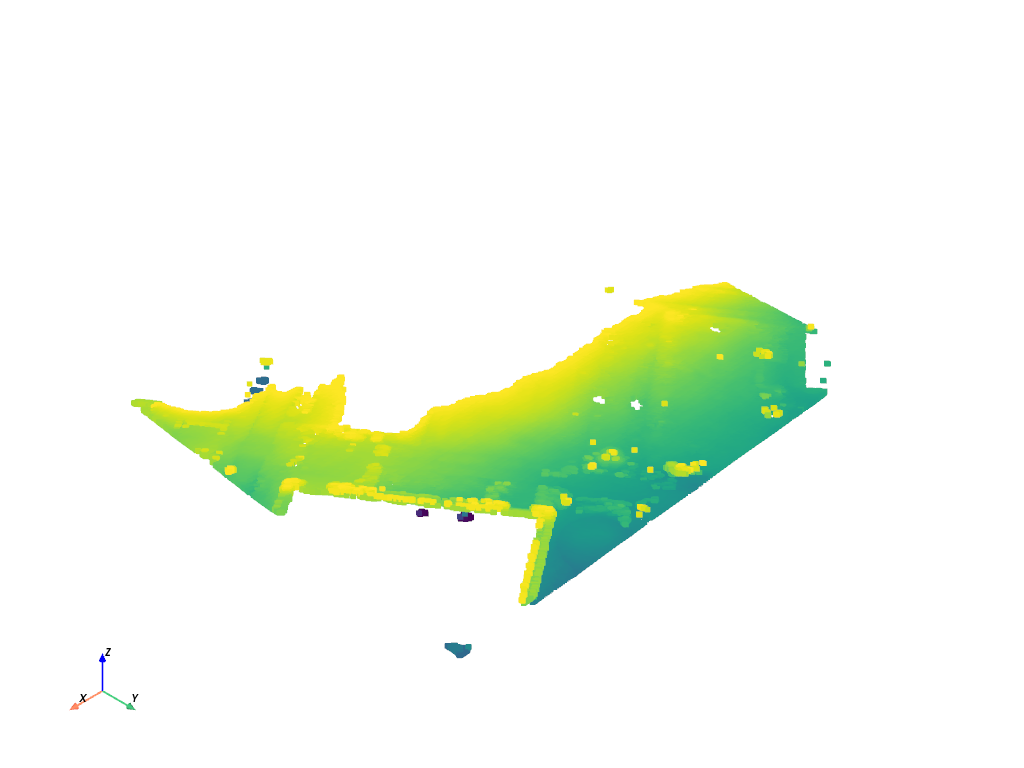
Plot the clipped polydata
PYVISTA_GALLERY_FORCE_STATIC = True
clipped.plot(show_scalar_bar=False)
Show the performance improvement when using a PointSet.
Note
For VTK 9.4.X, there is no performance improvement due to a VTK bug which was introduced into this version. See https://gitlab.kitware.com/vtk/vtk/-/issues/19649.
# pset = lidar.cast_to_pointset()

lidar_pset = lidar.cast_to_pointset()
tstart = time.time()
clipped_pset = lidar_pset.clip(origin=(0, 0, 1.76e3), normal=(0, 0, 1))
t_elapsed = time.time() - tstart
print(f'Time to clip with a PointSet {t_elapsed:.2f} seconds.')
Time to clip with a PointSet 0.03 seconds.
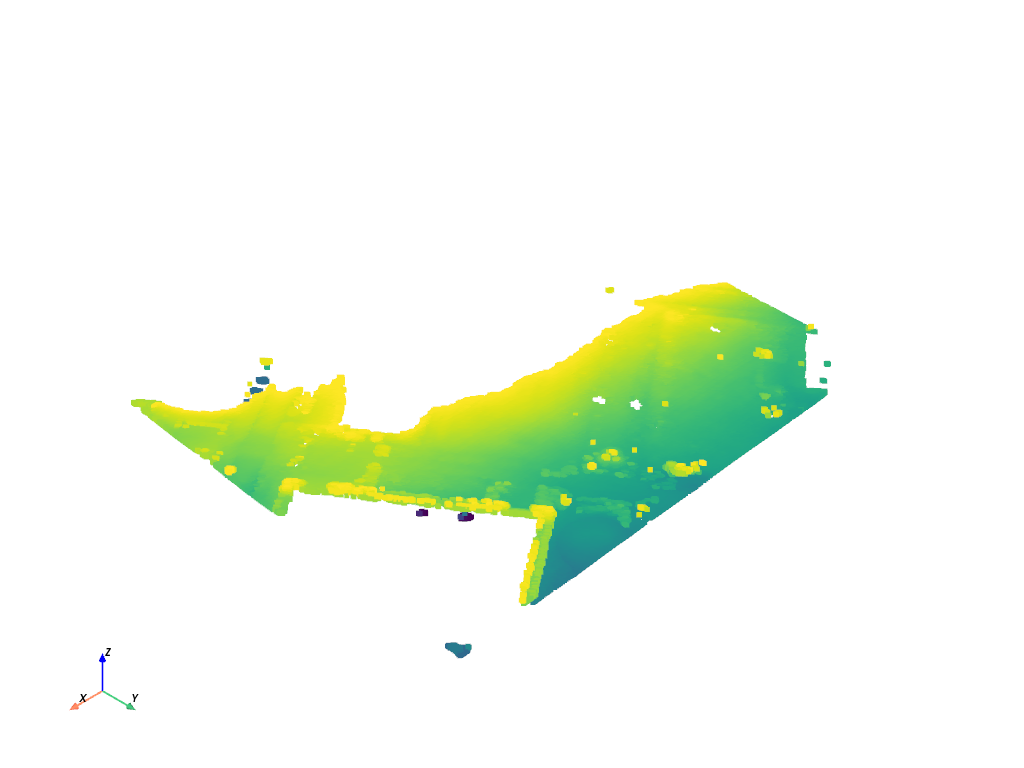
Plot the same dataset.
Note
PyVista must still create an intermediate PolyData to be able to plot, so
there is no performance improvement when using a pyvista.PointSet
PYVISTA_GALLERY_FORCE_STATIC = True
clipped_pset.plot(show_scalar_bar=False)
Total running time of the script: (0 minutes 1.789 seconds)
