
XMLRectilinearGridReader#
- class XMLRectilinearGridReader(*args, **kwargs)[source]#
Reader for the VTK RectilinearGrid format (
.vtr).Wraps vtkXMLRectilinearGridReader.
Examples#
Download Python source code | Download Jupyter notebook
>>> import pyvista as pv
>>> from pyvista import examples
>>> from pathlib import Path
>>> filename = examples.download_rectilinear_grid(load=False)
>>> Path(filename).name
'RectilinearGrid.vtr'
>>> reader = pv.get_reader(filename)
>>> mesh = reader.read()
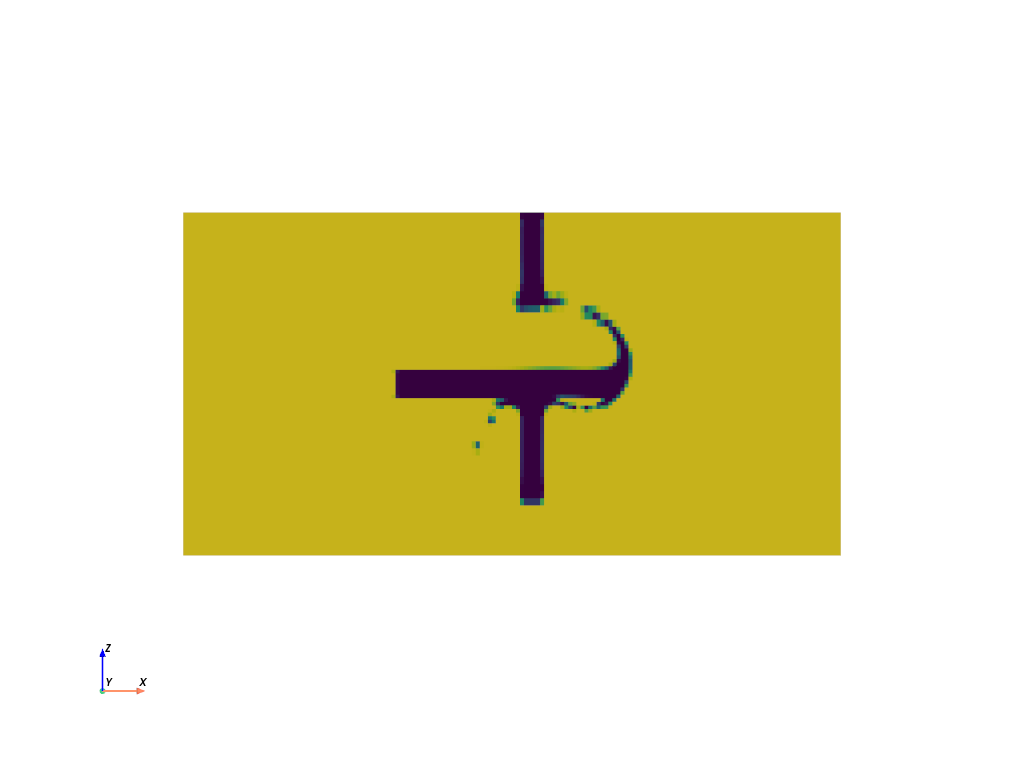
>>> sliced_mesh = mesh.slice('y')
>>> sliced_mesh.plot(
...     scalars='Void Volume Fraction',
...     cpos='xz',
...     show_scalar_bar=False,
... )
Inheritance#
Inherited members are documented on BaseReader, _FileIOBase, PointCellDataSelection.
See them all under Inherited Attributes and Inherited Methods.
Inherited Attributes#
Return the status of all cell arrays. |
|
Return the status of all point arrays. |
|
Return the list of all cell array names. |
|
Return mapping from regex pattern matching associated with this class. |
|
Return the file extensions associated with this class. |
|
Return the human-readable description of the file format. |
|
Return the number of cell arrays. |
|
Return the number of point arrays. |
|
Return or set the filename or directory of the reader. |
|
Return the list of all point array names. |
|
Return the vtk Reader object. |
Inherited Methods#
Get status of cell array with name. |
|
Disable all cell arrays. |
|
Disable all point arrays. |
|
Disable cell array with name. |
|
Disable point array with name. |
|
Enable all cell arrays. |
|
Enable all point arrays. |
|
Enable cell array with name. |
|
Enable point array with name. |
|
Hide the progress bar when loading the file. |
|
Get status of point array with name. |
|
Read data in file. |
|
Show a progress bar when loading the file. |
