
pyvista compare#
Command-line interface for comparing two or more mesh files side-by-side.
Using pyvista compare is similar to calling plot_compare() in Python.
Examples#
Note
To run the examples yourself locally, first change directory to pyvista/examples, e.g.
cd $(python -c "import pyvista.examples, pathlib; print(pathlib.Path(pyvista.examples.__file__).parent)")
Compare two mesh files. Each is drawn in its own subplot and labeled with its filename. A keyword given one value per file is drawn one value per subplot, so the two meshes here are drawn in two colors.
$ pyvista compare ant.ply nut.ply --color="['red','blue']"
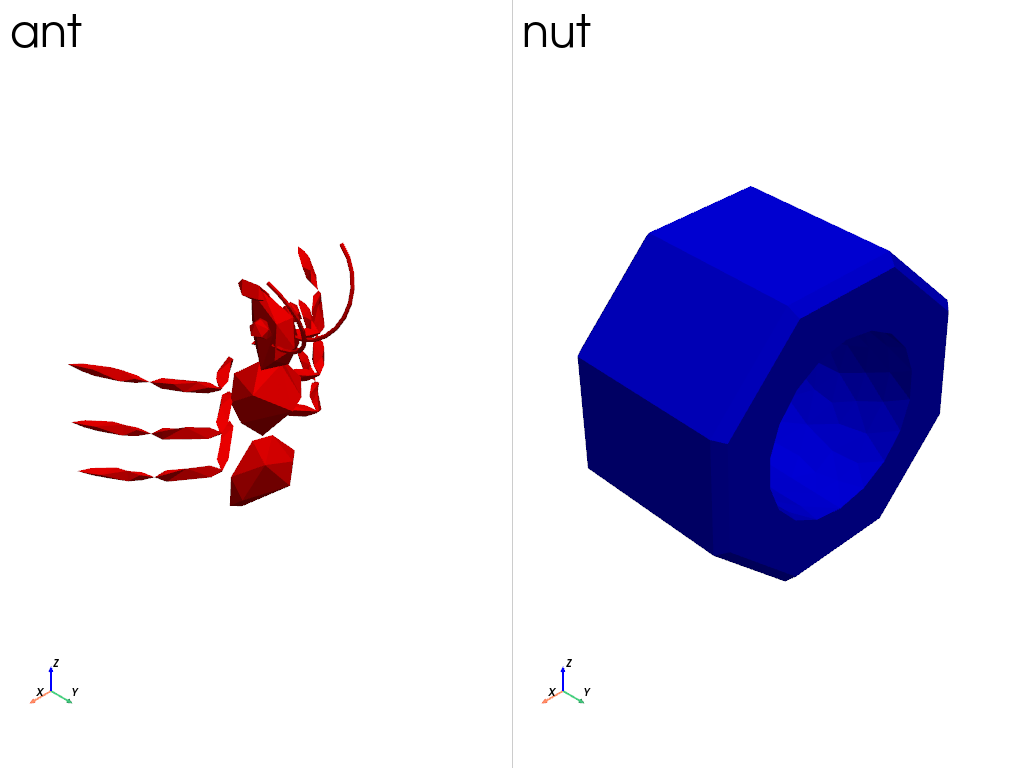
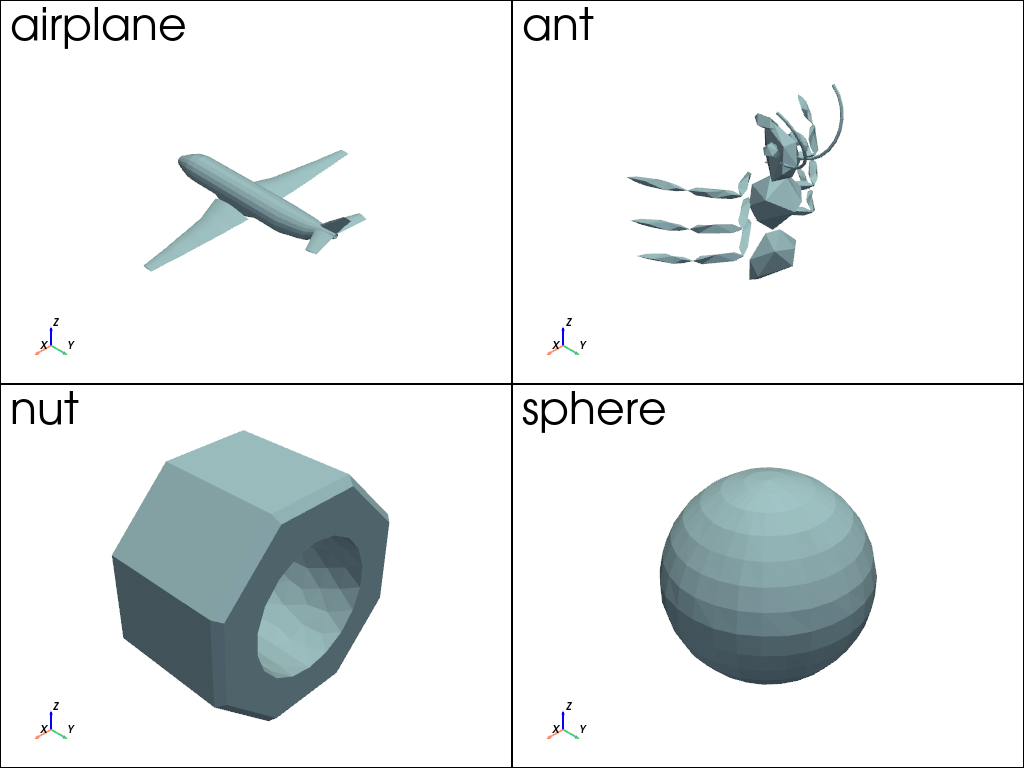
Compare any number of files using wildcard patterns. The subplots are arranged in a compact grid which is never taller than it is wide.
$ pyvista compare *.ply
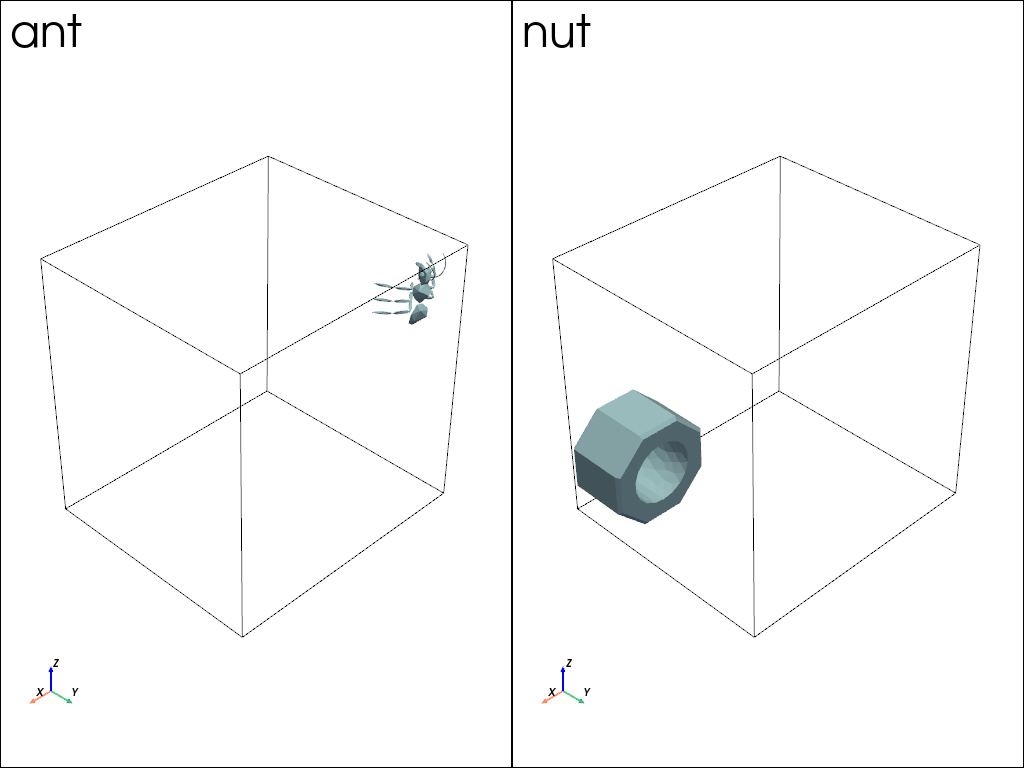
Use --outline to draw the bounds of every mesh in each subplot, which gives the
comparison a common frame of reference and shows where each mesh sits within it.
$ pyvista compare ant.ply nut.ply --outline
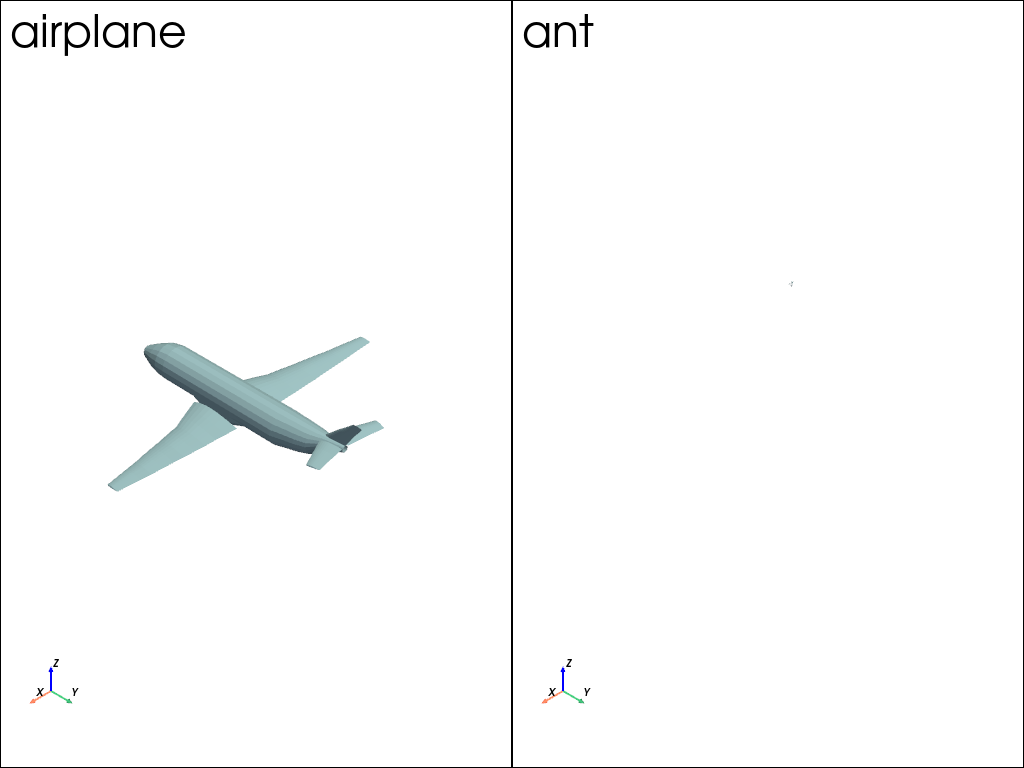
Each subplot is framed on its own mesh unless the meshes are of a comparable size, in
which case they share a single camera. Use --link to share one in any case, which
shows the meshes at their true relative size. The airplane is some forty times the size
of the ant, so the ant is barely visible beside it.
$ pyvista compare airplane.ply ant.ply --link
╭─ Warning ────────────────────────────────────────────────────────────────────╮
│ The smallest dataset is 2.3% of the size of all of the datasets together,    │
│ which the shared camera has to fit, so it may be too small to make out. Use  │
│ `--no-link` to fit each subplot to its own mesh, or `--normalize` to resize  │
│ them all to the same size.                                                   │
╰──────────────────────────────────────────────────────────────────────────────╯
Use --normalize to resize every mesh to the same size instead, and compare their
shapes rather than their sizes. The files themselves are left as they are.
$ pyvista compare airplane.ply ant.ply --normalize
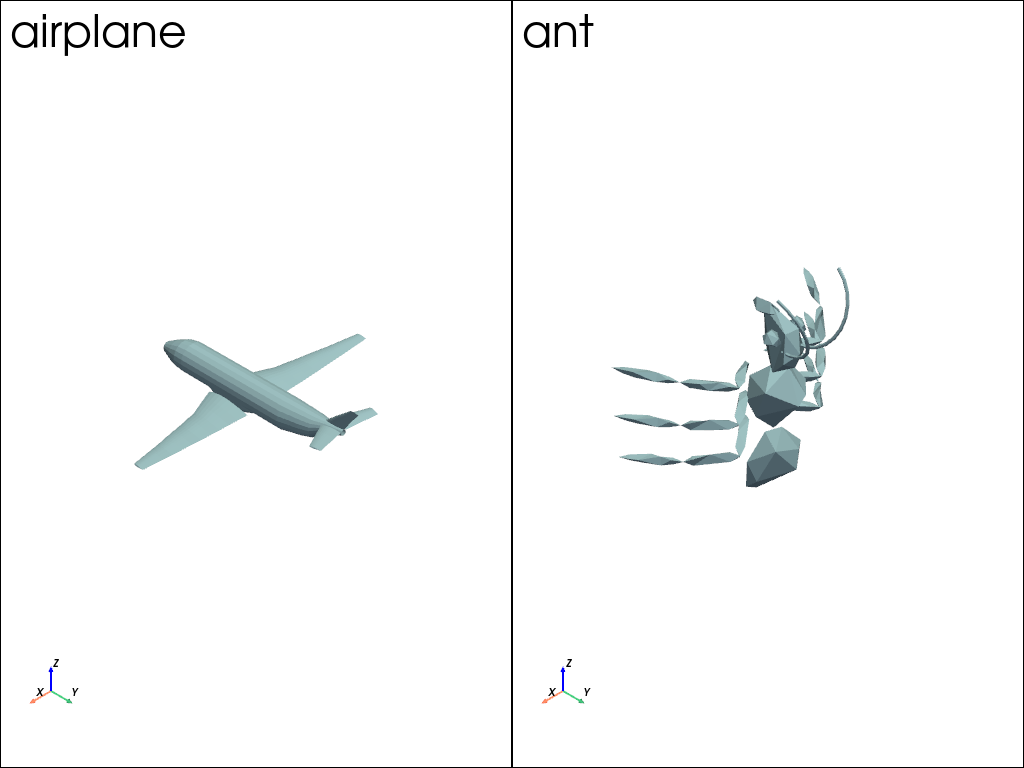
Compare mesh files off-screen and save a screenshot.
$ pyvista compare *.ply --screenshot output.png --off-screen
API Reference#
Show the output from pyvista compare --help.
$ pyvista compare --help
Usage: pyvista compare PATH... [OPTIONS]
Compare two or more mesh files side-by-side.
╭─ Parameters ─────────────────────────────────────────────────────────────────╮
│ Option Default Description │
│ --skip-unreadable False Skip any paths that are not readable instead of │
│ raising an error. │
╰──────────────────────────────────────────────────────────────────────────────╯
╭─ Inputs ─────────────────────────────────────────────────────────────────────╮
│ Option Default Description │
│ * - Paths to compare. Glob patterns (*, ?, [...]) are expanded. │
│ Each match must be readable with pyvista.read. At least two │
│ paths are needed, and each is rendered in its own subplot. │
╰──────────────────────────────────────────────────────────────────────────────╯
╭─ Plotter init ───────────────────────────────────────────────────────────────╮
│ Option Default Description │
│ --off-screen --no-off-screen - │
│ --screenshot - │
│ --interactive --no-interactive True │
│ --window-size - │
│ --empty-window-size │
│ --shape - Shape of the subplot grid, as │
│ either the number of rows and │
│ columns, e.g. 2,2, or one of the │
│ string descriptors accepted by │
│ Plotter, e.g. 3|1 for three │
│ subplots on the left and one on │
│ the right. By default, a compact │
│ grid which is never taller than it │
│ is wide is used. │
│ --border - Draw a border around the plotting │
│ area. On its own, draws both an │
│ outer frame and the lines between │
│ subplots. Give it one of: │
│ │
│ • true to draw both, same as │
│ passing no value at all. │
│ • false to draw neither. │
│ • interior to draw only the lines │
│ between subplots. │
│ • exterior to draw only the outer │
│ frame. │
│ │
│ interior is used by default if │
│ --border isn't given at all. │
│ --border-color - │
│ --border-width - │
│ --theme - │
╰──────────────────────────────────────────────────────────────────────────────╯
╭─ Rendering ──────────────────────────────────────────────────────────────────╮
│ Option Default Description │
│ --full-screen --no-full-screen - │
│ --labels --empty-labels - Labels to show in each subplot. │
│ Must be given once per path. By │
│ default, the file name of each │
│ path is used, with as much of the │
│ path as it takes to tell them │
│ apart. │
│ --link --no-link - Share a single camera between the │
│ subplots, so that the meshes are │
│ shown at a common scale. By │
│ default, the cameras are shared │
│ only when every mesh is at least │
│ half the size of all of them │
│ together. │
│ --cpos - │
│ --outline --no-outline False Draw an outline of the bounds of │
│ every mesh in each subplot, to │
│ give the comparison a common │
│ frame of reference. │
│ --normalize --no-normalize False Resize every mesh to a diagonal │
│ length of one, centered on the │
│ origin, so that meshes of very │
│ different sizes are compared │
│ shape by shape. The files │
│ themselves are left as they are. │
│ Normalized meshes are all the │
│ same size, so they share a camera │
│ by default. An --outline says │
│ much less about them, since each │
│ is resized by a factor of its │
│ own. │
│ --label-size - Size of the label shown in each │
│ subplot, as either a font size or │
│ how to work one out. A font size │
│ is used as given, and may be too │
│ large for a label to fit in its │
│ subplot. best_fit draws each │
│ label as large as it fits in its │
│ own subplot, and uniform draws │
│ them all at the size of the one │
│ which has to be smallest to fit. │
│ By default, uniform is used when │
│ the subplots are all the same │
│ size, and best_fit otherwise. │
│ --label-position - Where in each subplot to draw its │
│ label. Defaults to the upper │
│ left. │
│ --show-bounds --no-show-bounds False │
│ --show-axes --no-show-axes - │
│ --background - │
│ --eye-dome-lighting False │
│ --no-eye-dome-lighting │
│ --parallel-projection False │
│ --no-parallel-projection │
│ --anti-aliasing - │
│ --zoom - │
│ --volume --no-volume False │
│ --ssao --no-ssao False │
╰──────────────────────────────────────────────────────────────────────────────╯
╭─ Return ─────────────────────────────────────────────────────────────────────╮
│ Option Default Description │
│ --return-cpos --no-return-cpos False │
╰──────────────────────────────────────────────────────────────────────────────╯
╭─ Supplementary ──────────────────────────────────────────────────────────────╮
│ Option Default Description │
│ --static --no-static False │
│ --[KEYWORD] - Additional keyword arguments passed to │
│ Plotter.add_mesh or Plotter.add_volume. See │
│ the documentation for more details at │
│ https://docs.pyvista.org/api/plotting/_autos… │
│ and │
│ https://docs.pyvista.org/api/plotting/_autos… │
│ │
│ Note that contrary to other CLI arguments, │
│ hyphens - are not converted to underscores _ │
│ before being passed to the corresponding │
│ plotter method. For example, you need to use │
│ --show_edges=True instead of │
│ --show-edges=True to show mesh edges in the │
│ plotting window. │
╰──────────────────────────────────────────────────────────────────────────────╯
