DataObjectFilters.triangulate#
- DataObjectFilters.triangulate( ) UnstructuredGrid | MultiBlock[source]#
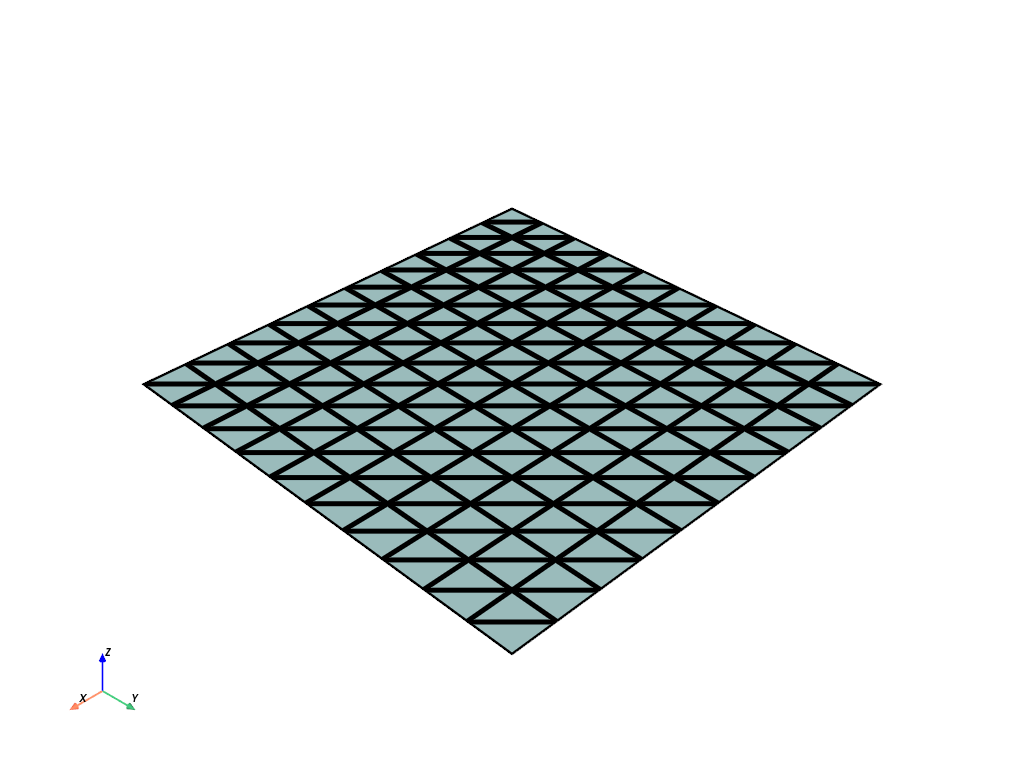
Return an all triangle mesh.
More complex polygons will be broken down into triangles.
- Parameters:
- Returns:
pyvista.UnstructuredGrid|pyvista.MultiBlockMesh containing only linear cells. A dataset gives an
UnstructuredGrid, and aMultiBlockgives aMultiBlockwhose blocks each take the path for their own type, nested blocks included, so aPolyDatablock gives aPolyDatathroughtriangulate().
Examples#
Download Python source code | Download Jupyter notebook
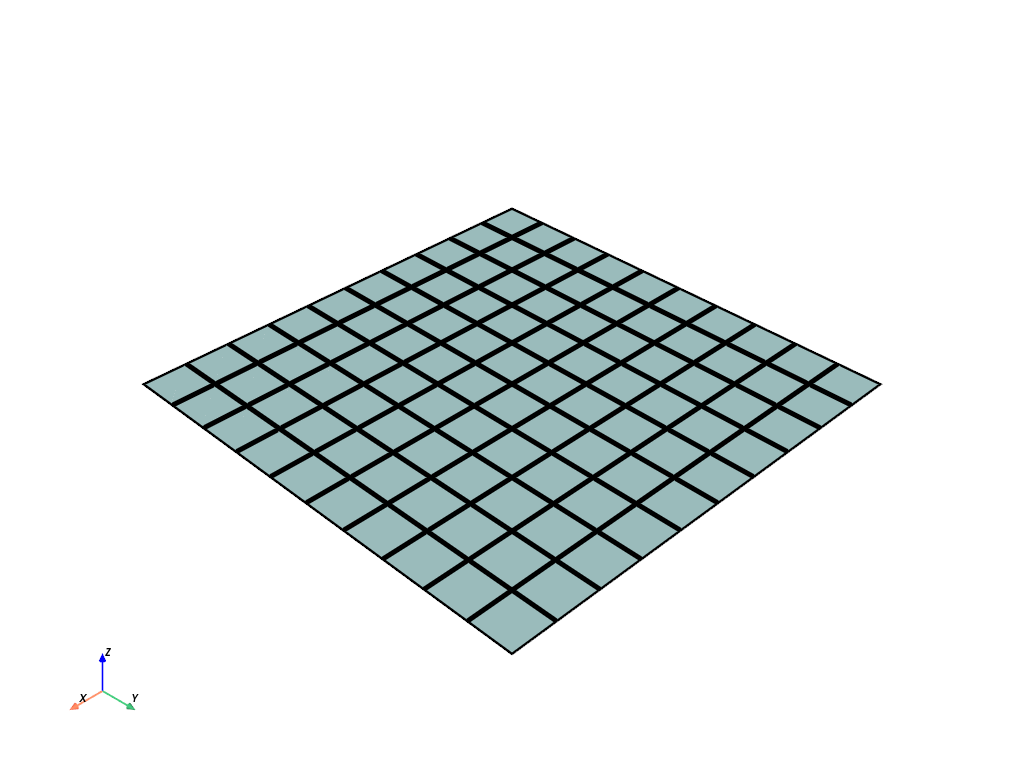
Generate a mesh with quadrilateral faces.
>>> import pyvista as pv
>>> plane = pv.Plane()
>>> plane.point_data.clear()
>>> plane.plot(show_edges=True, line_width=5)
Convert it to an all triangle mesh.
>>> mesh = plane.triangulate()
>>> mesh.plot(show_edges=True, line_width=5)