DataObjectFilters.slice_orthogonal#
- DataObjectFilters.slice_orthogonal(
- *,
- x: float | None = None,
- y: float | None = None,
- z: float | None = None,
- generate_triangles: bool = False,
- contour: bool = False,
- progress_bar: bool = False,
Create three orthogonal slices through the dataset on the three Cartesian planes.
Yields a MutliBlock dataset of the three slices.
- Parameters:
- x
float, optional The X location of the YZ slice.
- y
float, optional The Y location of the XZ slice.
- z
float, optional The Z location of the XY slice.
- generate_trianglesbool, default:
False When
True, the output will be triangles. Otherwise the output will be the intersection polygons.Note
PyVista’s default differs from vtkCutter (which defaults to
True). The polygon path is ~5x slower on UnstructuredGrids. Passgenerate_triangles=Truefor the fast path. Seeslice_implicit()for details.- contourbool, default:
False If
True, apply acontourfilter after slicing.- progress_barbool, default:
False Display a progress bar to indicate progress.
- x
- Returns:
pyvista.MultiBlockSliced dataset, with one
PolyDatablock per slice. AMultiBlockgives one suchMultiBlockper block, nested blocks included.
Notes#
A PointSet has no cells to slice, so slicing one raises
PointSetDimensionReductionError, whether it is
sliced directly or as a block of a MultiBlock.
Changed in version 0.50: A PointSet block raises instead of giving an empty block.
Examples#
Download Python source code | Download Jupyter notebook
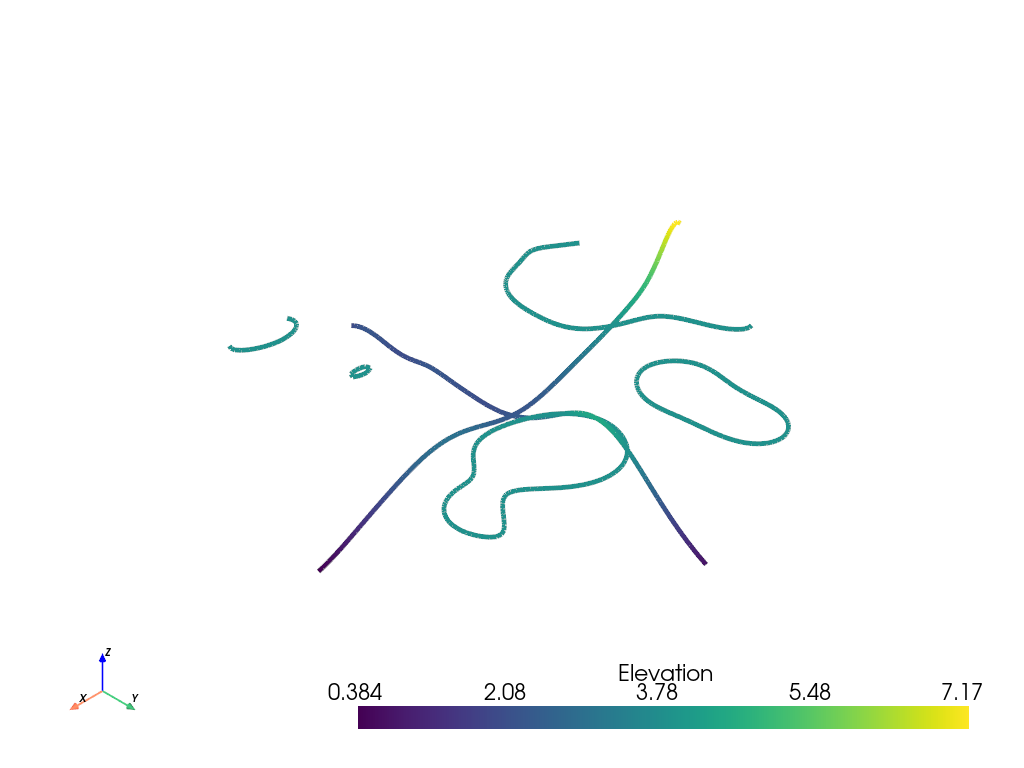
Slice the random hills dataset with three orthogonal planes.
>>> from pyvista import examples
>>> hills = examples.load_random_hills()
>>> slices = hills.slice_orthogonal(contour=False)
>>> slices.plot(line_width=5)
See Also#
Used In#
API Examples
Gallery Examples